Uber Eats photo requirements at a glance
| What | Requirement |
|---|---|
| Shape | 5:4, landscape |
| Recommended size | 2880 × 2304 pixels |
| Minimum size | 550 pixels wide, 440 pixels tall |
| File type | JPG (PNG and GIF also accepted for menu items) |
| Maximum file size | 10 MB |
| Cover image | 5:4, 2880 × 2304 pixels, JPG |
What every menu photo must show
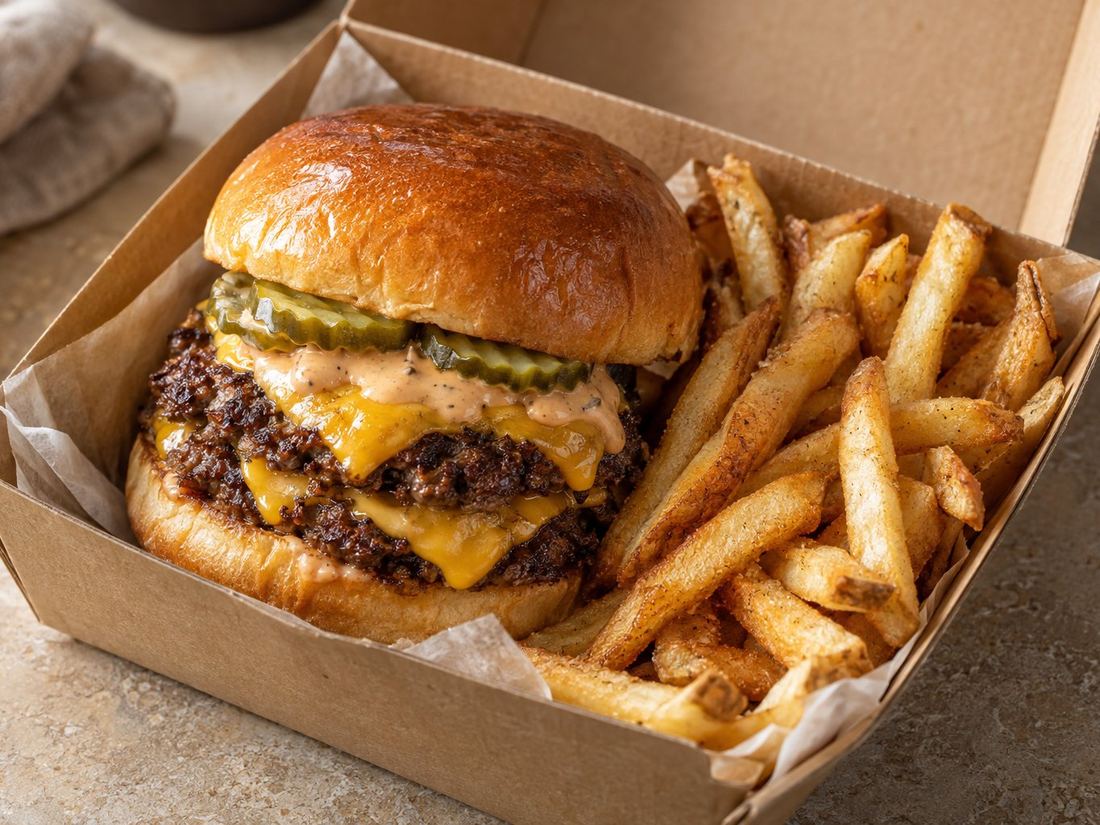
- One menu item only, exactly as the customer receives it.
- The dish centred in the frame.
- A sharp, well lit photo of your real food.
What gets a photo rejected
- More than one item in the photo, unless it's sold together as one item.
- Text, prices, discounts or banners on the image.
- Logos or watermarks added on top.
- People or faces (hands holding the food are fine).
- Blurry, dark or very small photos.
- Stock photos or photos that aren't your dish.
Tips that save time
- Shoot wide, crop to 5:4. Take the photo with space around the dish, then crop. It's easier than shooting exactly to size.
- Keep it centred. Uber shows small square thumbnails in the app, so anything near the edges can be cut off.
- Start with your best sellers. They're seen the most.
- Be patient with reviews. New photos are checked before they appear, so upload a few days before a menu change.
How to take the photos
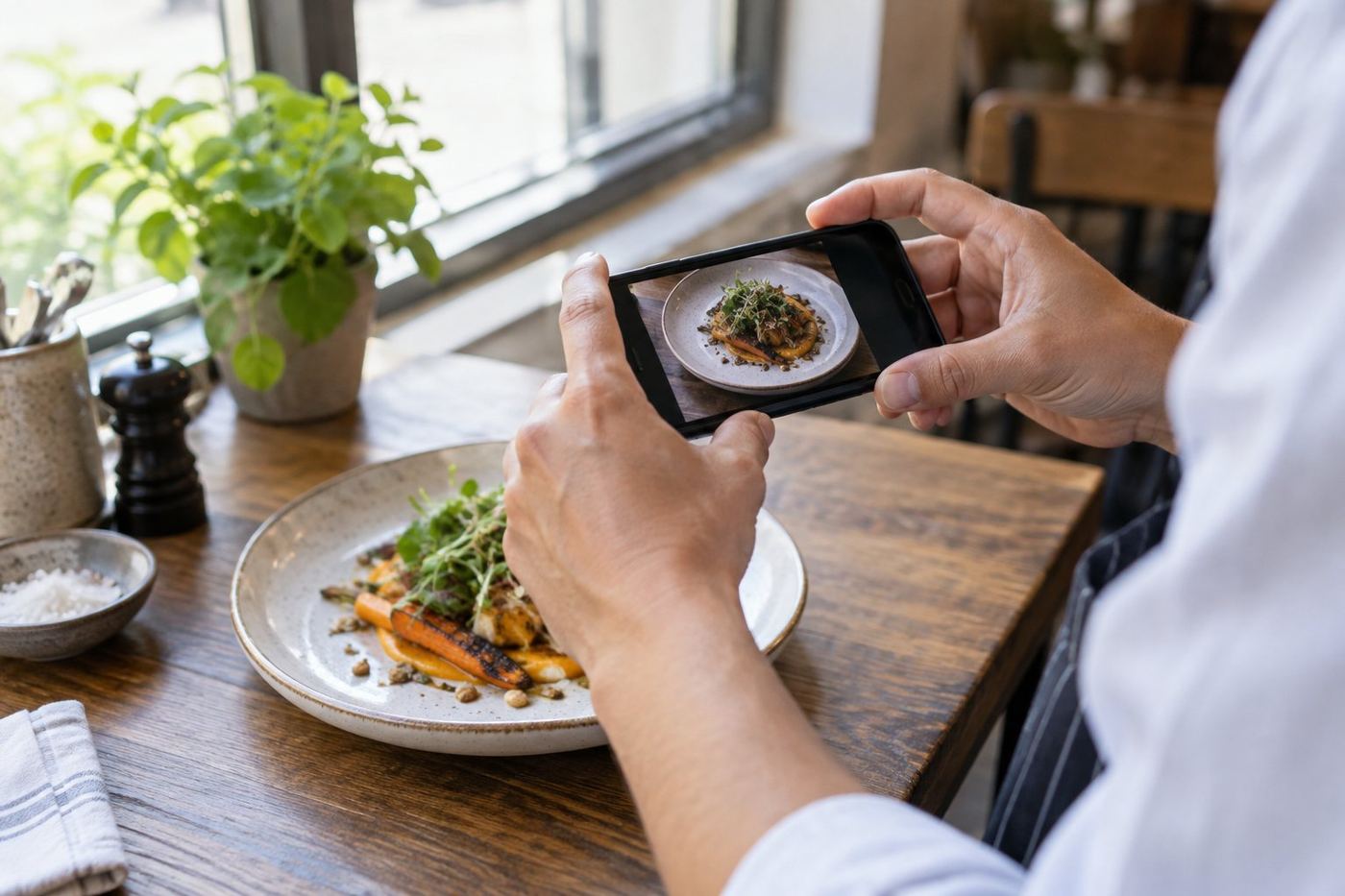
You don't need a photographer. Our guide on taking great Uber Eats photos on your phone covers light, angles and backgrounds.
Sources
These requirements come from Uber's merchant help pages: menu photo guidelines and adding cover images and menu photos (Australia). Uber can change them, so check those pages if a photo is rejected.
Want photos that pass review without the hassle? We enhance photos of your real dishes and deliver them at Uber's recommended 2880 × 2304 size. See examples.