

How it works
Four simple steps.
Everything can be done by email. You see the idea before you pay anything.
Everything can be done by email. You see the idea before you pay anything.
 Step 1
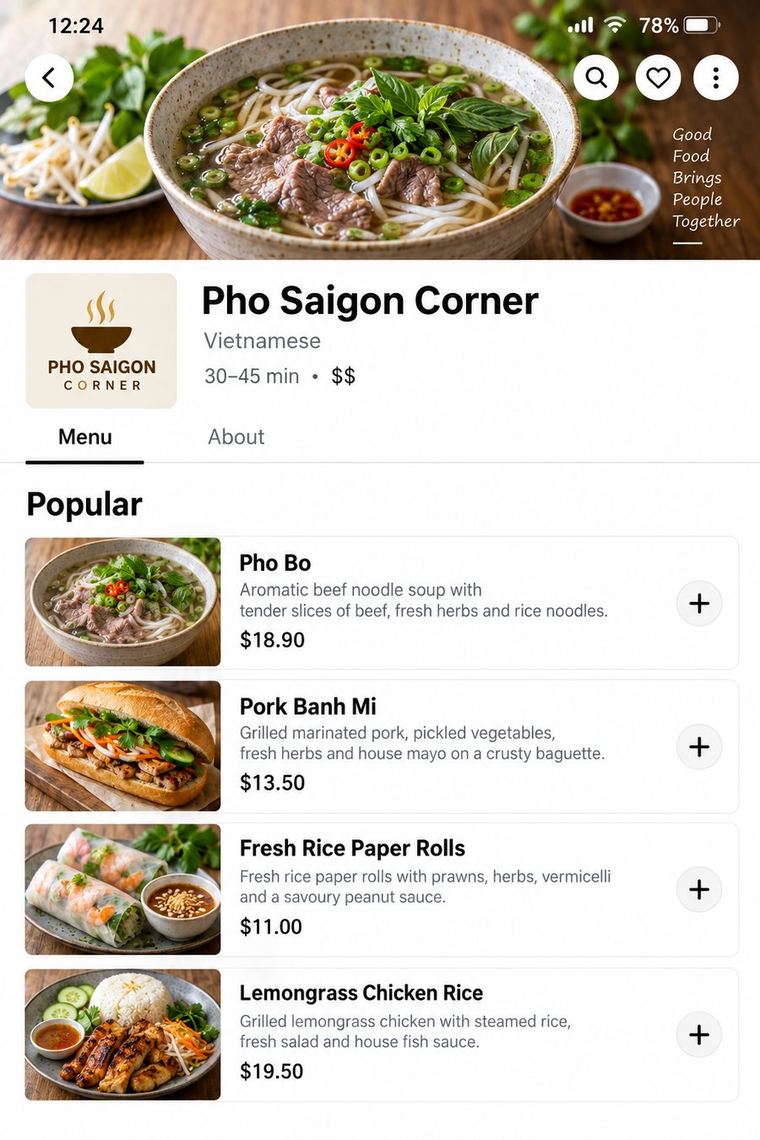
Tell us your restaurant or café on Uber Eats. We look at your page and send you a mockup of how it could look, with the main things we'd change. No payment, no obligation.
 Step 2
Pick Menu Fix or Menu and Photos to do it yourself, or the Full Makeover and we make every change for you. Pay securely by card through Stripe. One time price, no subscription.
See pricing →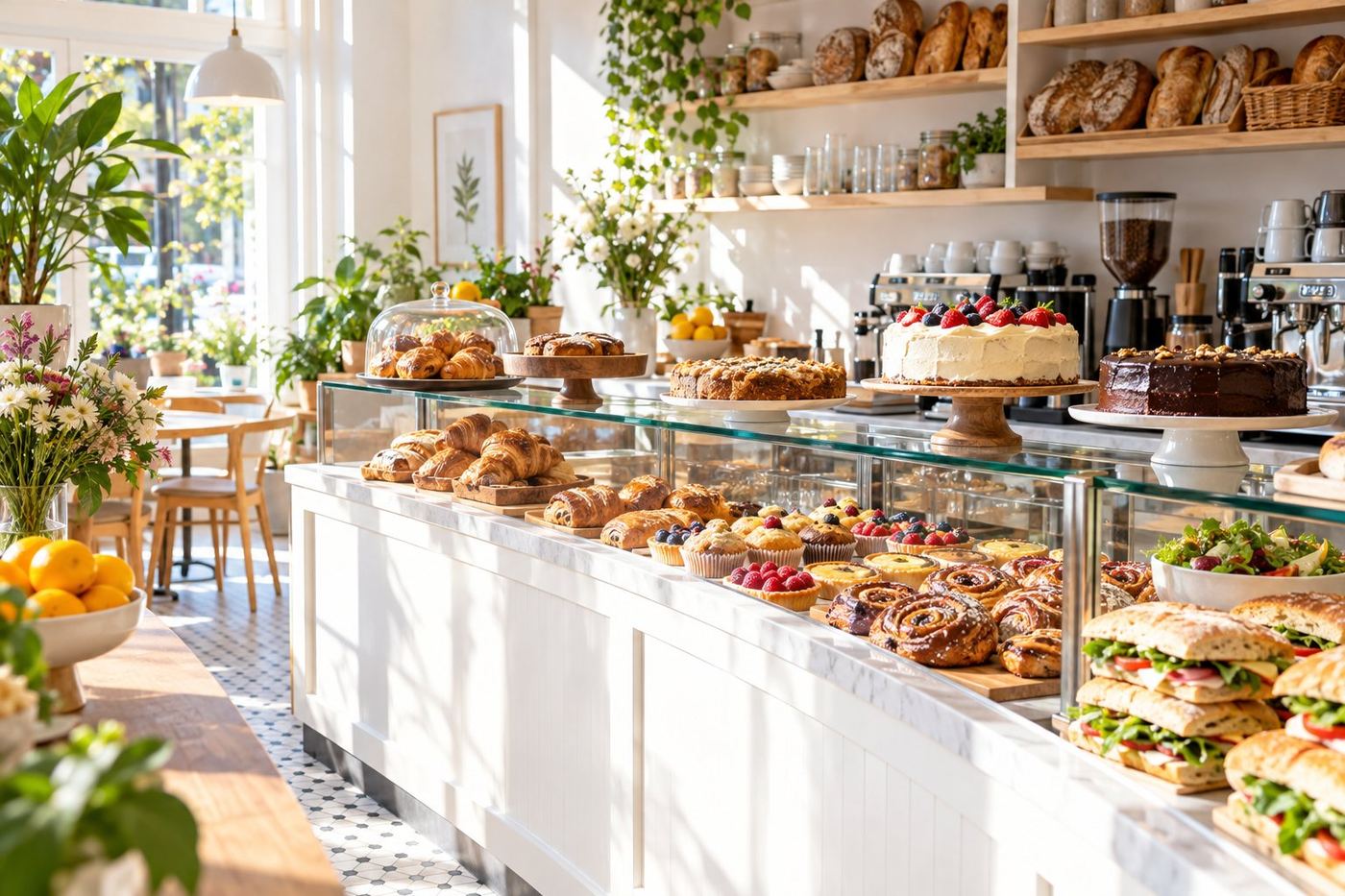
 Step 3
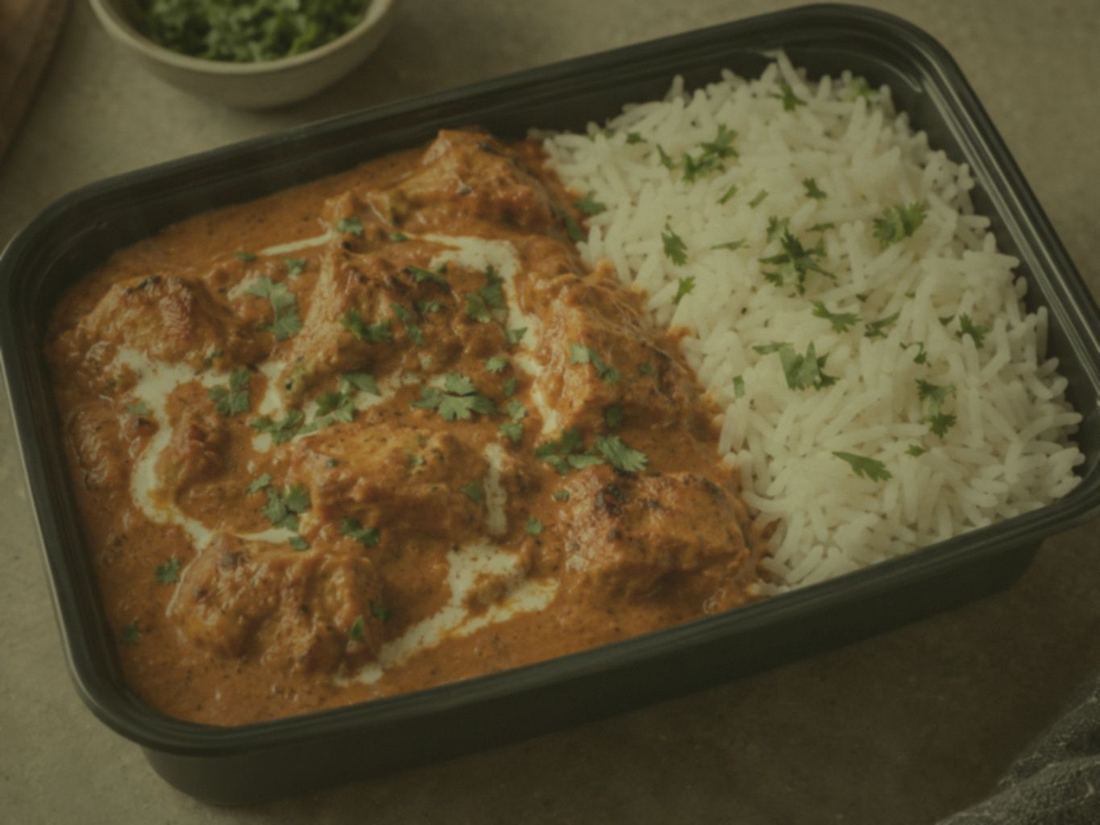
For photo packages, take photos of your dishes on your phone, in good light, and reply to our email with them. We enhance your real photos. We never use fake food.
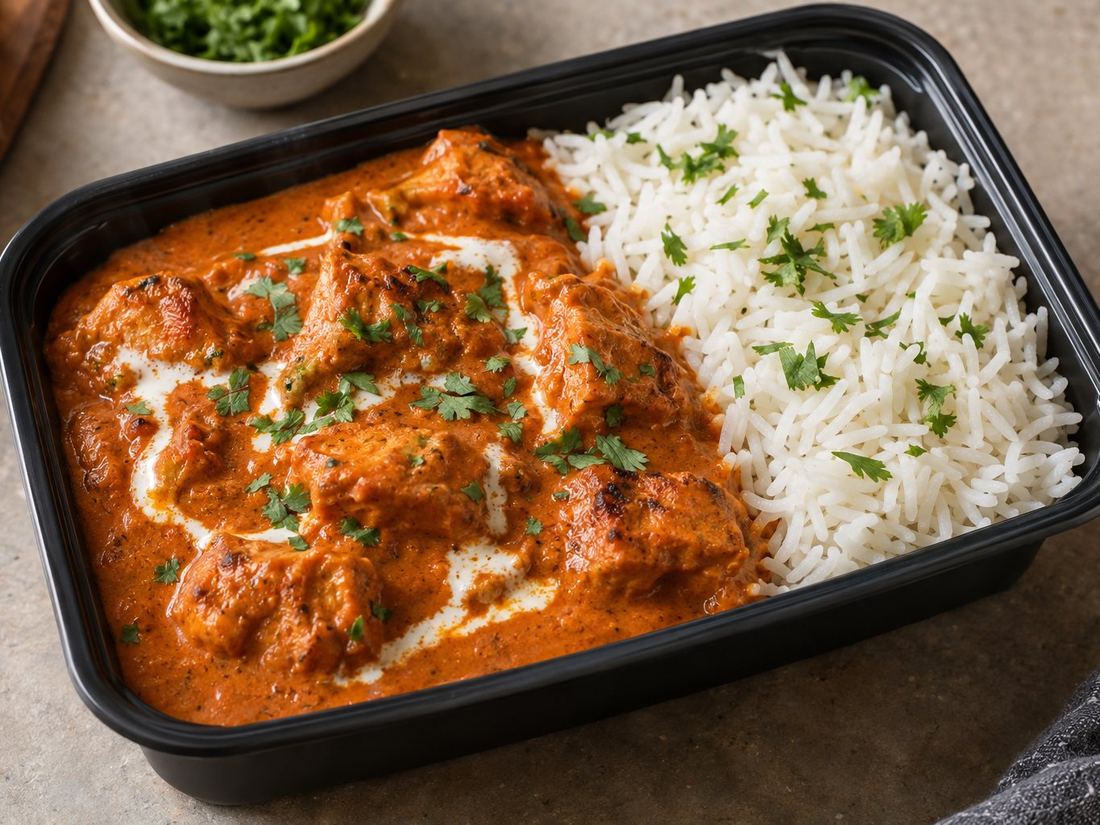 BeforeAfter
 Step 4
Full Makeover: add us as a user on Uber Eats Manager and we update everything. Menu Fix and Menu and Photos: we email you every new name, description and photo, ready to copy, with a simple step by step guide. Usually within two to three working days.
Tell us your restaurant, café or bakery on Uber Eats. We'll send you a free mockup of how your page could look. No payment, no obligation.