For Asian restaurants
Help new customers find their new favourite dish.
Long menus with dish names some customers don't know can be hard to order from. We keep your dishes authentic and make them easy to choose.
Long menus with dish names some customers don't know can be hard to order from. We keep your dishes authentic and make them easy to choose.

We organise big menus into clear categories and put your best sellers first, so people don't give up scrolling.
Keep the real name, and add a few words that say what it is: "Laksa: coconut curry noodle soup".
Spice level, number of pieces and what comes with rice: the details that stop people hesitating.
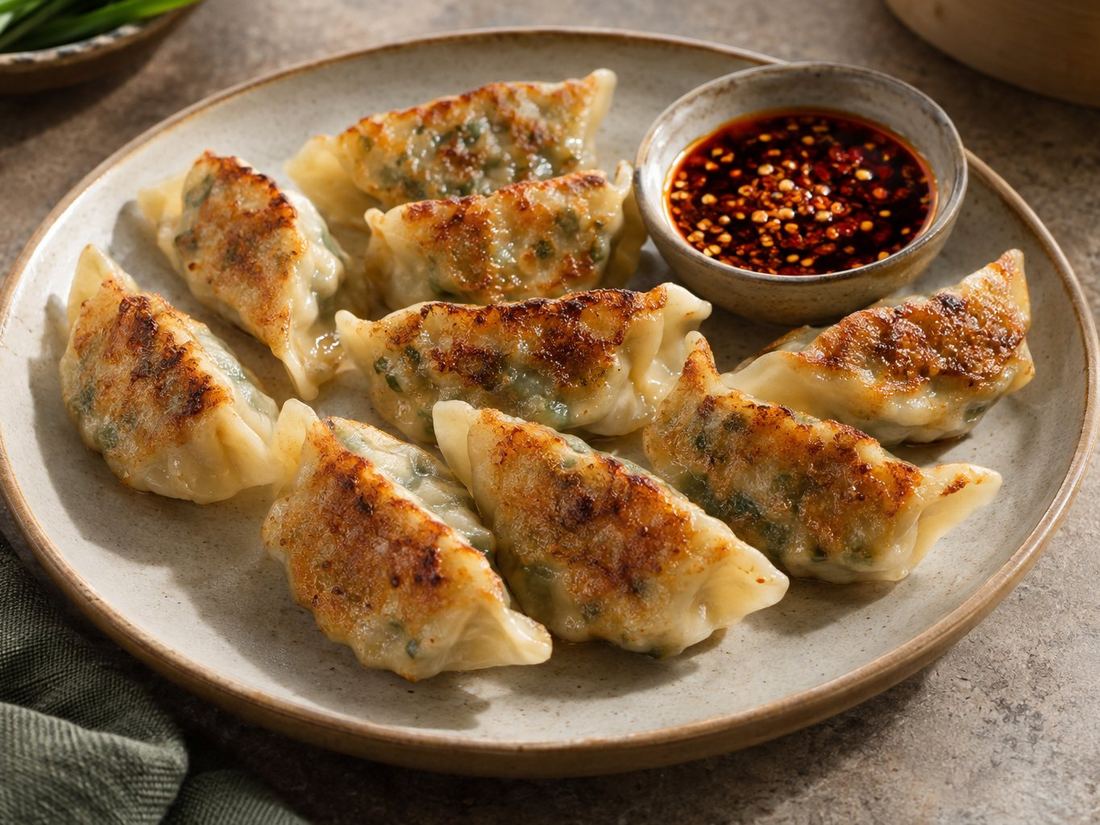
Illustrative examples with images made with AI for this website. For your page we only work from photos of your real dishes.
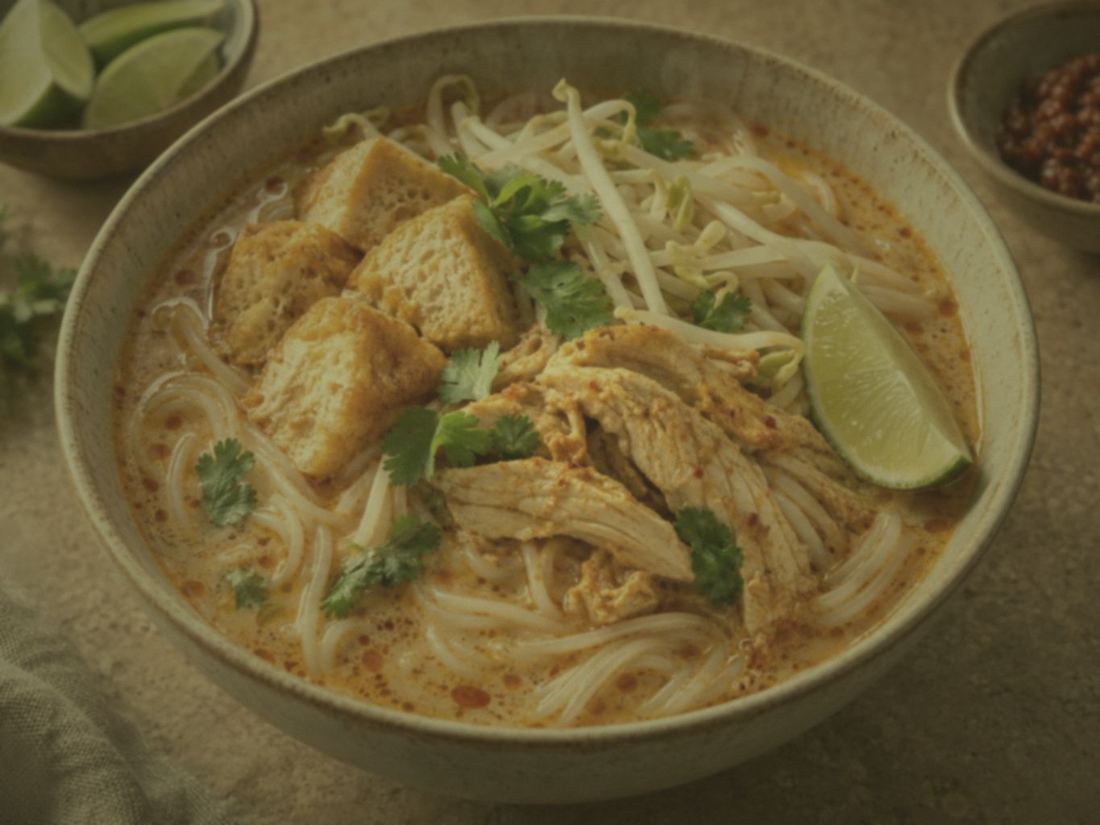
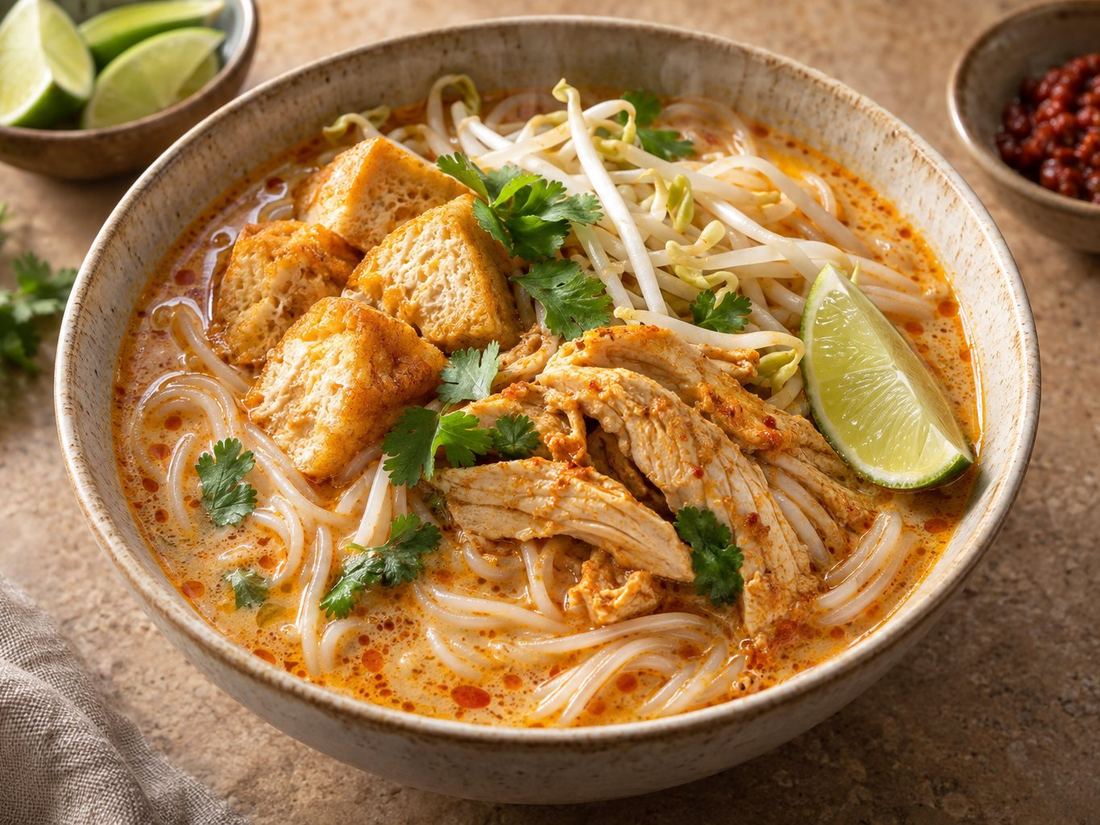 BeforeAfter
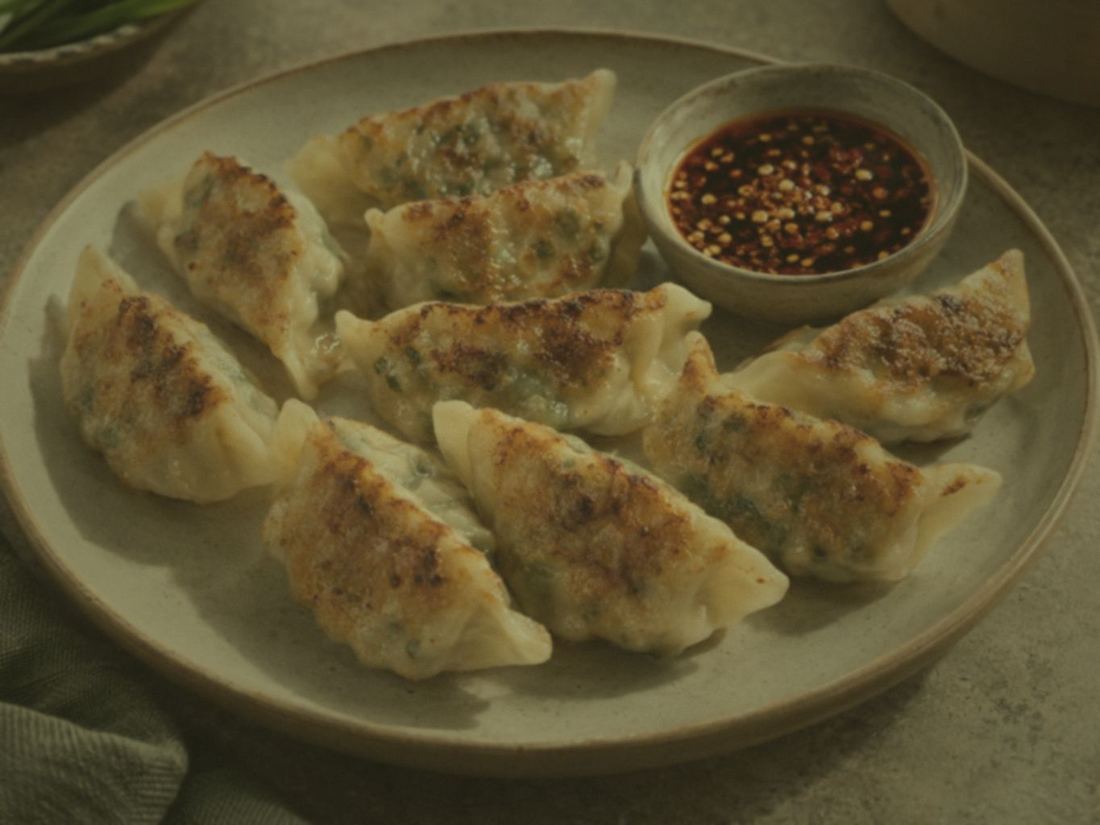
 BeforeAfter
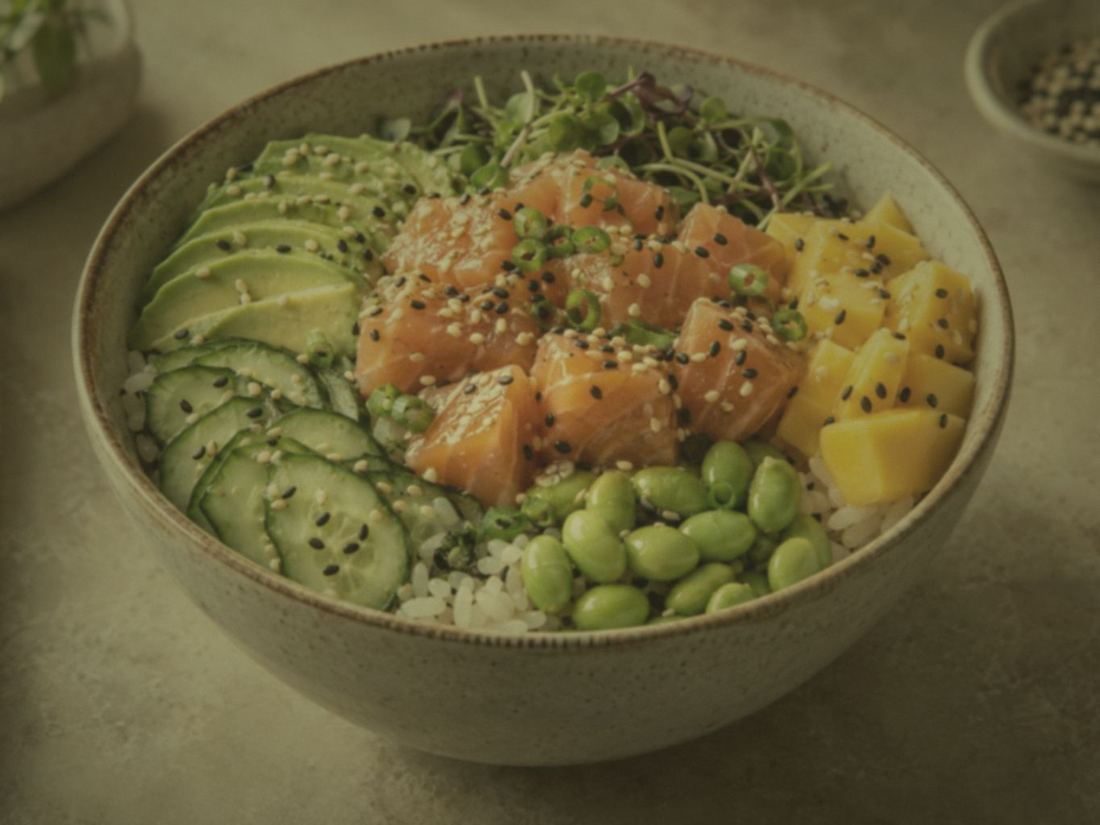
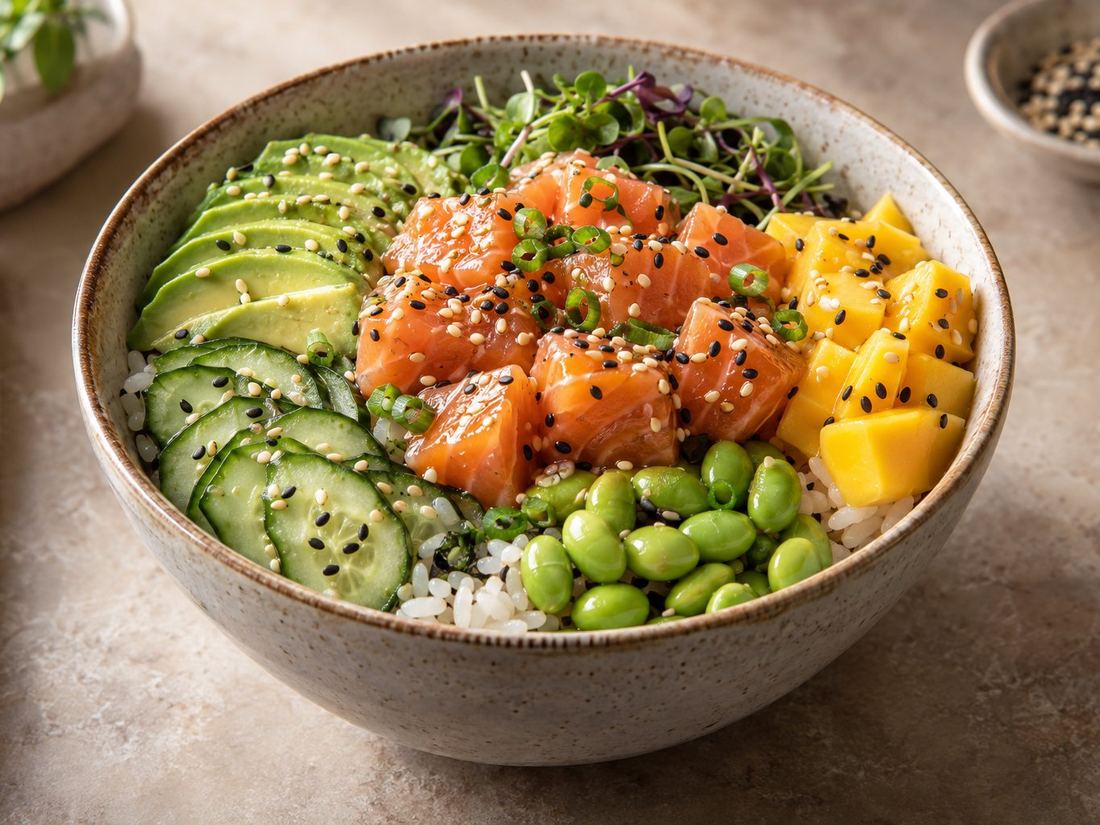 BeforeAfter
Only to make them clearer. We keep the names your regulars know and add a short explanation for new customers.
Yes. The Full Makeover covers photos for up to 50 dishes and a new structure for the whole menu.
A practical guide to Uber Eats menu categories for restaurants and cafés: how many to have, what to call them, what order to put them in, and what to remove.
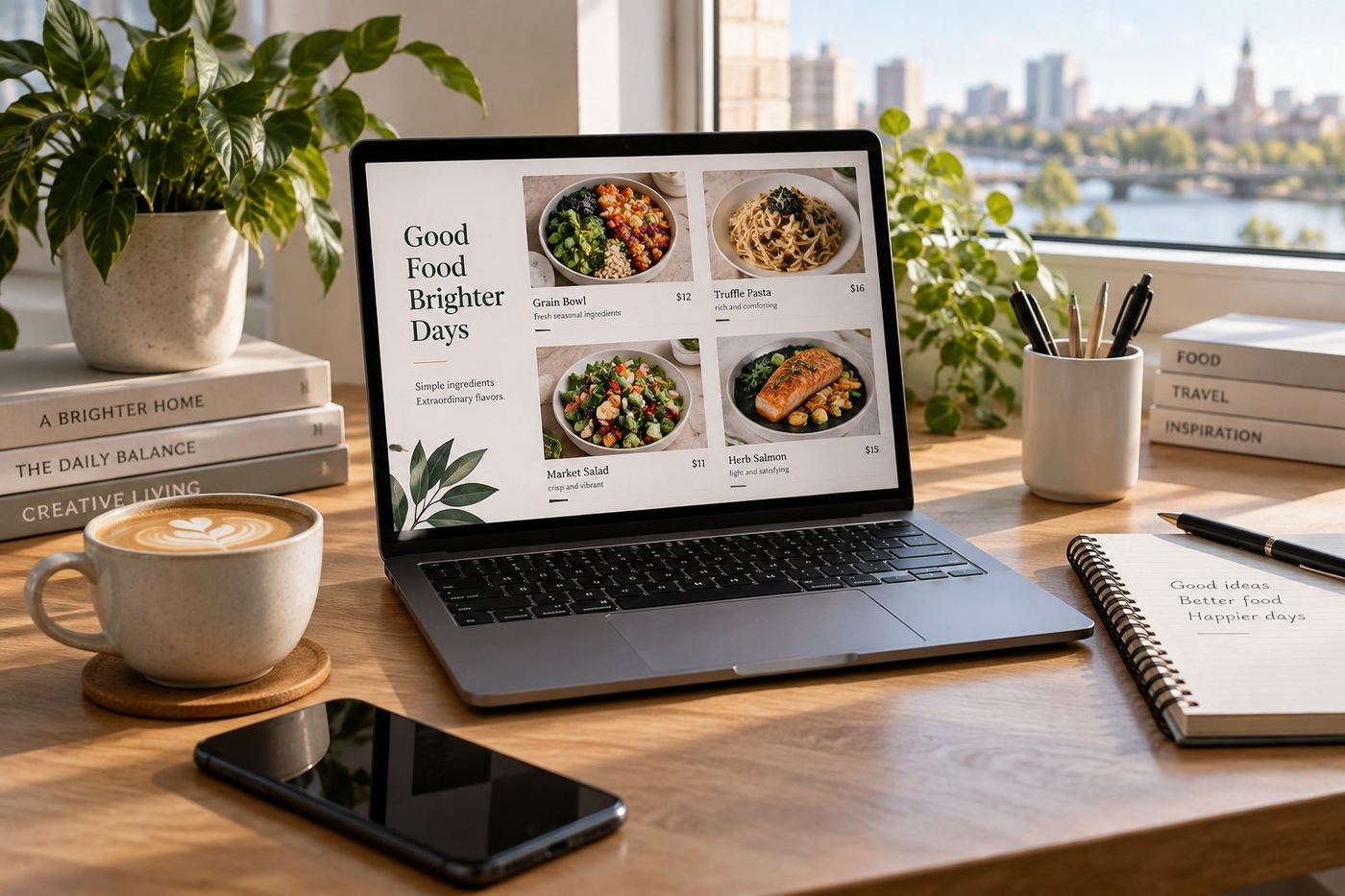
A simple formula and menu description examples for Uber Eats: burgers, curries, pizza, coffee and Aussie takeaway favourites like the parmi, HSP, fish and chips and meat pies.
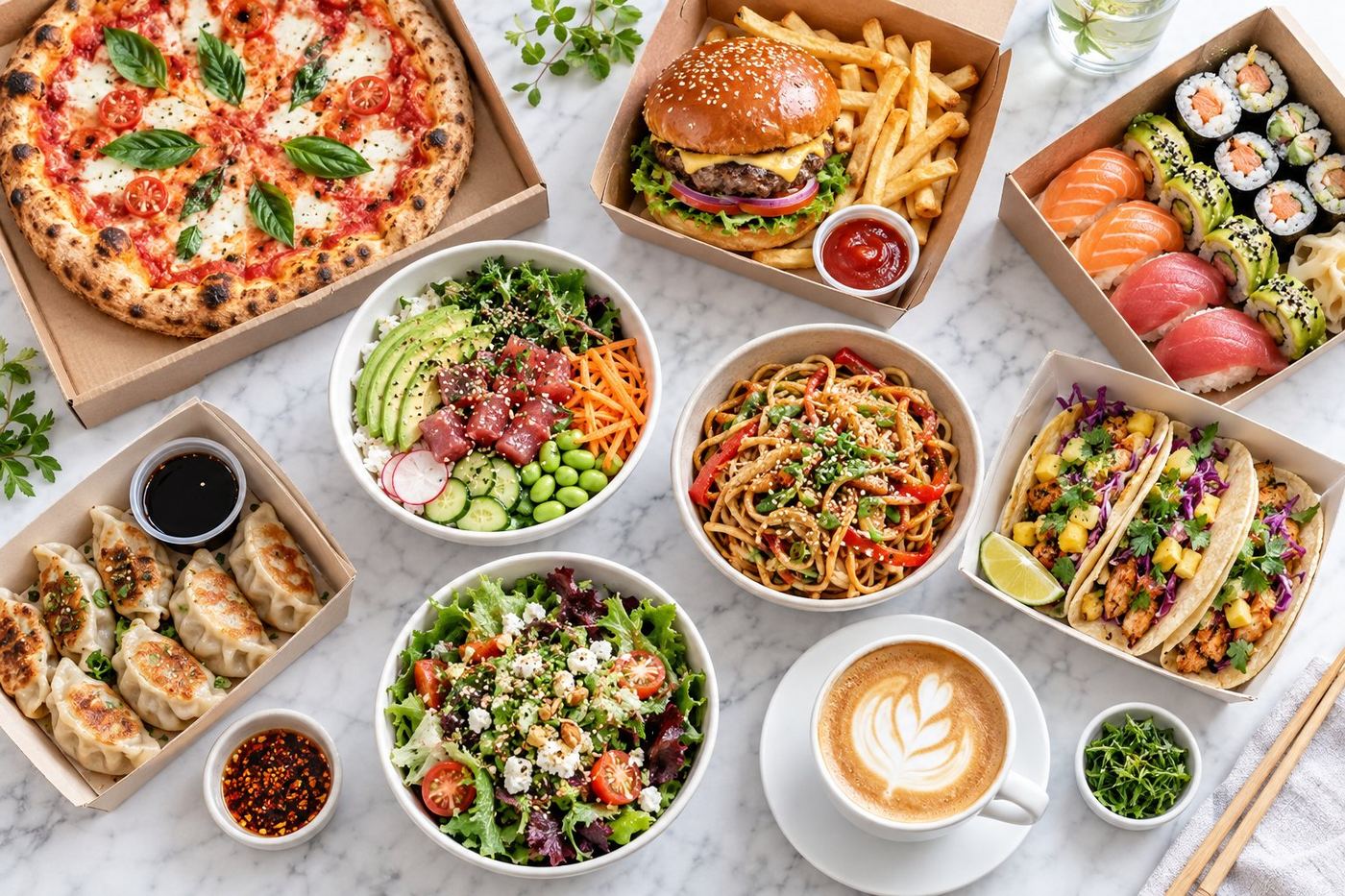
Practical ways independent restaurants and cafés can make their Uber Eats page more appetising and easier to order from: photos, names, descriptions, categories and more.
Tell us your restaurant, café or bakery on Uber Eats. We'll send you a free mockup of how your page could look. No payment, no obligation.