1. Start with a best sellers category
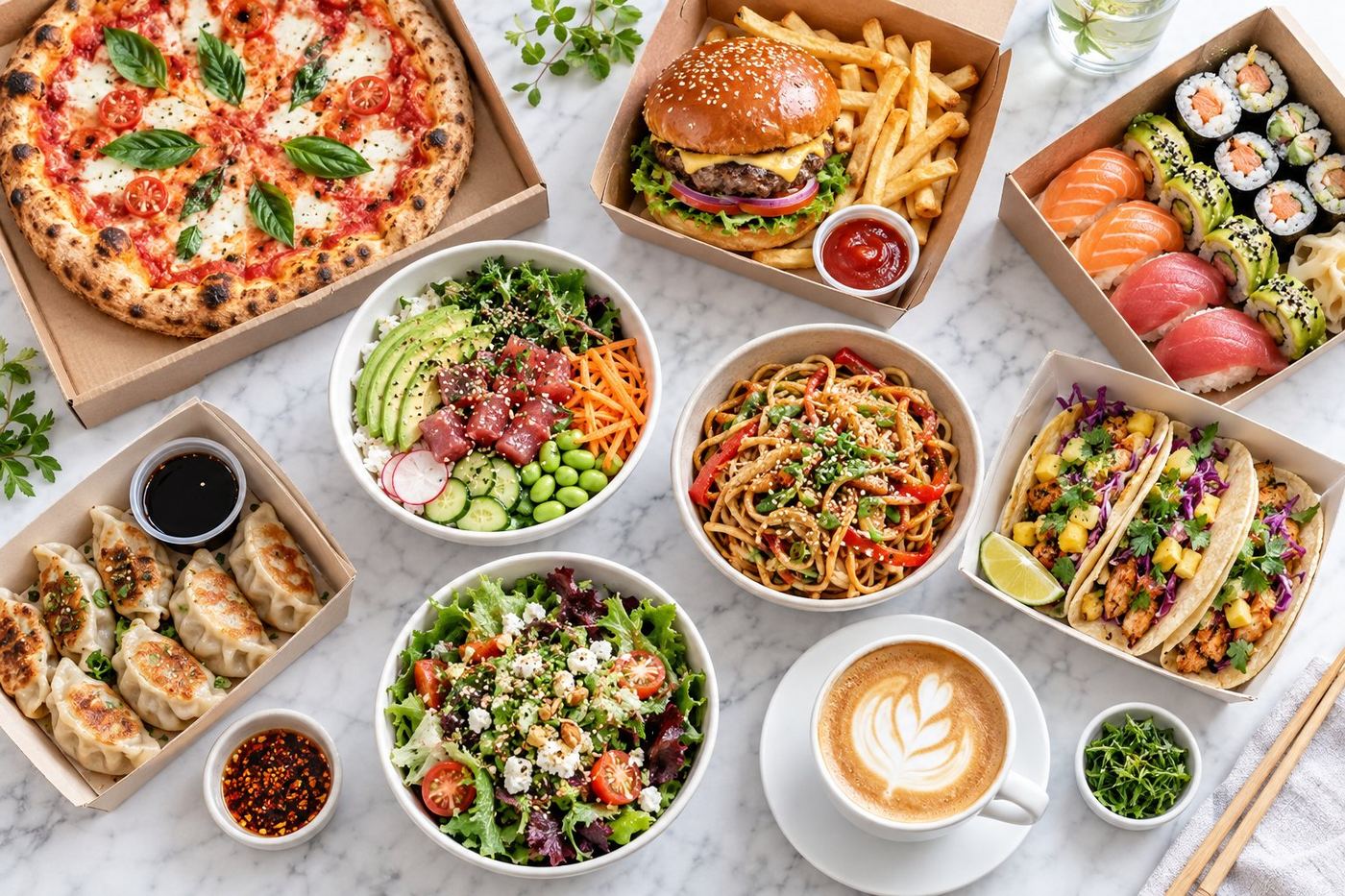
Create a first category called Most Popular, Best Sellers or House Favourites and put your five or six most ordered dishes in it. Many people never scroll far, so this is where your best food should be.
2. Follow the order people eat
After your best sellers, list the dishes most people come for, then the rest. A typical order is:
- Best sellers
- Your main dishes, split by type if you have many (Burgers, Wraps, Bowls)
- Sides and extras
- Drinks
- Desserts
A café might use Breakfast, Lunch, Coffee, Cold drinks and Cakes instead. Group things the way your customers think about them.
3. Use plain names
Category names are signposts. Noodle Soups is quicker to understand than "From the Pot". If you like a creative name, add the plain word: Nonna's Kitchen: Pasta.
4. Not too many, not too few
Lots of tiny categories make people scroll through headings instead of food. One huge category hides your best dishes. Aim for categories with a handful of items each, and merge any that only have one or two.
5. Remove what's empty, old or duplicated
Old categories from a previous menu, empty ones and near duplicates ("Drinks" and "Beverages") make a page look unloved. Take five minutes to clean them up in Uber Eats Manager.
6. Put the best item first in each category
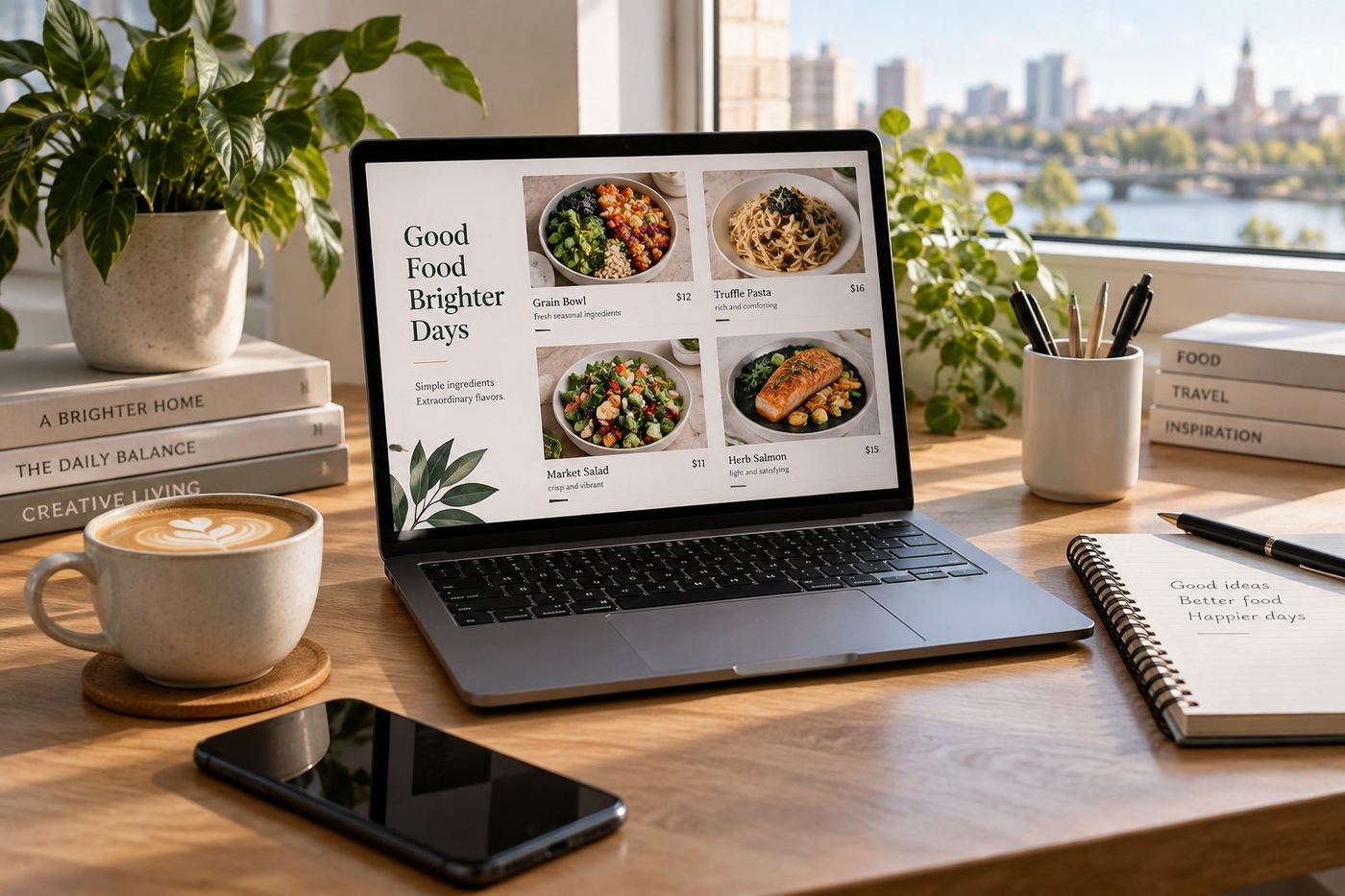
The order inside a category matters too. Lead each category with its most popular or most photogenic dish, and keep items with photos near the top.
7. Use time based menus if you have them
If you serve breakfast and dinner, Uber Eats lets you set menus for different times of day. That way customers only see what you can actually make at that hour.
Need a hand?
For a step by step on getting best sellers to the top, see best sellers first. Our guide to editing your menu in Uber Eats Manager shows where to change categories. Or we can restructure the whole menu for you as part of our Menu Fix.