1. Put your best sellers at the top
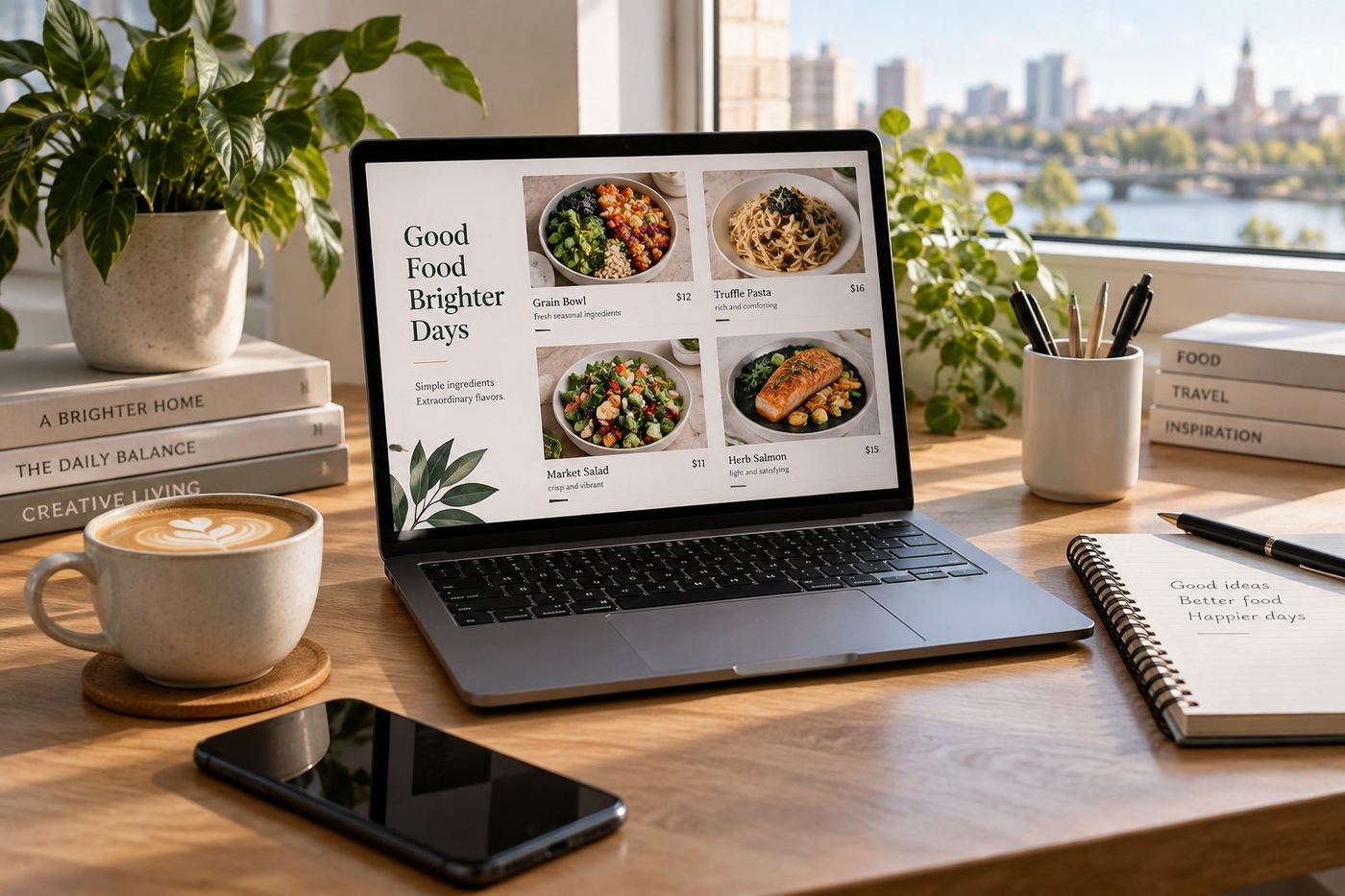
Customers scroll less than you think. Uber Eats shows a "Popular" or "Picked for you" row, but your own first category matters too. Move the five or six dishes people order most into the first category, and give it a clear name like Most Popular or House Favourites.
2. Give every best seller a real photo
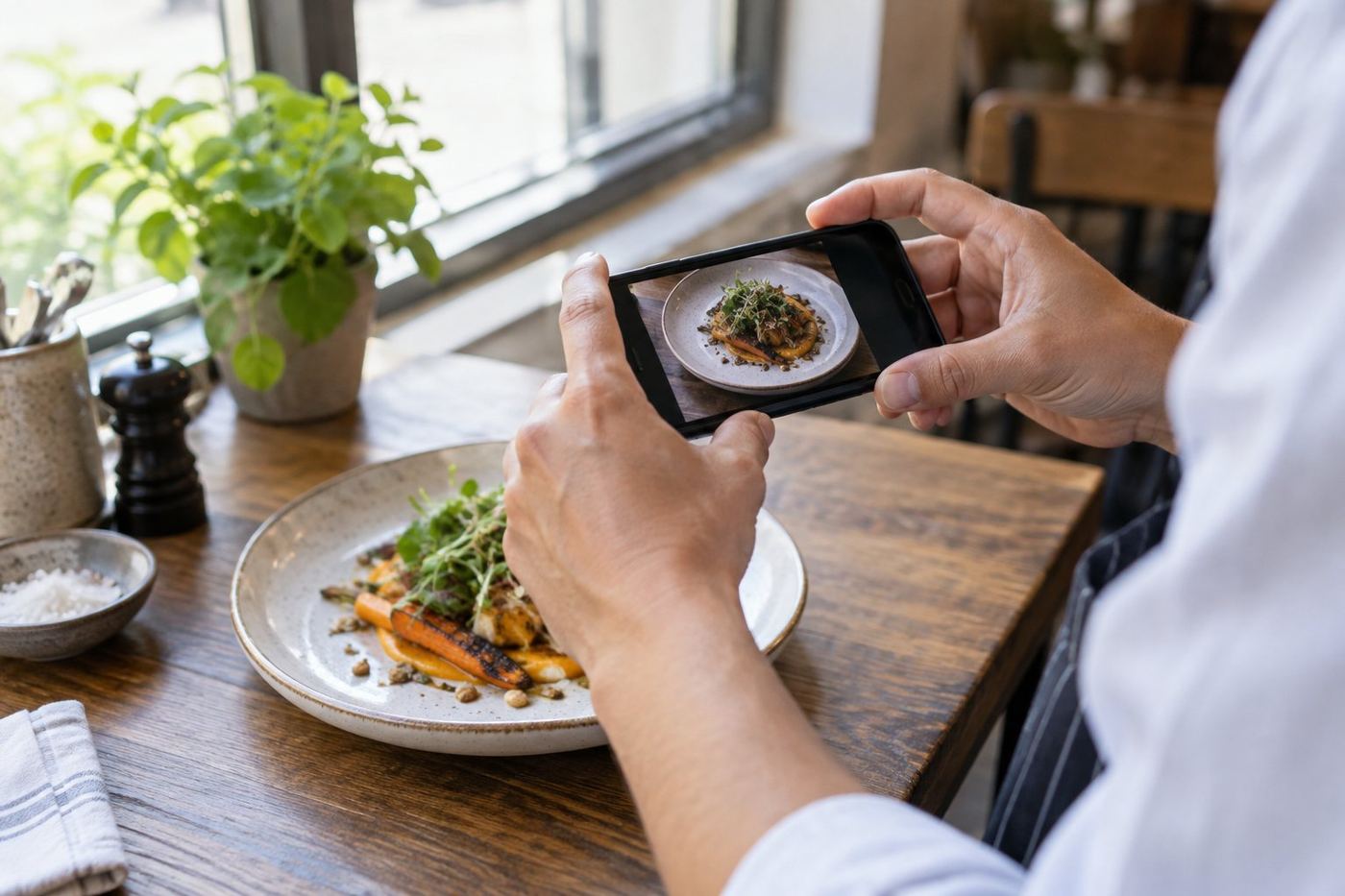
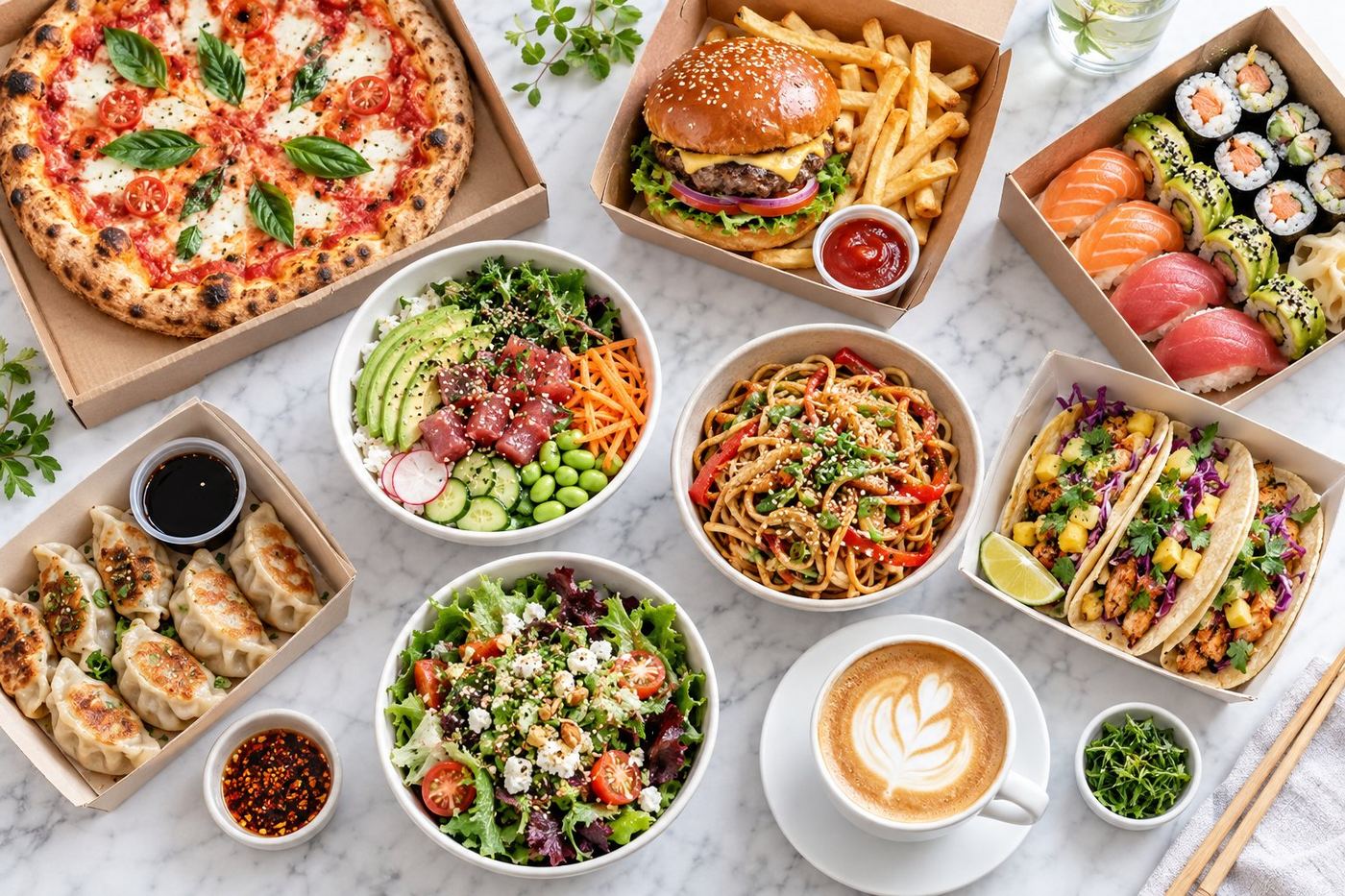
A dish without a photo is easy to skip. You don't need a studio: a phone, daylight from a window and a clean plate are enough. Take the photo from a slight angle, fill most of the frame with the food and avoid the kitchen in the background. Start with your top ten dishes; that's where photos pay off most.
3. Use names people understand
"Special 3", "BBQ Combo L" or a name only your regulars know doesn't help a new customer. Say what it is: Chicken Shawarma Wrap instead of "Wrap", Pork and Chive Dumplings (10) instead of "Dumplings 10pc". Keep your signature names, but add what the dish is.
4. Write a short description for every item
One line is enough: the main ingredients and one detail that makes it yours. "Slow cooked beef, pickled onion and chipotle mayo on a toasted brioche bun" sells far better than nothing. Our guide to writing menu descriptions has examples you can copy.
5. Fix typos and capitals
ALL CAPS NAMES, typos and missing words make a menu look rushed, and people wonder if the food is too. A careful read through your whole menu takes twenty minutes and is one of the cheapest improvements you can make.
6. Keep categories short and logical
Ten categories with two items each are hard to scan. Group your menu the way people order: starters, mains, sides, drinks, desserts, or breakfast, lunch, coffee for a café. Remove empty or duplicate categories.
7. Show what each option includes
Sizes, number of pieces and what comes in a combo should be clear before someone adds it to the cart. "Large (serves 2)" or "with chips and a drink" answers the question before it's asked.
8. Make your banner photo count
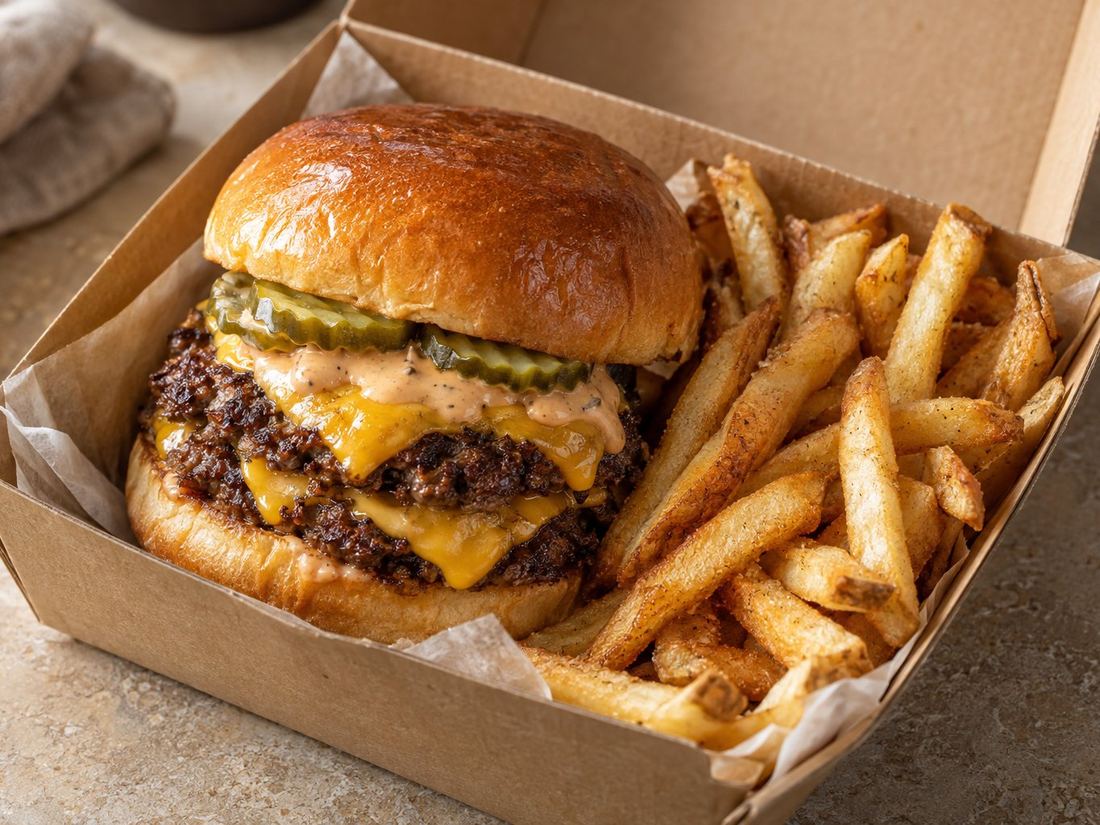
The big photo at the top of your page is the first thing people see. Use a bright, appetising photo of your most loved dish, not your shopfront or a logo on a plain background.
9. Keep it up to date
Sold out items, old prices and dishes you no longer make lead to cancelled orders and unhappy reviews. Check your menu whenever something changes, and pause items rather than leaving them on when you run out.
What about ratings?
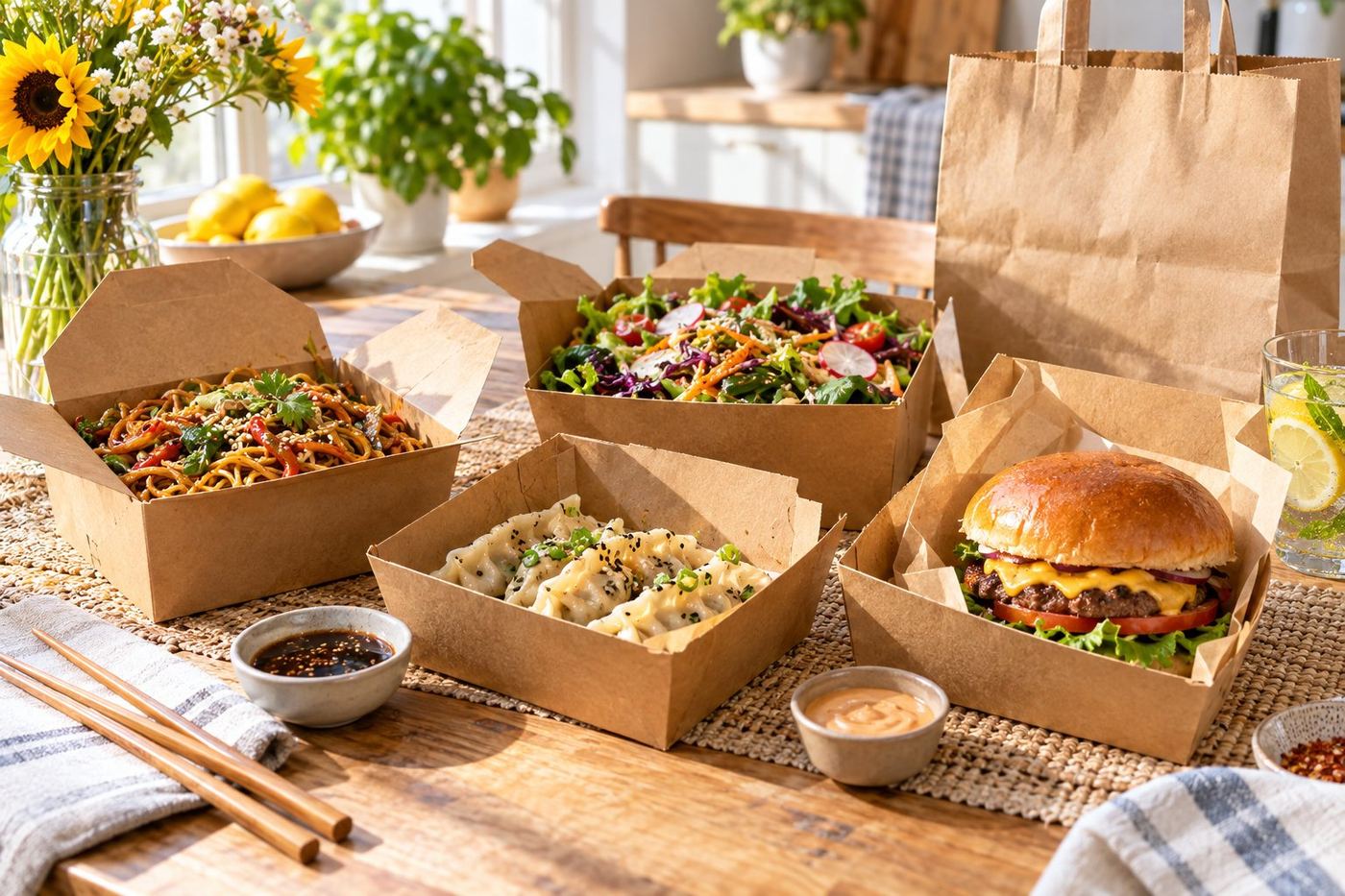
Ratings come from many things you can't fully control: delivery times, the courier, how the food travels. A clear, accurate page helps by setting the right expectations, so what arrives matches what people saw. That's the part we focus on.