Before your first order
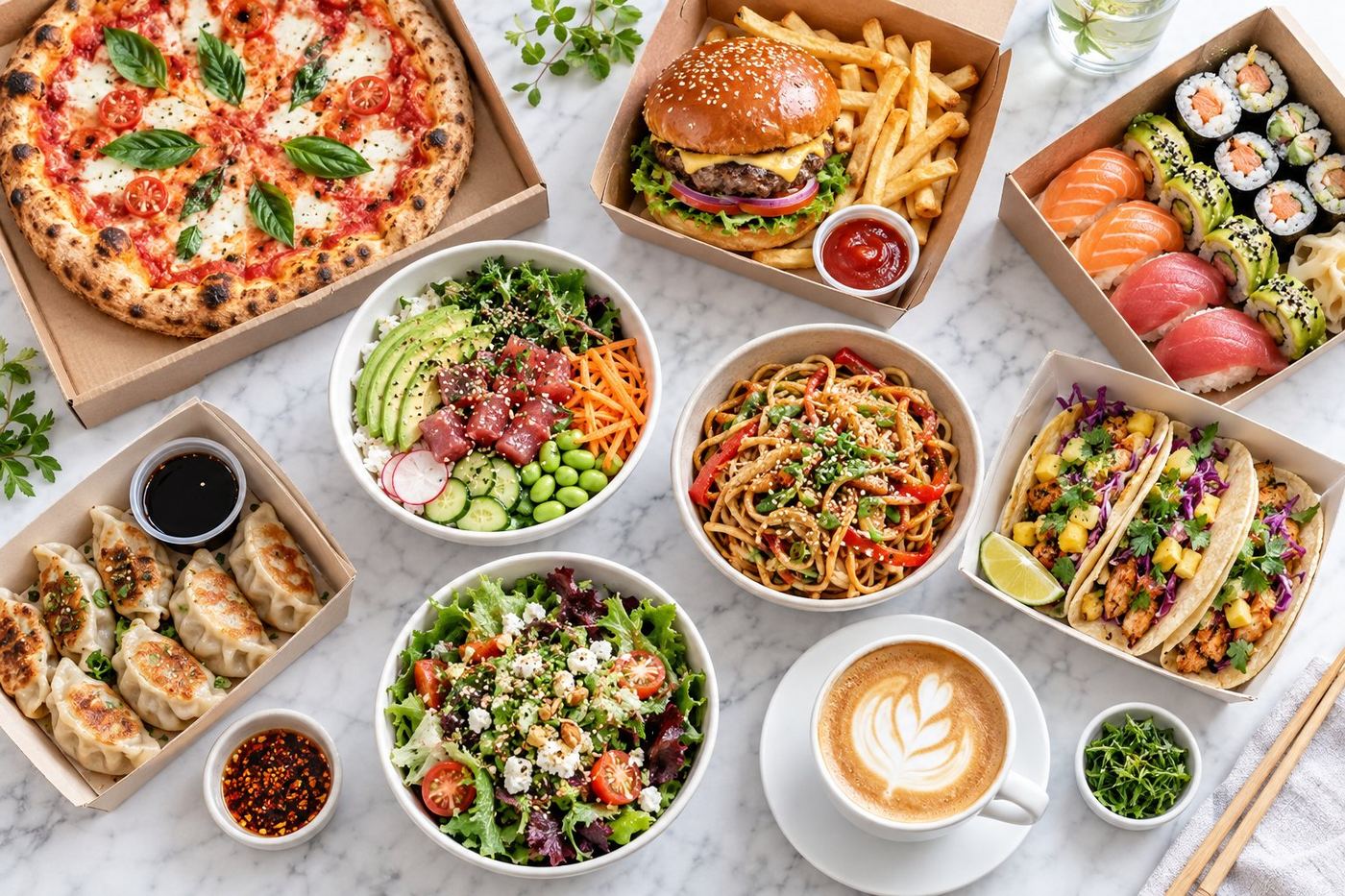
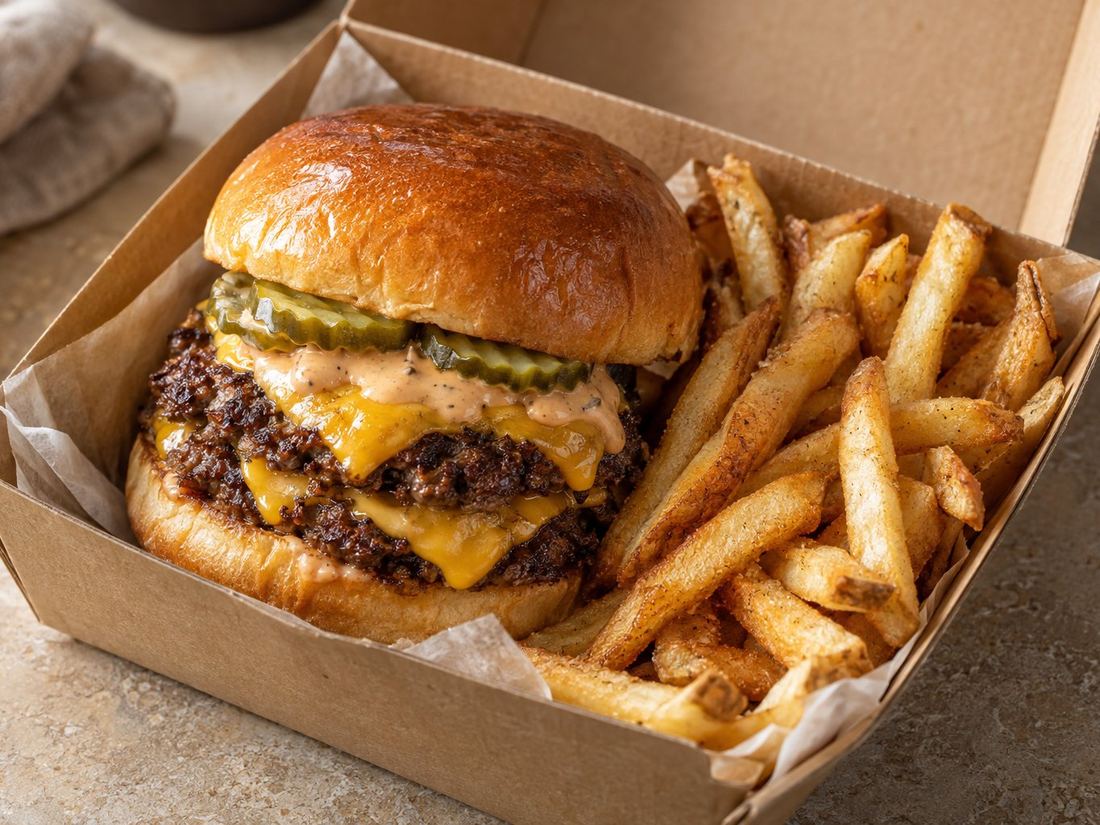
- Every best seller has a clear, bright photo.
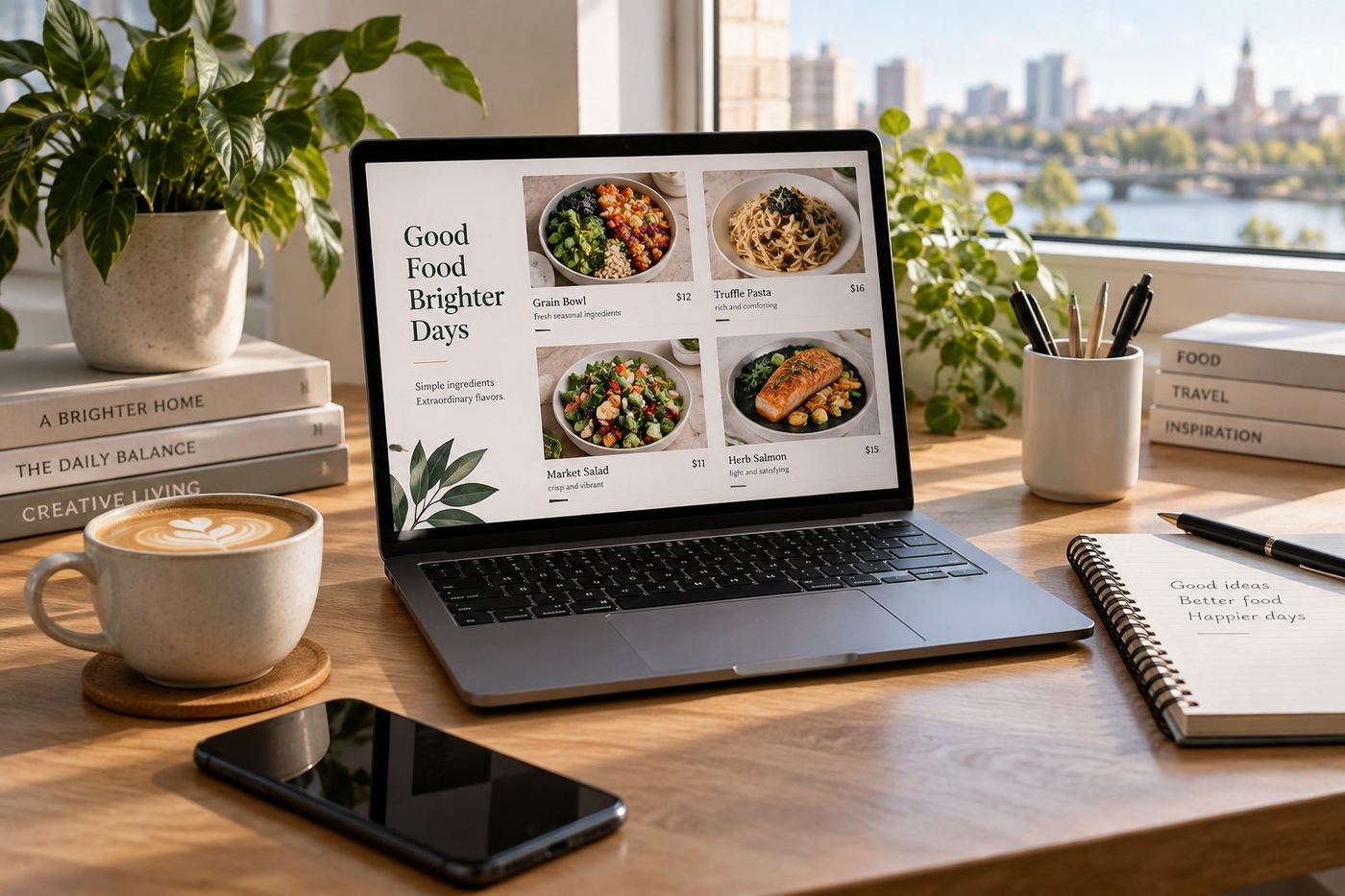
- Every item has a name people understand and a one line description.
- Your categories are short and in a sensible order, best sellers first.
- Your banner shows your most appetising dish.
- Prices, sizes and what's included in combos are correct.
- Opening hours match when you can really cook and pack orders.
In your first week
- Order from yourself once, to see the page and the packaging as a customer does.
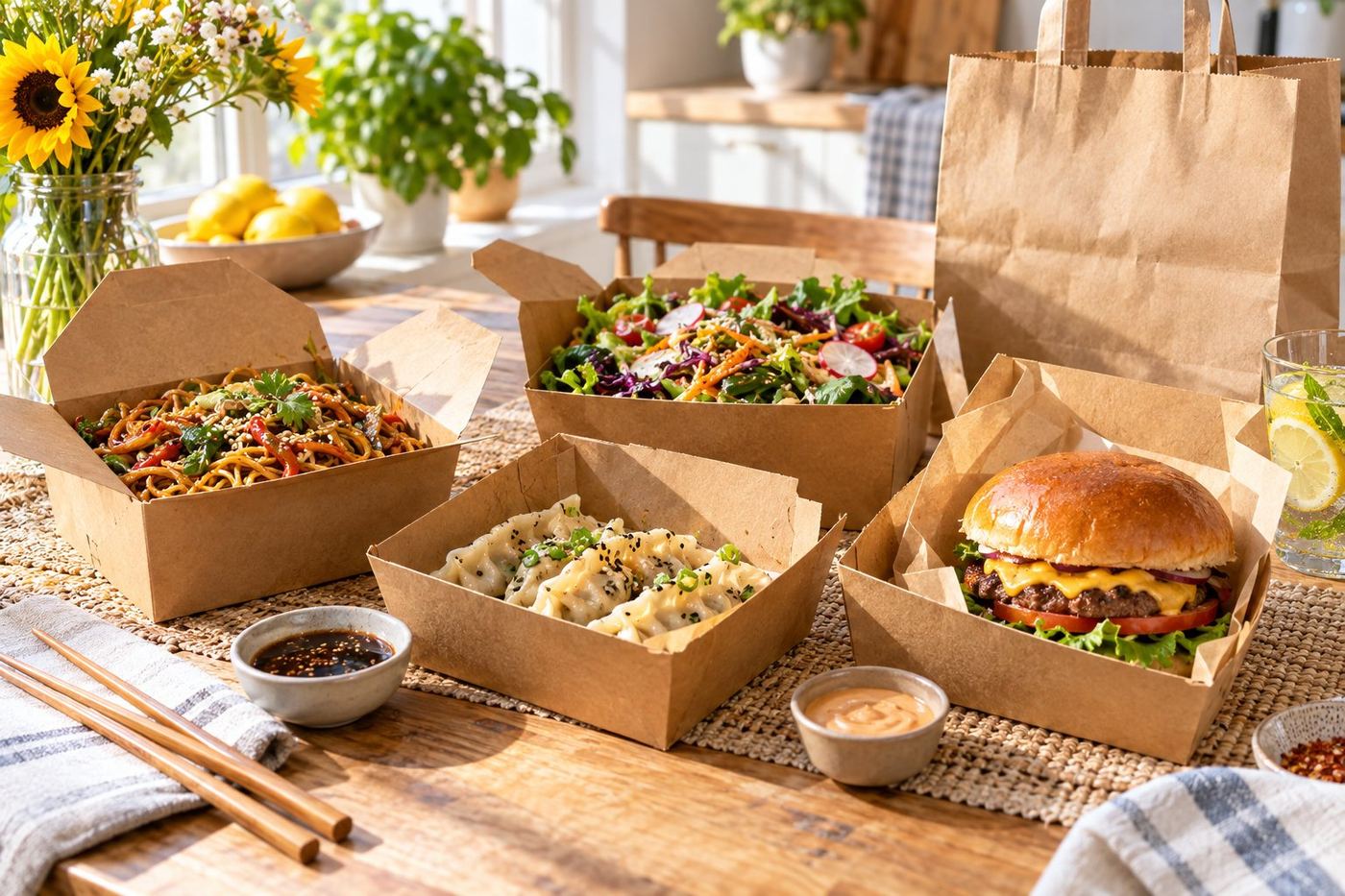
- Check that food travels well: sauces sealed, crispy things not steaming in closed boxes.
- Pause items as soon as they sell out, so orders aren't cancelled.
- Read every review and note anything that comes up twice.
In your first month
- Look at which dishes sell and move them up your menu.
- Replace weak photos, starting with your top ten items.
- Remove dishes nobody orders: a shorter menu is easier to choose from.
- Keep your page consistent with your shop, so regulars recognise you.
A clear page sets the right expectations
When what arrives matches what people saw, they're more likely to be happy and order again. That's the idea behind everything on this list.
Just launched? We'll send you a free mockup of how your page could look, so you can see what we'd change before deciding anything.