1. Pick the right dish
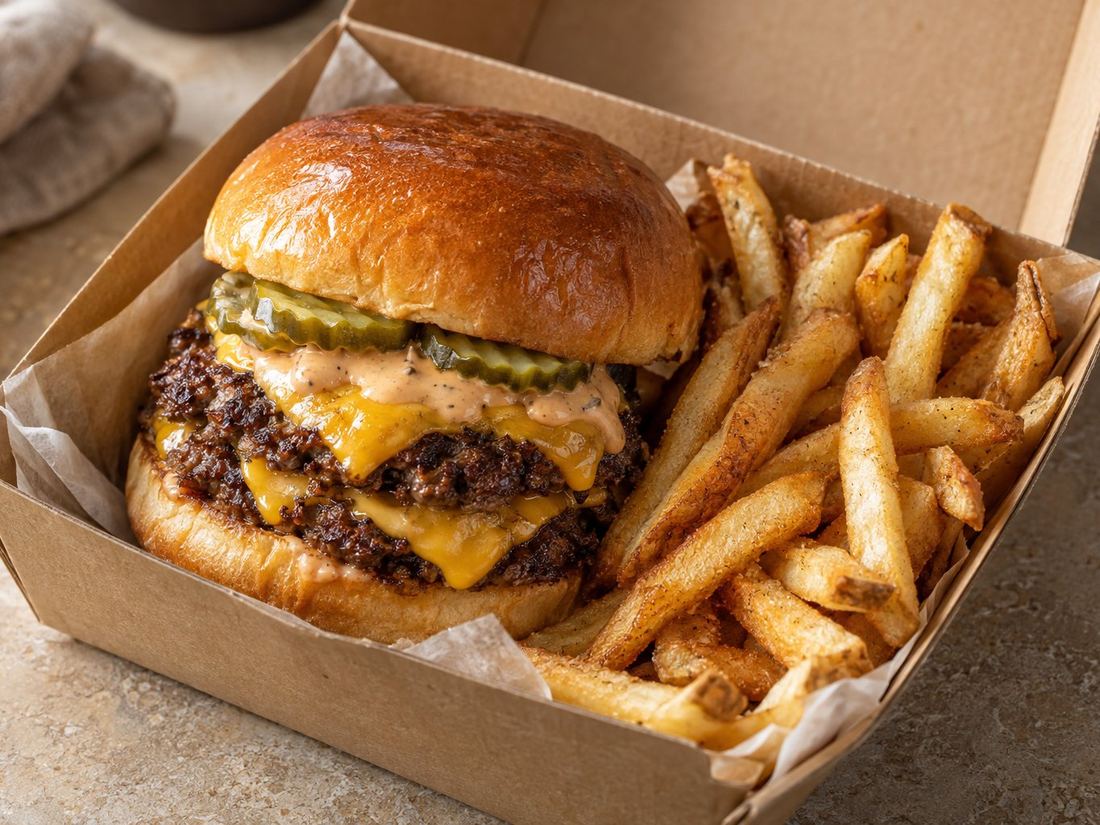
Choose the dish people love most, or the one that looks best in a photo. It doesn't have to be your most expensive item. Colourful, generous dishes usually work well: a loaded burger, a pizza straight from the oven, a bowl of noodles with fresh herbs on top, a stack of pancakes.
2. Show real food, close up
Customers want to see what they'll eat. Fill most of the frame with the dish, so the food is the hero. A shopfront, an empty dining room or a logo on a plain background tells people little about the food.
3. Use daylight
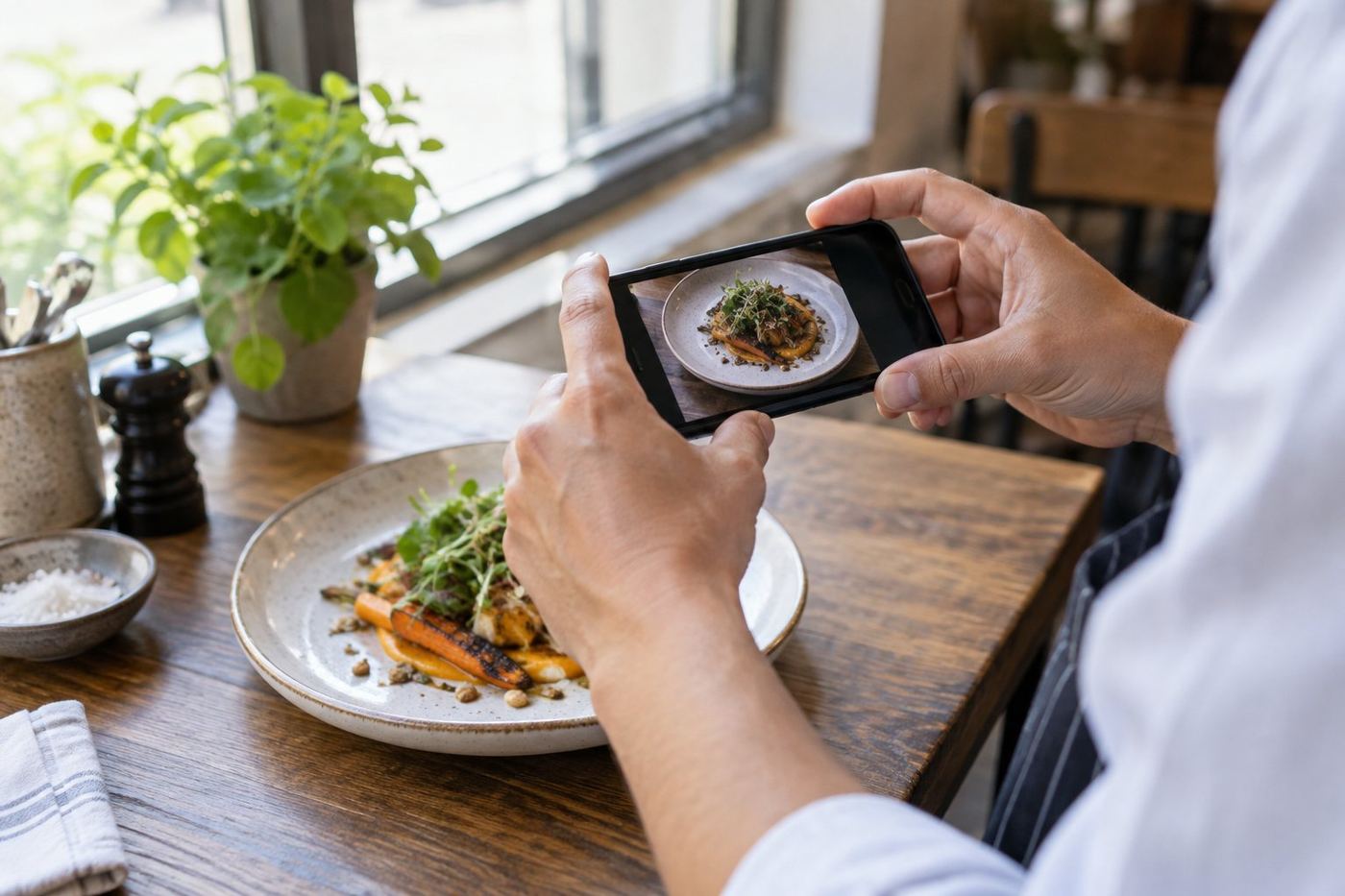
Take the photo near a window during the day, with the light coming from the side. Turn off overhead lights that give a yellow tint. Our guide to taking food photos on your phone walks through it step by step.
4. Leave room for cropping
Uber Eats shows the banner at different shapes on phones, tablets and computers, and your logo may sit over part of it. Keep the dish in the middle with some space around it. Take the photo in landscape, then check it on your own phone after publishing.
5. Keep it clean
Wipe the plate edges, clear the table of bottles, cloths and receipts, and use a simple background like a wooden board or a plain bench. Small details stand out at banner size.
6. Make it match what arrives
Your banner should show food that looks like what customers receive. A photo that promises more than the dish delivers leads to disappointment. Uber Eats also expects photos to show your real food.
7. Refresh it now and then
If you change your menu or a new dish becomes the favourite, update the banner. A seasonal dish can also work for a while, as long as it stays on the menu while it's the banner.
Common mistakes
- Dark photos taken at night under kitchen lights.
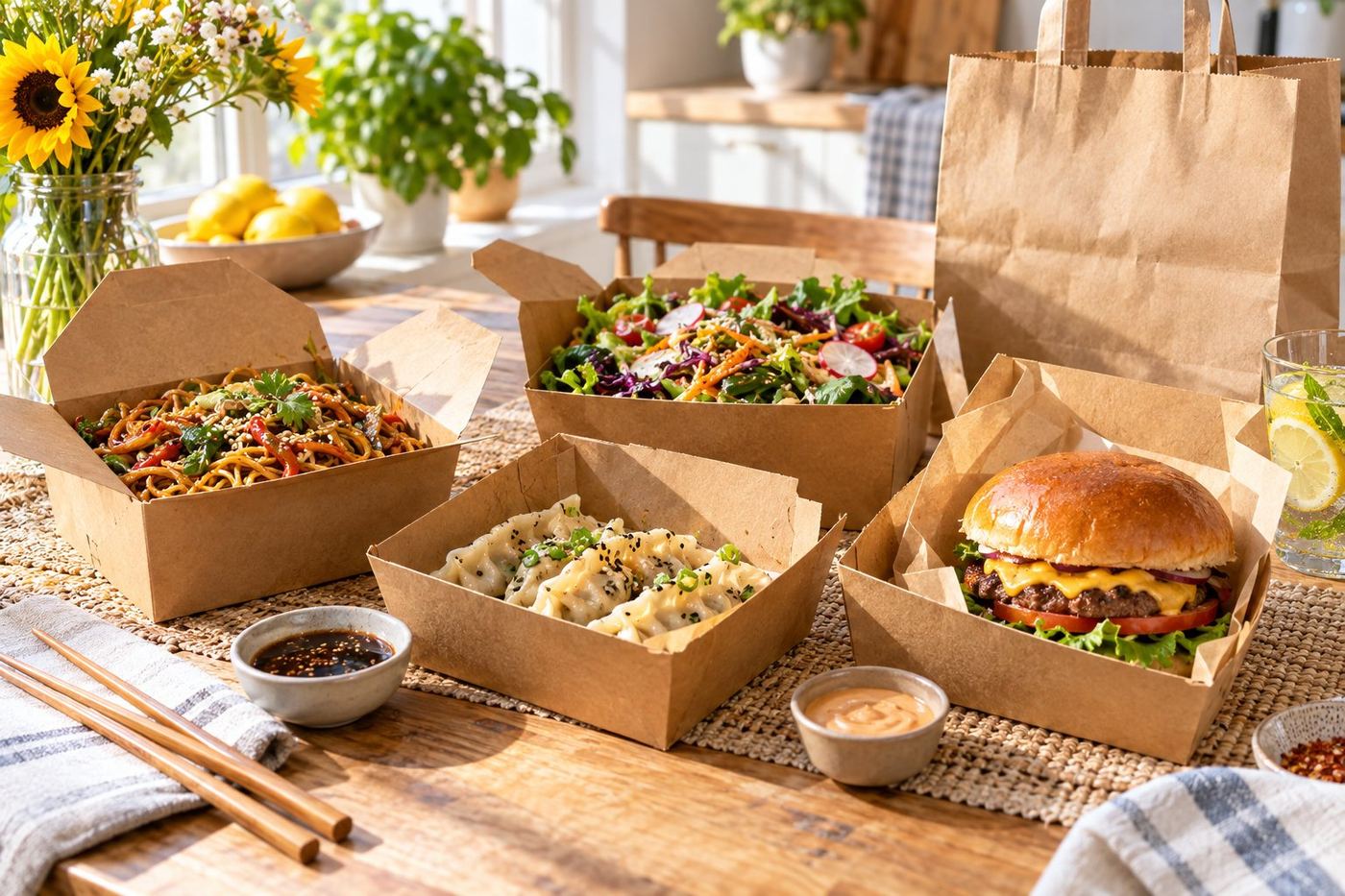
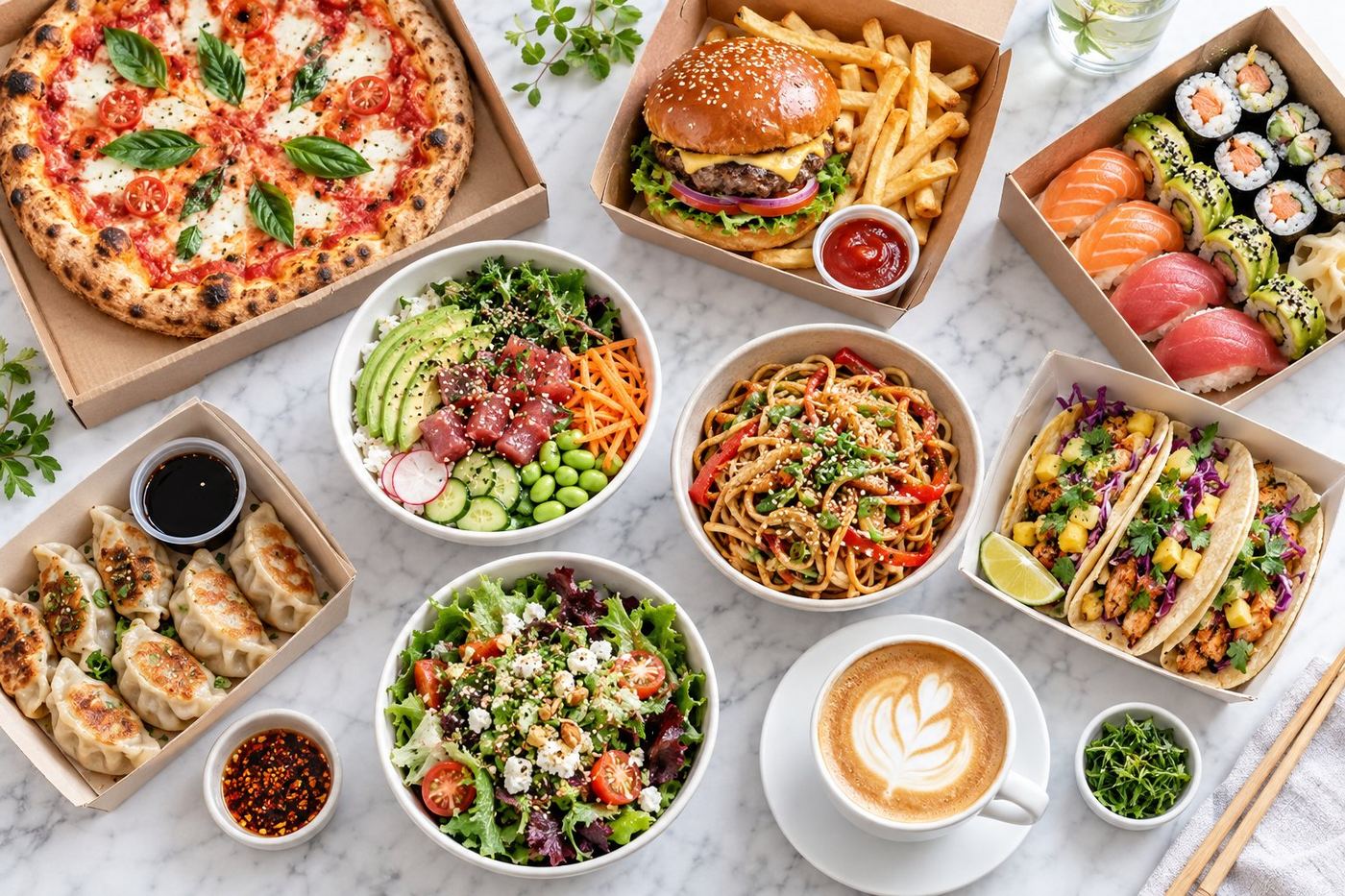
- A whole table of dishes shot from far away, so nothing stands out.
- Logos or text over the food.
- A dish that is no longer on the menu.