What's the same on every app
Whichever app a customer opens, they decide the same way: they scroll, look at photos and read names. On all three, these basics matter most:
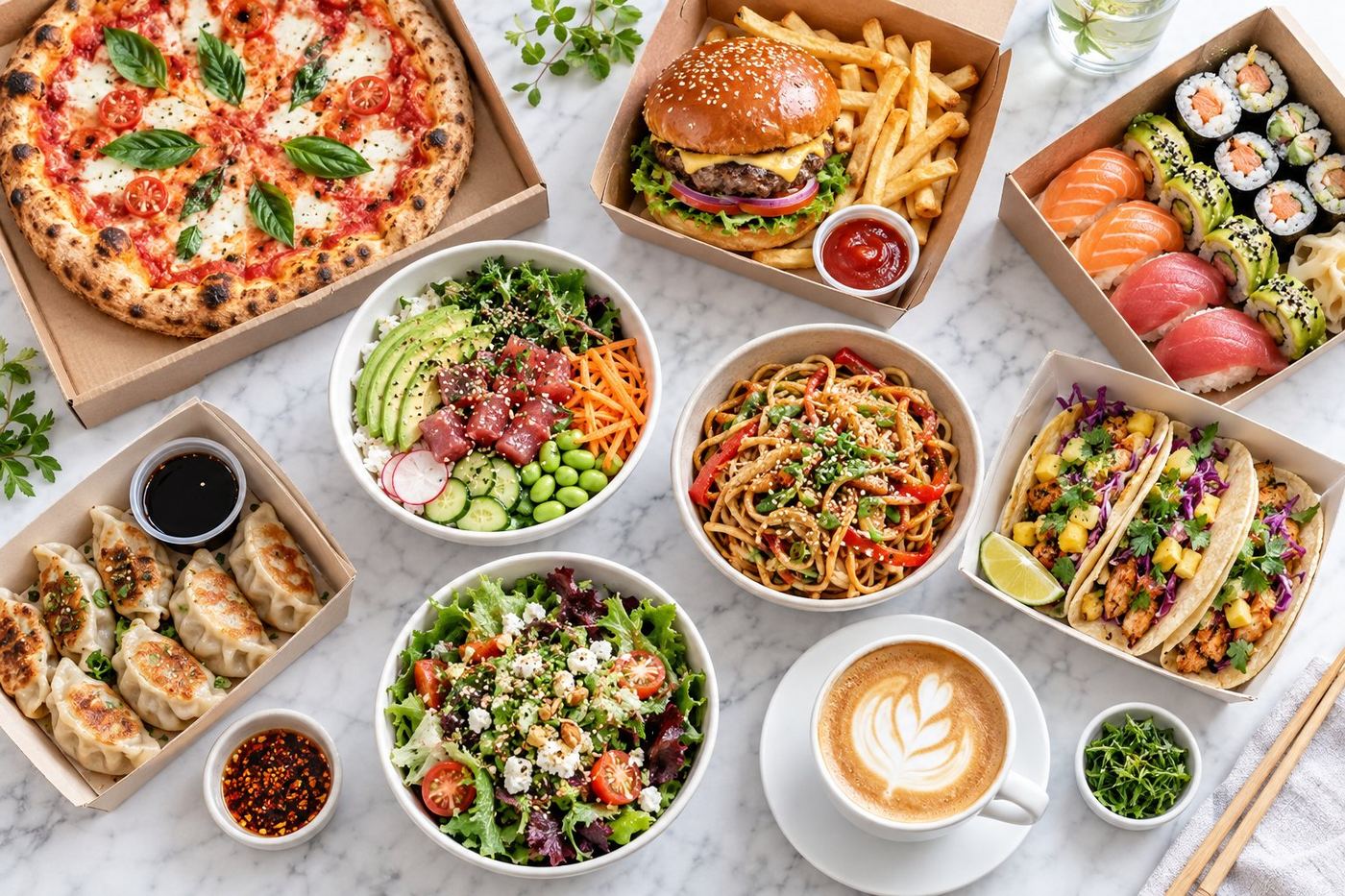
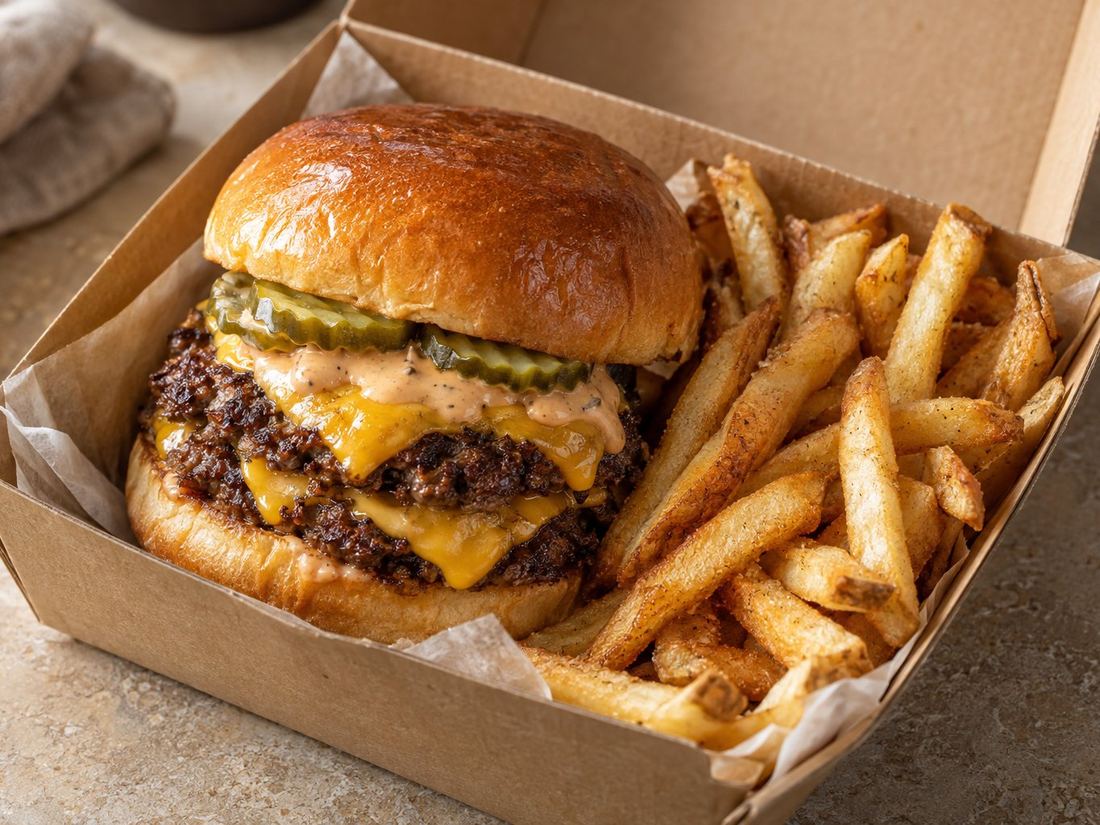
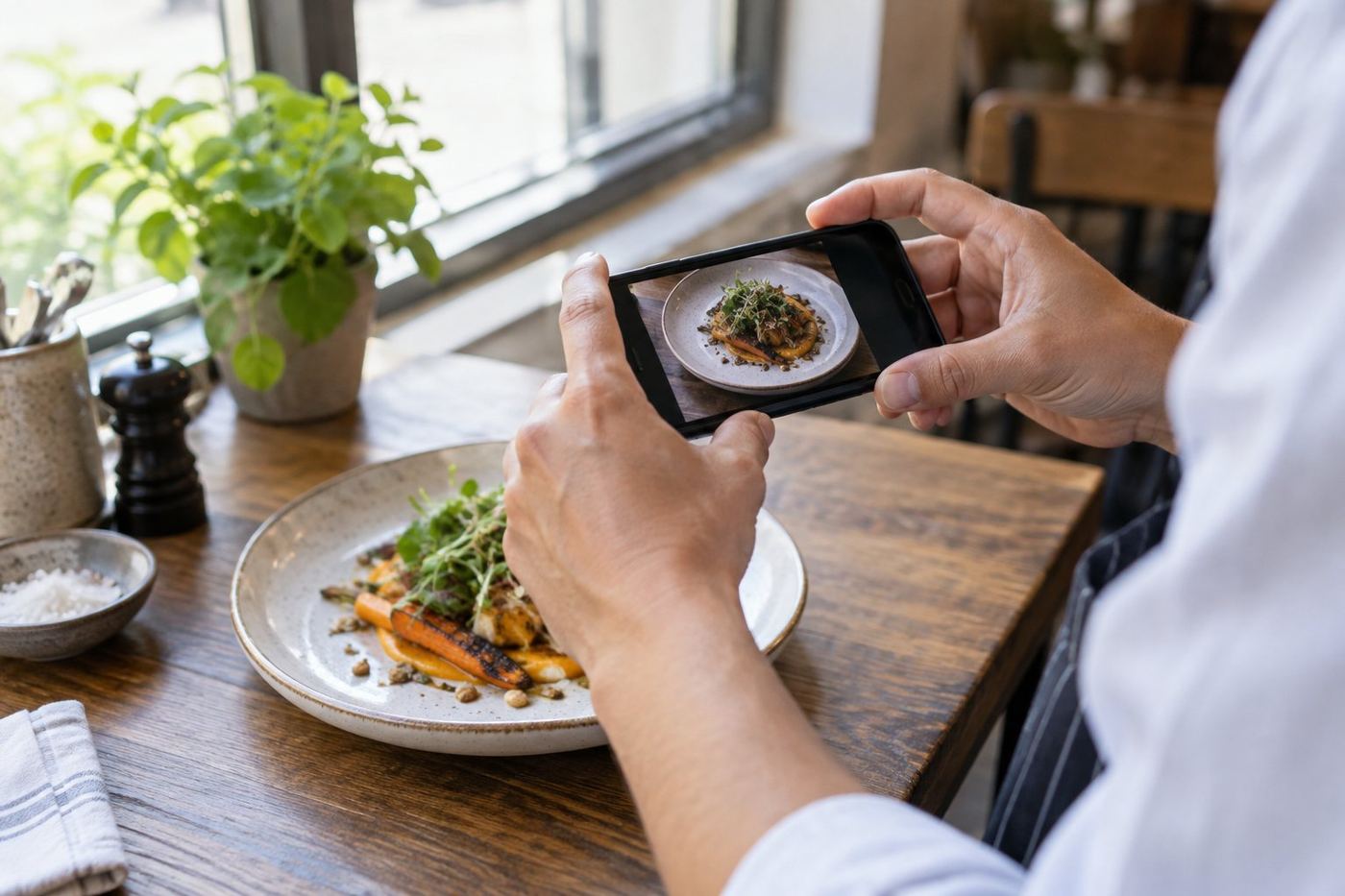
- Real, bright photos of your best sellers.
- Names people understand, with your signature name kept if you like.
- A one line description of what's in each dish.
- Short, logical categories with best sellers first.
- Correct prices, sizes, hours and sold out items.
Keep one master menu
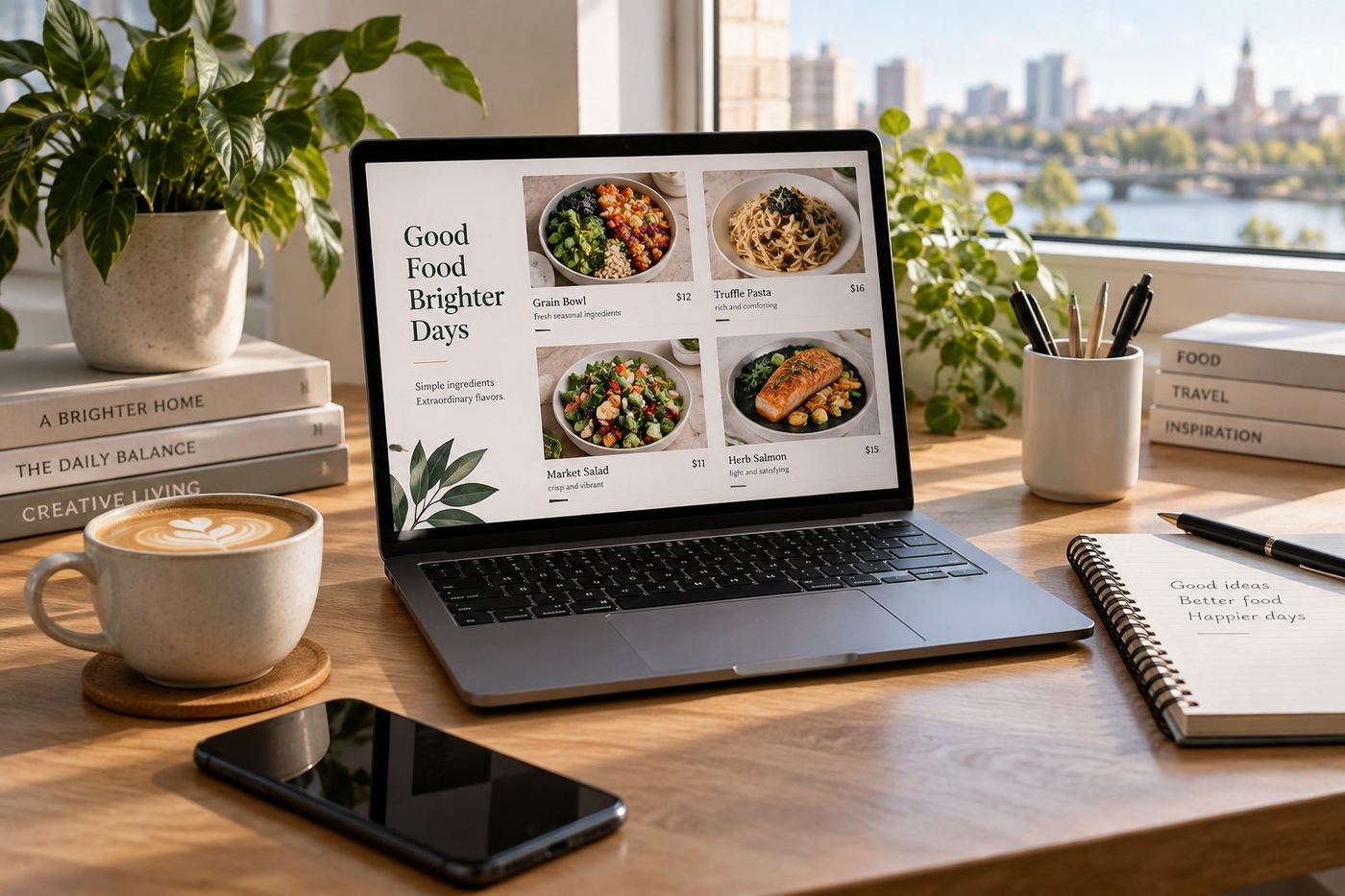
The easiest way to stay consistent is a single document or spreadsheet with every item's name, description, price, options and photo file. Make changes there first, then copy them into each app. This stops the common problem of a dish being removed on one app but still selling on another.
What differs between the apps
Each app has its own menu editor, its own photo rules and its own way of showing your page. Before you upload, check the current photo guidelines for each one: size, shape and what's allowed, like text or logos on the image. Crop from your original photos for each app rather than reusing an already cropped version.
Options, combos and add ons are also set up differently in each editor. Build them carefully on each app and place a test order if you can, so customers aren't charged the wrong amount or missing an item.
Fees and plans vary between apps and change over time. Look them up in your own agreements rather than relying on general comparisons, because what matters is what you actually pay.
Uber Eats tips
Uber Eats Manager lets you edit items, photos and categories, and add team members with menu access only. If items have no photo, Uber Eats may show photos taken by customers, so add your own to your best sellers. See our guide to editing your menu in Uber Eats Manager.
DoorDash tips
DoorDash menus are managed through the DoorDash Merchant Portal. As on every app, put your most ordered dishes first and give them photos. Check how your categories and options appear in the app after saving, because what looks right in the editor doesn't always look right on a phone.
Menulog tips
Menulog has been around for a long time and many regular customers still use it out of habit. Menu changes are made through its partner tools, and some changes may go through their team. Allow time for updates, and check your page once they're live.
Prices on more than one app
If the fees on your plans differ, you may choose different prices on each app. That's your call, but keep it simple: one clear rule per app is easier to manage than item by item differences. Our guide on how to price your menu on Uber Eats explains how to work out a delivery price.
Don't spread yourself too thin
Each app adds a tablet on the counter, a menu to update and orders to pack. Being on one app with a great, accurate page is better than three with old prices and missing photos. Add another app when you're confident you can keep it up to date.