The short answer
| Who | What they fix | Who does the work on your page |
|---|---|---|
| Uber Eats itself | Tips, photo rules, help to arrange food photos | You |
| A freelancer | Descriptions, sometimes photo edits | Usually you |
| A food photographer | Photos | You upload them |
| A done for you service | Names, descriptions, order, photos, the page | The service |
| You | Anything | You |
1. Uber Eats itself
Uber publishes free menu tips, such as descriptions of 140 to 260 characters and photos for as many items as possible, photo guidelines, and a help page on arranging photography for your restaurant. It also has its own AI photo tools; our guide on Uber Eats AI food photos explains them. Uber gives the rules and the tools; the work on your page is still yours.
Good for: owners with a little time who want to know the rules first.
2. A freelancer
Freelance writers and photo editors on marketplace websites can write descriptions or edit photos for a set price. Quality varies a lot, so ask for examples of real Uber Eats pages they have done. Most send you the words and photos, and you put them on your page yourself.
Good for: one job, like descriptions for a new menu.
3. A food photographer
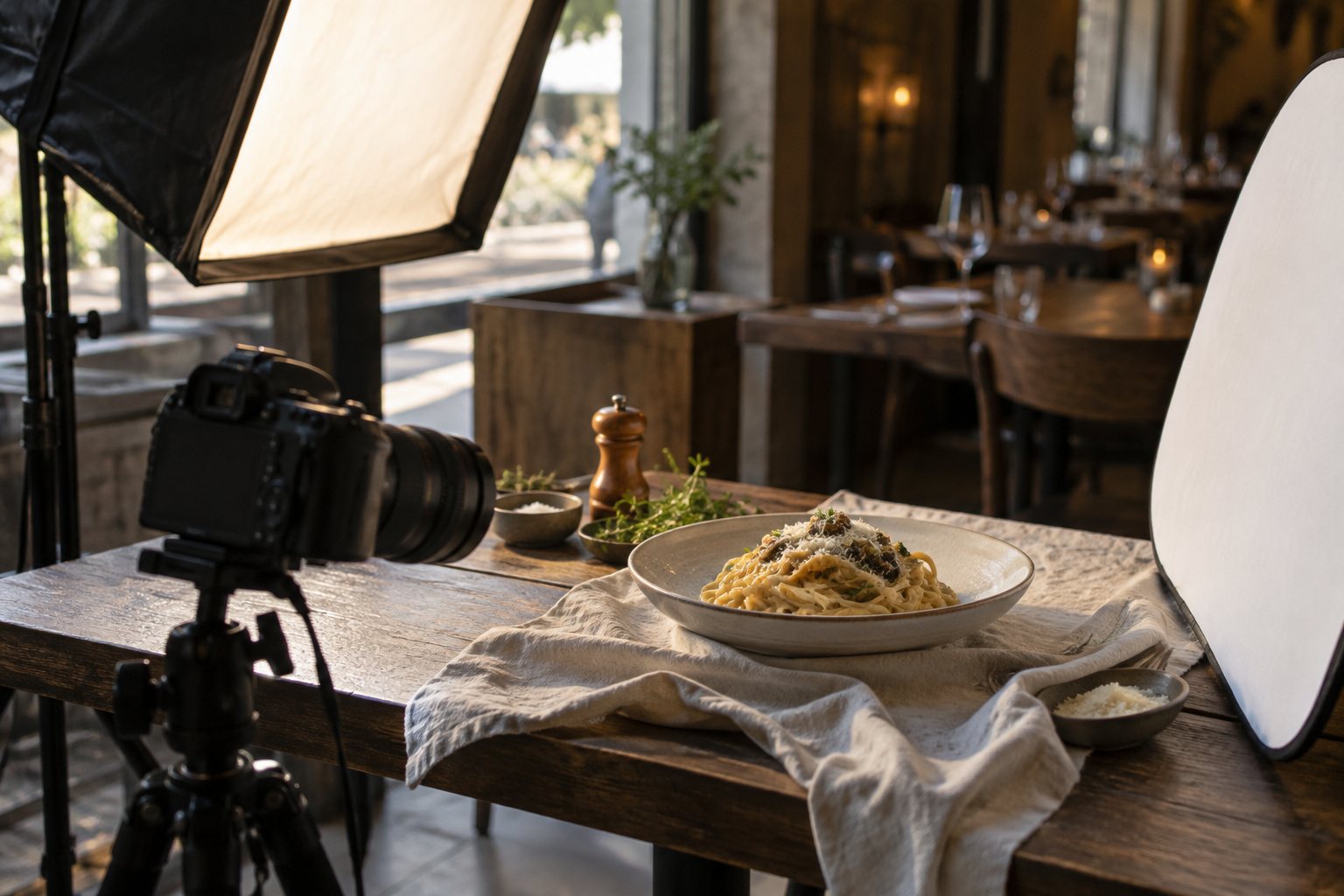
A local food photographer shoots your dishes in your kitchen. It gives you photos for every channel, not only Uber Eats, but usually costs the most and covers only photos. Our guide on Uber Eats food photography cost shows what to expect and what to ask.
Good for: a new restaurant, a new menu, or photos for your website and social pages too.
4. A done for you makeover service
A makeover service fixes the whole page: dish names, descriptions, categories, best sellers first and photos, and makes the changes on your page for you. That is what we do at MenuFix: we start from photos of your real dishes, make them clear and bright, rewrite every name and description, and update your page after you add us as a user in Uber Eats Manager. We do your 5 best dishes free first, then there are three monthly plans. MenuFix is independent and not part of Uber.
Good for: owners with no time who want the whole page done and kept up to date.
5. You, in Uber Eats Manager
Every change can be made in Uber Eats Manager, for free. Our guide on editing your menu in Uber Eats Manager shows where everything is, and our free Uber Eats page check shows what to fix first, in about 30 seconds.
Good for: owners with time on quiet afternoons.
Questions to ask before you pay anyone
- Do you use photos of my real dishes? Uber wants photos that show the real dish, and customers notice when food looks different.
- Do you need my password? The right answer is no: you add them as a user in Uber Eats Manager and remove them any time.
- Who makes the changes on my page? You, or them.
- Can I see a free sample first? A few of your own dishes before you pay.
- Is the price fixed? And what happens when your menu changes?
- Do they promise more orders? Nobody can honestly promise a number. Be careful with anyone who does.