The short answer
| Option | Cost | Who does the work | What it fixes |
|---|---|---|---|
| Uber Eats Manager, yourself | Free | You | Anything, if you know what to change |
| Free checkers | Free | You, with a list of fixes | Shows what is wrong first |
| Restaurant software | Usually monthly | You, in one dashboard | Orders and menus across apps |
| Food photographer | Quoted per shoot | The photographer | Photos only |
| Makeover service | Fixed or monthly price | The service | Menu, descriptions, photos, page |
1. Do it yourself in Uber Eats Manager
Every restaurant on Uber Eats can edit its own menu, photos and descriptions in Uber Eats Manager. Uber publishes menu tips: photos for as many items as possible, descriptions of 140 to 260 characters, more drink options and add ons. Our guide on editing your menu in Uber Eats Manager shows where everything is.
- Good: free, and you control every word.
- Keep in mind: it takes time, and it is hard to see your own page the way a hungry stranger does.
2. Free checkers: find out what to fix first
Before you change anything, find your biggest gaps. These free tools run in your browser and nothing is sent anywhere:
- Uber Eats page score: answer 10 questions, get a score out of 100 and your 3 most important fixes.
- Photo checker: checks a dish photo against Uber's size rules and fixes the shape.
- Description checker: checks length, capitals, vague words and ingredients.
We make these tools, and they are free with no sign up. If you would rather a person looked at your real page, our free page check emails you a score and 3 fixes within 24 hours.
3. Restaurant software that connects to the delivery apps
Platforms such as Otter bring orders from Uber Eats and other apps into one system and let you update your menu once for every app. In France, Fooderise offers delivery app tools for reviews, order disputes and menu sync. Check each one's website for its current features and prices.
- Good: saves time if you sell on several apps, and gives you reports.
- Keep in mind: software runs your delivery business, but you still write the descriptions and take the photos yourself.
4. A food photographer, or Uber's photography session
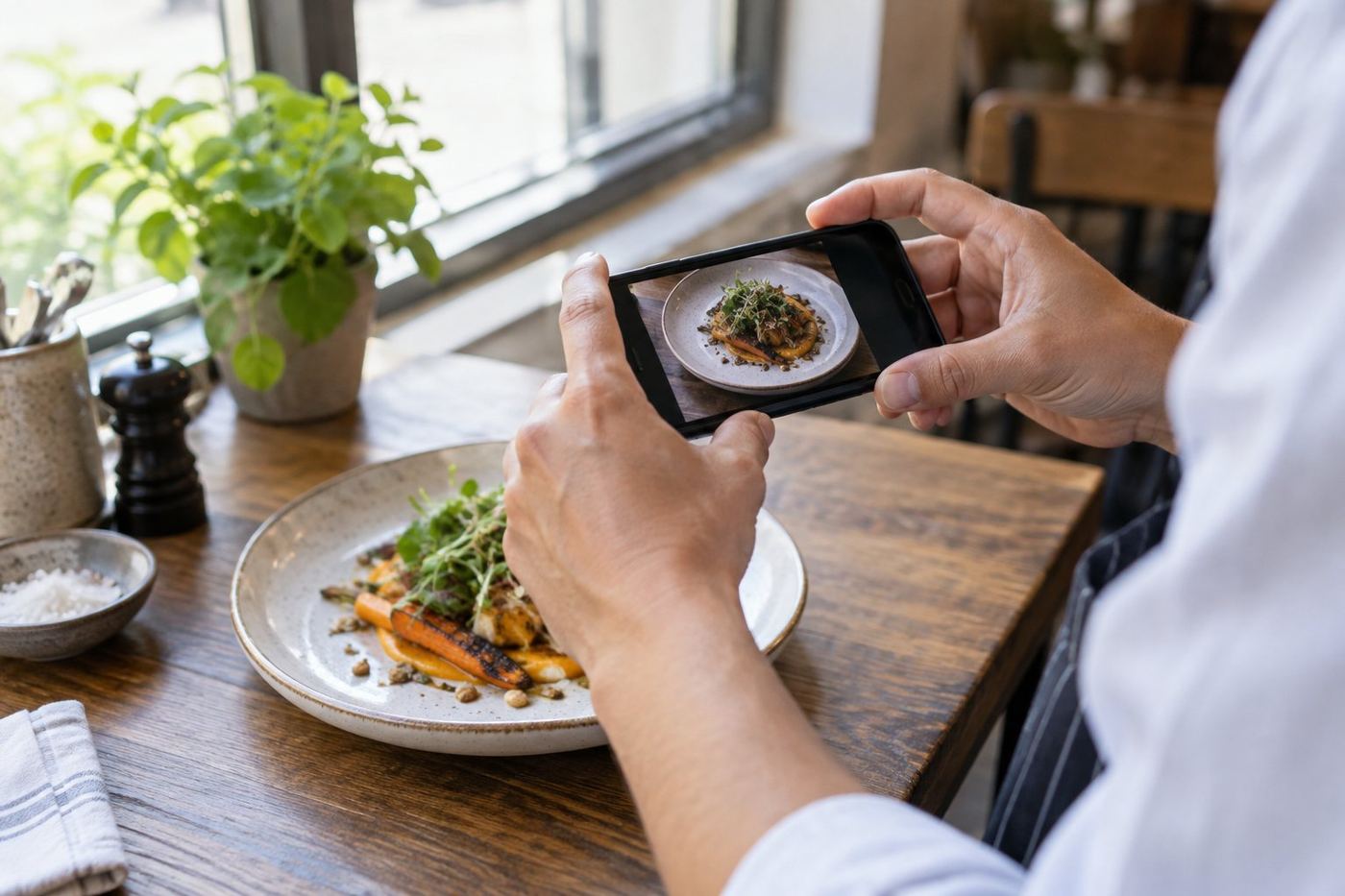
Photos are the biggest single change on most pages. Uber has a help page on how restaurants arrange a photography session, and a local photographer can shoot your whole menu. Our guide to Uber Eats food photography cost compares the routes without made up prices.
- Good: real, professional photos of your dishes.
- Keep in mind: photos only. Names, descriptions and menu order stay as they are.
5. A done for you makeover service
A makeover service fixes the whole page: dish names, descriptions, menu order, photos and the changes on Uber Eats itself. That is what we do at MenuFix: we rewrite your menu, enhance photos of your real dishes (never fake food) and can make every change on your page for you. Our prices are one time, with no subscription, and you see a free mockup of your new page before you pay anything.
- Good: the least work for you, and everything changes together.
- Keep in mind: it costs more than doing it yourself, so compare what is included.
Questions to ask before you pay anyone
- Do you use photos of my real dishes, or stock and AI food?
- Who makes the changes on my Uber Eats page, you or me?
- Is the price fixed, or a monthly subscription?
- Can I see a free sample of my own page first?
- Do I keep the photos and texts if I stop?
Where to start
Whatever you choose, start with your ten best sellers: a bright photo, a clear name and a description that names the main ingredients. Our guide on getting more orders on Uber Eats explains why those dishes matter most.