How Uber Eats ratings work
After their order arrives, customers rate it from 1 to 5 stars. Uber's ratings help page says your store rating is based on recent ratings, so changes you make show up over time. You can see your rating, ratings for each item and written feedback in Uber Eats Manager (where to find them).
1. Make your page match what arrives
Most low ratings come from a gap between what people expected and what turned up. Use photos of your real dishes in real portions, and descriptions that say what's in the dish and how big it is. Our guide to writing menu descriptions helps, and the description checker flags vague wording.
2. Pack food so it travels
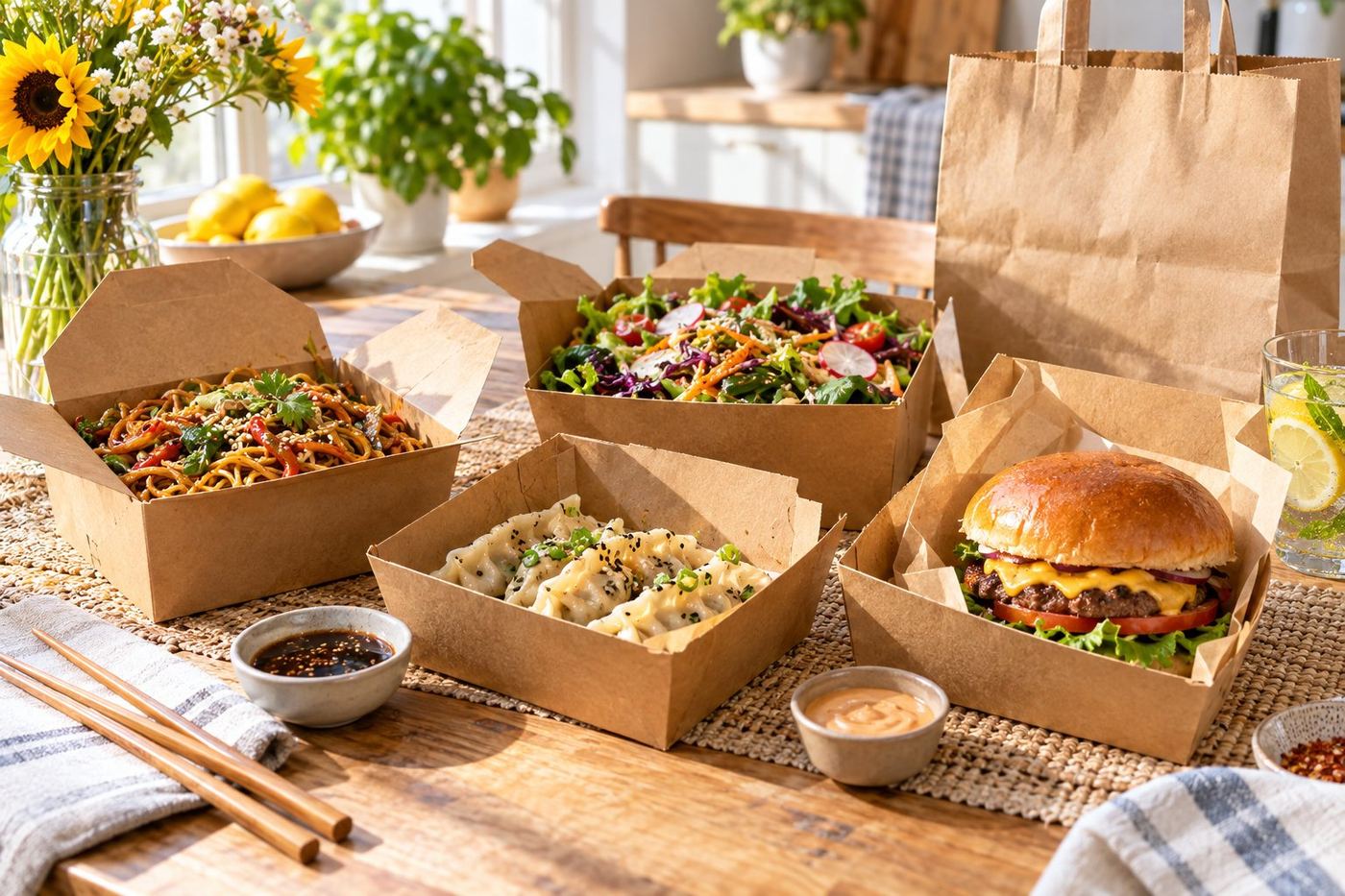
- Vented boxes for chips and anything crumbed, so they don't go soggy.
- Sauces and dressings in sealed pots on the side.
- Hot and cold items packed apart, with ice cream or salads in their own container.
- A sealed bag, so nothing spills on the way.
3. Switch off sold out items straight away
A missing item means a changed or cancelled order, and an unhappy customer. Pause items in Uber Eats Manager the moment you run out, and switch them back on when you can make them.
4. Check every order before it leaves
Uber's ratings help page suggests checking each order before handoff. A quick look at the ticket against the bag catches missing drinks, sides and sauces, which are an easy cause of bad ratings.
5. Read your feedback and fix what repeats
One comment is one person's view. The same comment twice is worth acting on. If it's about the food, look at the recipe or portion. If it's about expectations, fix the photo or description. See our guide on replying to Uber Eats reviews, with examples.
6. Keep your hours honest
Accept orders only when you can cook and pack them properly. Busy times are when mistakes happen, so if the kitchen is overloaded, it's better to pause for a while than send out rushed food.
What you can't control
Traffic, the courier and the weather affect some ratings, and that's frustrating. Focus on what you can change: a clear, accurate page and food that travels well.