Why combos work on delivery
People ordering on a phone want to decide fast. A combo answers the question for them: main, side and drink, one price, one tap. It also bundles items people might not have added on their own, which can lift the size of each order.
How to set up a combo in Uber Eats Manager
- Open Uber Eats Manager and go to Menu Maker.
- Create a new item for the combo, for example Classic Burger Meal.
- Add a required modifier group for each choice: Choose your side, Choose your drink.
- Set each group to exactly one choice, and add an extra price only for upgrades, like a large drink.
- Write a description that lists everything in the meal.
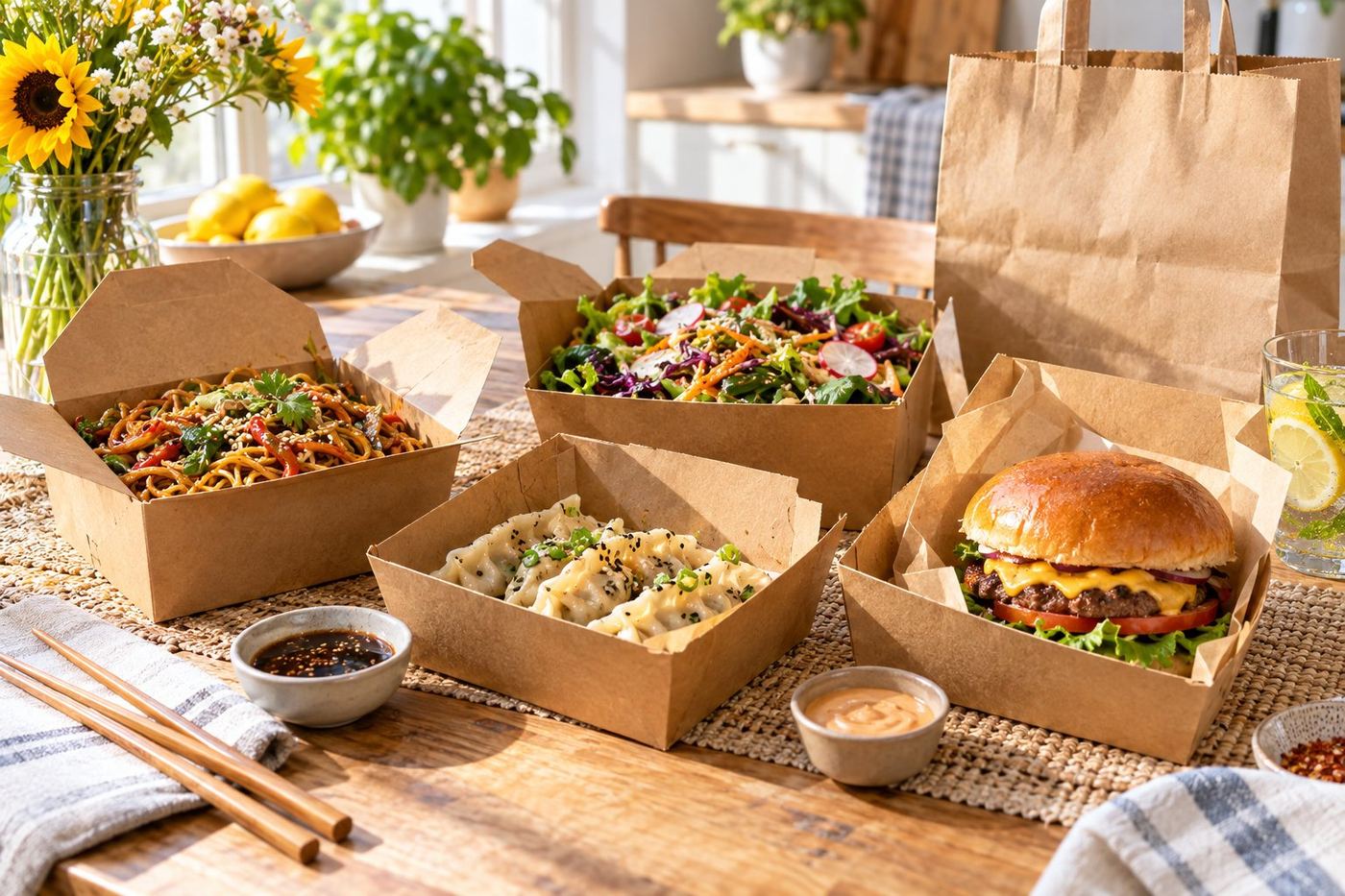
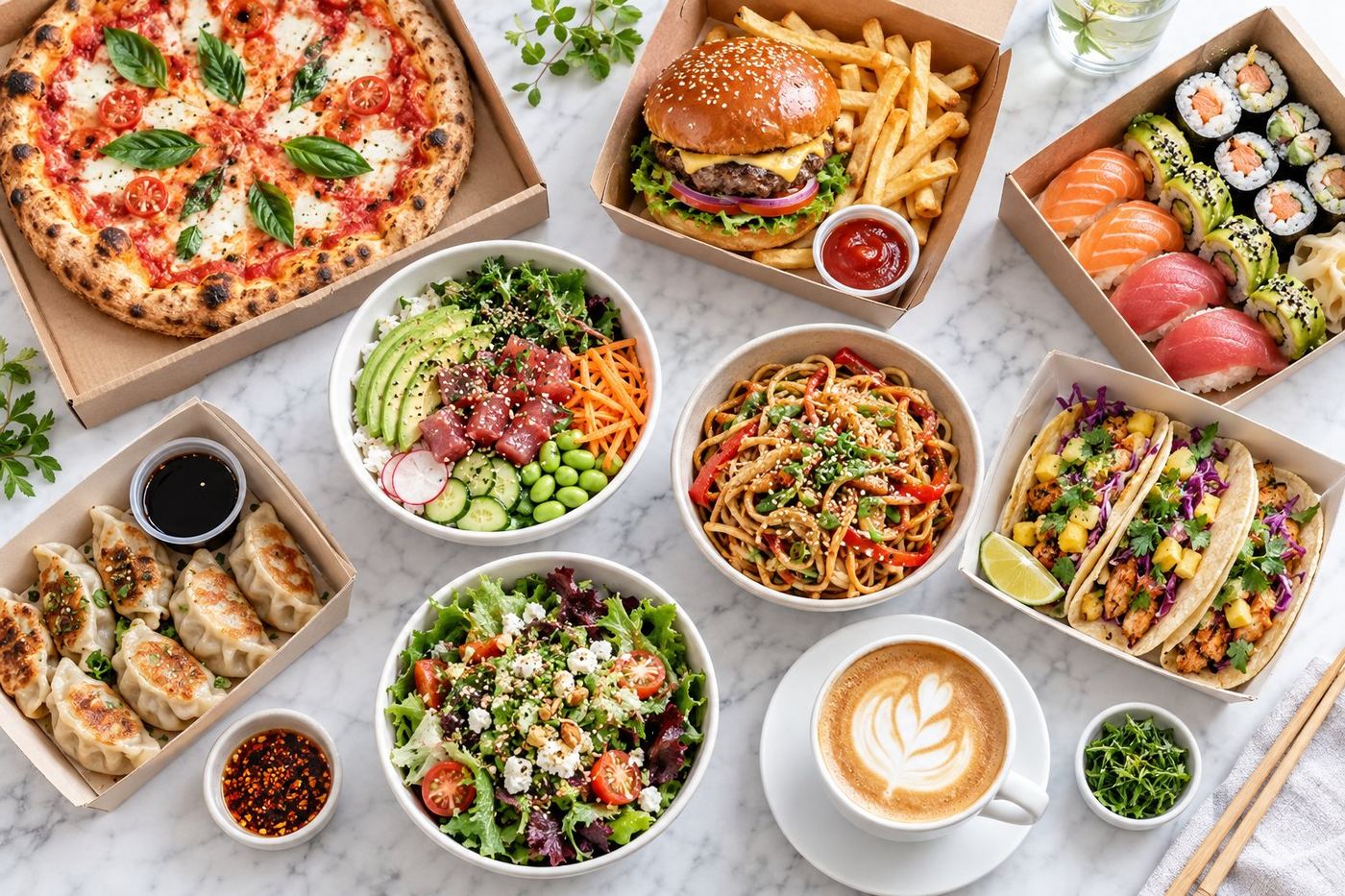
- Add a photo that shows the whole deal on one plate or tray.
- Put it in a Meal Deals category near the top, then open it as a customer would and check it before you publish.
The screens can look a little different from country to country, so check the Menu Maker help page for your region. Our guide on Uber Eats menu modifiers explains choice groups step by step.
If your menu comes from a POS
When a POS system sends your menu to Uber Eats, changes made only in Uber Eats Manager can be overwritten at the next sync. Build the combo in the POS and let it sync. Some POS systems only send simple combos, so check what your system supports and look at the result in the Uber Eats app.
Pricing a combo fairly
- Add up the normal prices of the items in the deal.
- Take off a small saving so the combo feels worth it.
- Check the final price still covers your food cost and the Uber Eats commission.
- Charge extra only for real upgrades.
Our guide on pricing your menu on Uber Eats shows how to work out the numbers.
Naming and photos
- Name it after the main dish: Chicken Burger Meal says more than Combo 3.
- Say what is included in the first line of the description.
- Use a real photo of everything in the deal, never an AI image.
- Put your best seller in a combo first: see how to order your menu around best sellers.
Common mistakes
- Choices left optional, so the kitchen gets a meal with no drink picked.
- Too many combos, so none of them stand out.
- A combo price that is higher than the items on their own.
- Combos that include items you have run out of or stopped making.
- No photo, so the deal is easy to scroll past.
Want us to set it up for you?
Our free Uber Eats page check looks at your whole page and tells you the 3 things to fix first. If you would rather not do it yourself, we can rebuild your menu, names, descriptions and photos done for you inside your Uber Eats Manager: see our packages.