Who takes phone orders without a POS
Small takeout places, cafés, bakeries and family restaurants that take payment at the counter, use the delivery apps' own tablets, or use a POS that AI phone services don't connect to. For them, the question is not which POS, but how to get every phone order written down right, with a name, a number and a pickup time.
Three ways that work
1. A ticket pad by the phone
Free and fast to start. Write the name, the number, each dish with its options and the pickup time, read it back to the caller, and pass the ticket to the kitchen. It works when someone is free to answer. In the rush, calls ring out.
2. A tablet with a simple order screen
Some restaurants keep a shared tablet by the phone with an order form or a spreadsheet, so orders are easy to read and nothing is lost. It still needs a person to answer every call.
3. An AI phone assistant that sends orders to a tablet
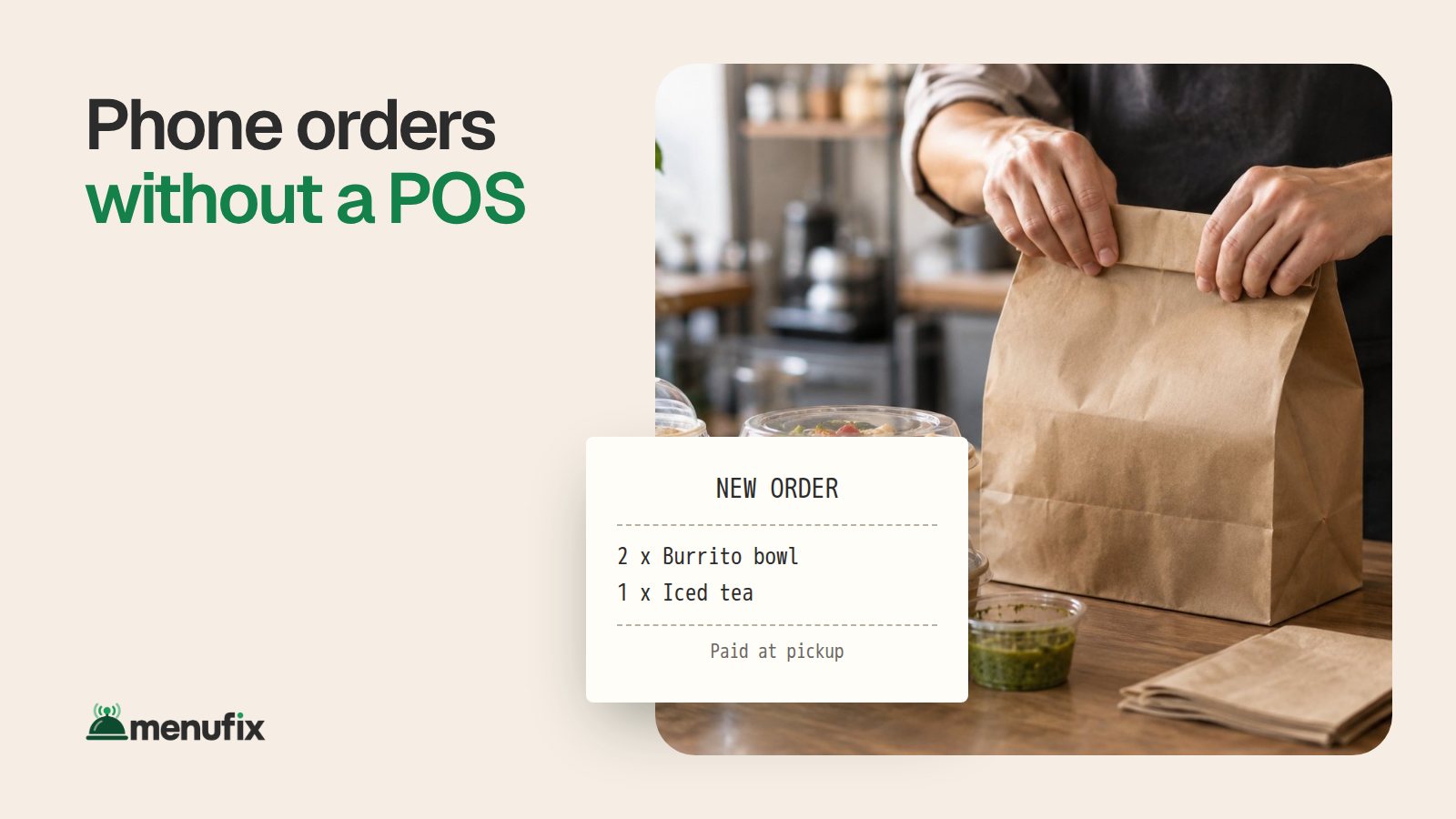
When your line is busy or nobody answers, the call goes to the assistant. Ours knows your menu and prices from your delivery page or your website, takes the pickup order and any message, and the order appears in your MenuFix portal on a tablet or phone with a sound and pop up alerts. A print button makes the kitchen ticket, and the customer pays at pickup.
What other AI phone services say about a POS
From each company's own website, read on 15 and 23 November 2026:
- Maple: Your POS on Pro: Toast, Square, Clover, Shift4 Dine and more. Without a POS, the Orders page of its dashboard and your printer
- Kea: Your POS: 11 or more direct integrations, including Toast, Square, Clover and Olo. Without one, its Order View and an Epson printer
- Loman: Your POS: Square, Toast, SpotOn, Clover, Shift4, Aloha by NCR, Olo and Stream
- Bite Buddy: Your POS: Toast, Square, Clover, Olo, SpotOn, NCR Aloha and 15 more
If you already use one of those POS systems and want the order inside it, they are built for that. If you don't, ask each one what its setup without a POS looks like on a busy night, and on which tablet and printer it works.
Ours opens in the browser of your own iPad or Android tablet, with no app to install. An order rings every 15 seconds until someone accepts it (up to an hour), the screen stays awake, and the kitchen ticket prints on the printer your tablet already uses. Your staff have their own log in: they accept orders, print, mark a dish sold out, change the ready time and pause orders, but they can't change prices, settings or billing.
Five rules for every phone order
- Take a name and a phone number before the order.
- Write each dish with its size and options, exactly as on your menu.
- Read the whole order back.
- Give a clear pickup time, and keep it.
- Never guess an allergy answer: pass the question to someone who knows your kitchen.
When the kitchen is full, see how to pause phone orders. See also: how to stop missing phone orders, AI phone ordering for restaurants and phone pickup orders or delivery apps.
Hear ours first
Type your restaurant's name on our free demo page and your own assistant calls you back as your restaurant, with your real menu and prices, in about a minute. Then you decide. Everything it does is on our AI phone assistant for restaurants page. And if you also sell on Uber Eats, our free Uber Eats page check shows what to fix first on your page.