Tablet, POS or paper: which one fits you
| On a tablet | In your POS | On paper | |
|---|---|---|---|
| You need | A tablet and the internet | A POS the service supports | A pad and a person |
| The kitchen gets | A ticket from the tablet's printer | The ticket it always gets | Handwriting |
| Reports and stock | A list of orders, not your POS reports | All in one place | None |
| Payment | At pickup | At pickup, or before, with some services | At pickup |
| If it breaks | Another tablet or a phone | Call the POS company | A new pen |
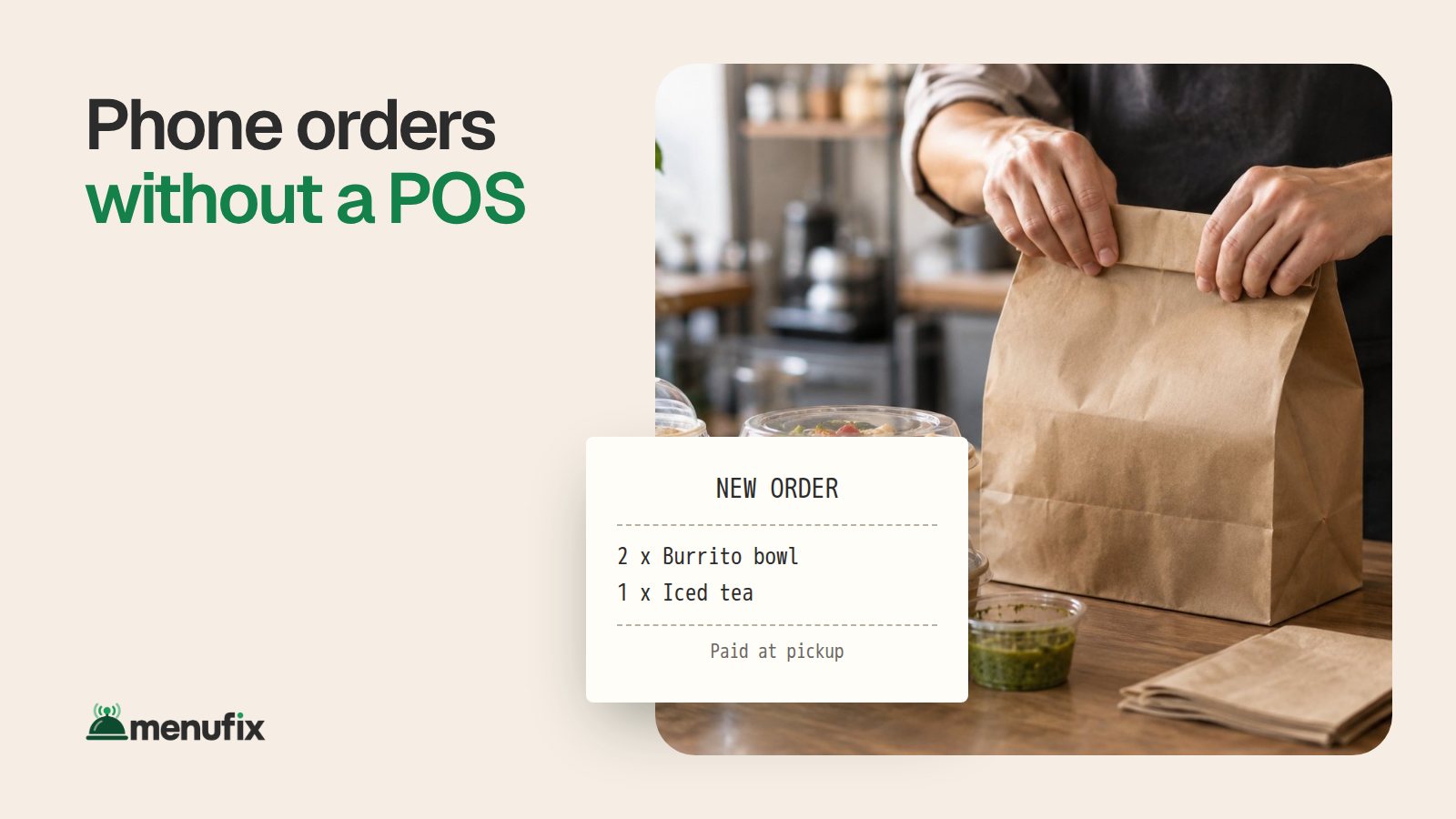
A tablet fits a place that takes payment at the counter and lives from tickets. A POS link fits a place that needs every sale in one report.
Where the tablet stands
- Next to the packing. The person who hands over the bag sees what is new and what is ready.
- Not next to the fryer. Grease and steam end a tablet, and nobody taps with wet hands.
- On a stand, plugged in, all day. An empty battery on Friday at seven means nobody sees the orders.
- Away from the delivery tablets, or with another sound, so the team knows which one rings.
Set it up, step by step
- Open the order page and log in with a staff log in, not the owner's.
- Turn on alerts and the sound, then raise the volume of the tablet itself.
- Add the page to the home screen, so it is one tap after a restart.
- Connect the printer in the tablet's own settings and print a test ticket.
- The owner turns on the backup email, in the owner's log in under Settings.
- Place a test order by phone and walk it all the way: ring, accept, ticket, ready, picked up.
- Pull the plug of the internet box for a minute and look at what the screen says.
One person accepts
When everybody is in charge, nobody is. Write one name a shift next to the tablet. That person accepts, checks the note on the order, prints, and says the number out loud. If they go on a break, the name changes.
- Accept means the kitchen has it, not "we saw it".
- Read the note first. No onion, sauce on the side, extra cheese: the ticket is only as good as the eyes on it.
- Mark it ready when the bag is closed, so the counter stops asking the kitchen.
- Sold out? Mark the dish at once. The next caller is already ordering it.
A kitchen ticket that cooks can read
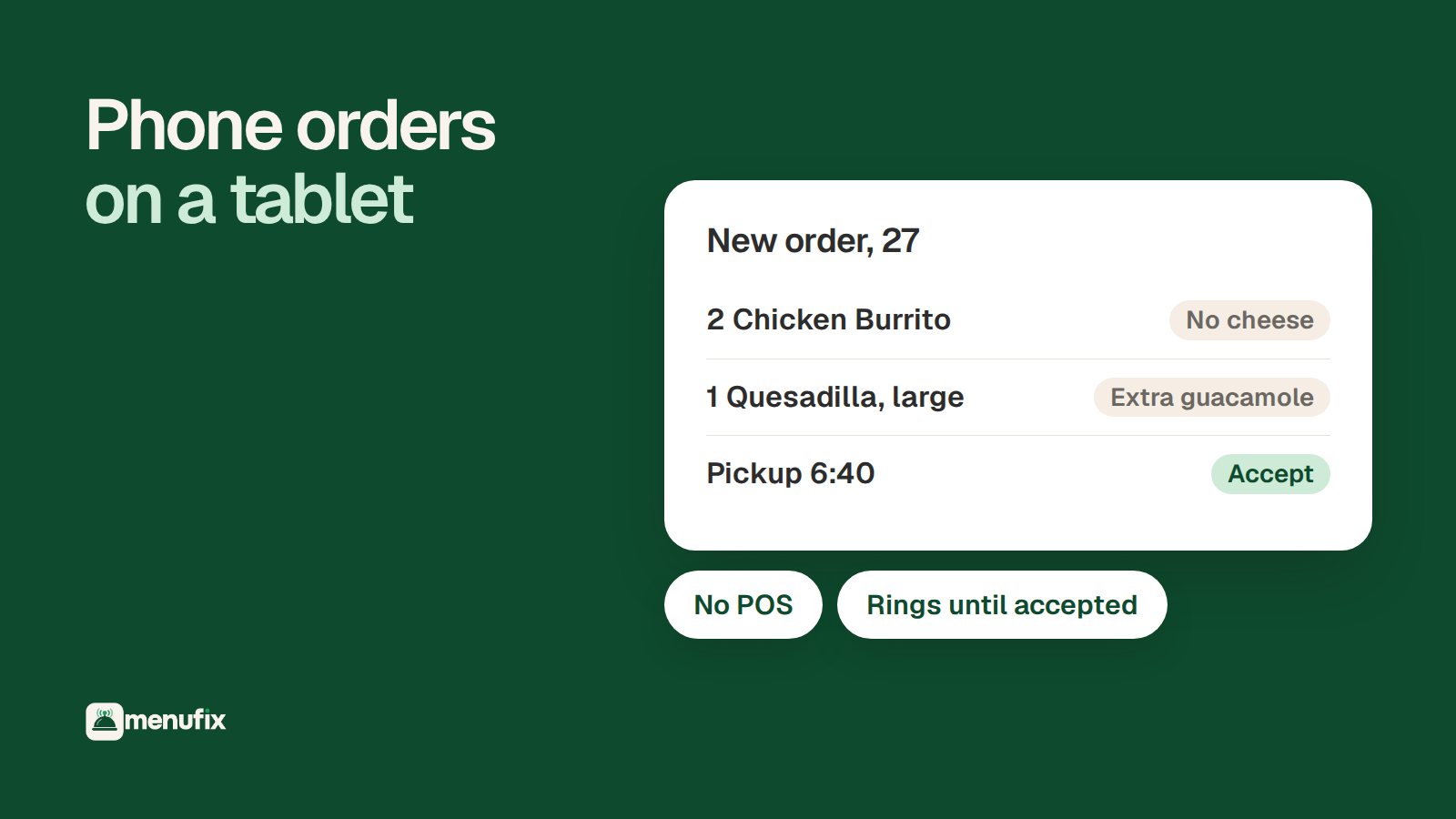
From the pass, at arm's length, with steam: number and name on top, pickup time, then one dish a line with the changes under it. This is an example:
ORDER 27   MARIA   pickup 6:40
2 Chicken Burrito
   black beans, NO cheese
1 Quesadilla, large
   XTRA guacamole
1 Horchata
NOT PAID. PAYS AT PICKUP
When too many orders come at once
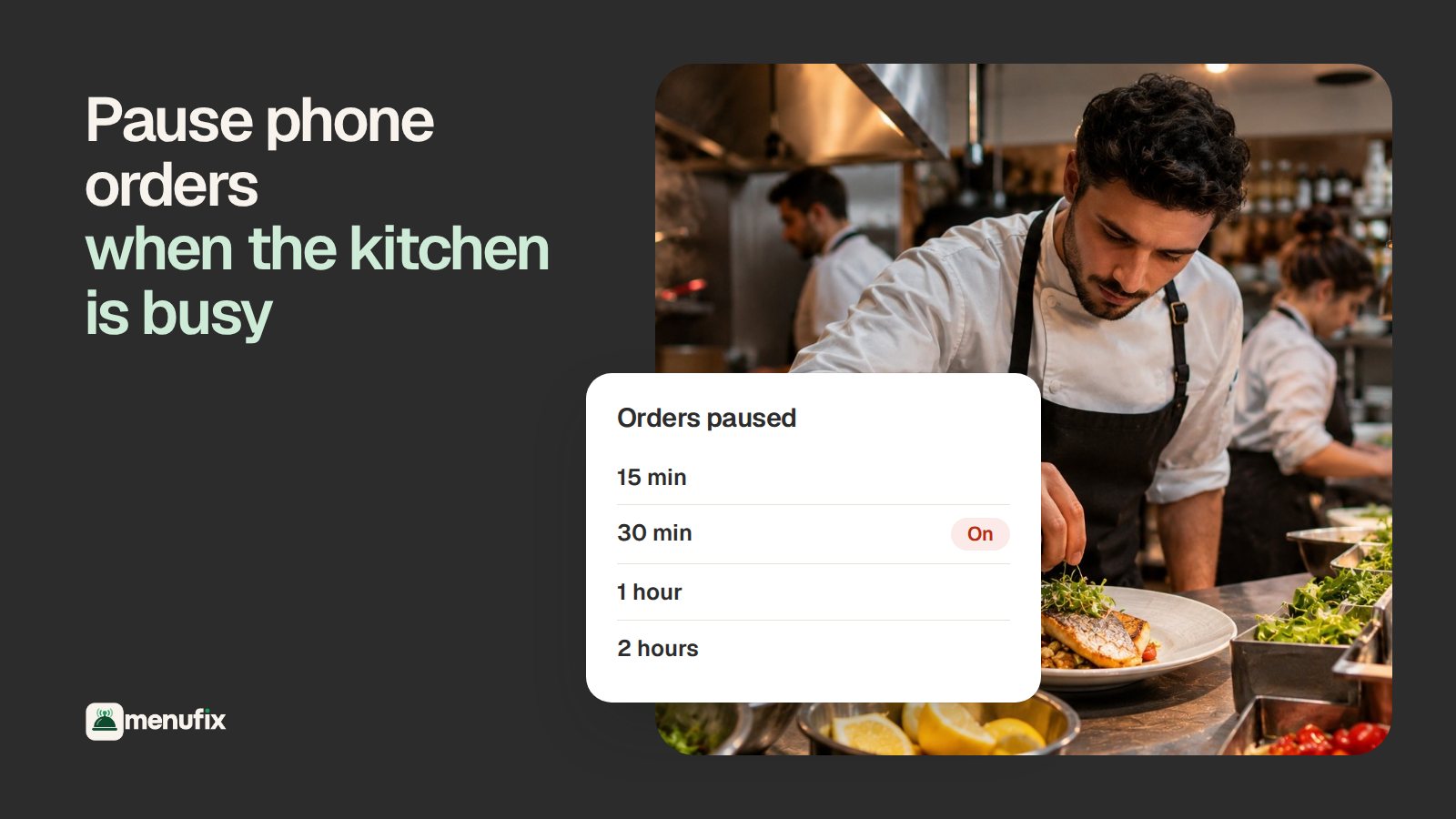
A tablet has one big advantage over a ringing phone: you can slow it down. First give a longer ready time. If that isn't enough, pause orders for a while and keep answering questions. How and when: pause phone orders when the kitchen is busy.
How it works with our phone assistant
Our AI phone assistant for restaurants picks up when your line is busy or nobody answers, takes the pickup order from your menu, reads it back and says the total. Then:
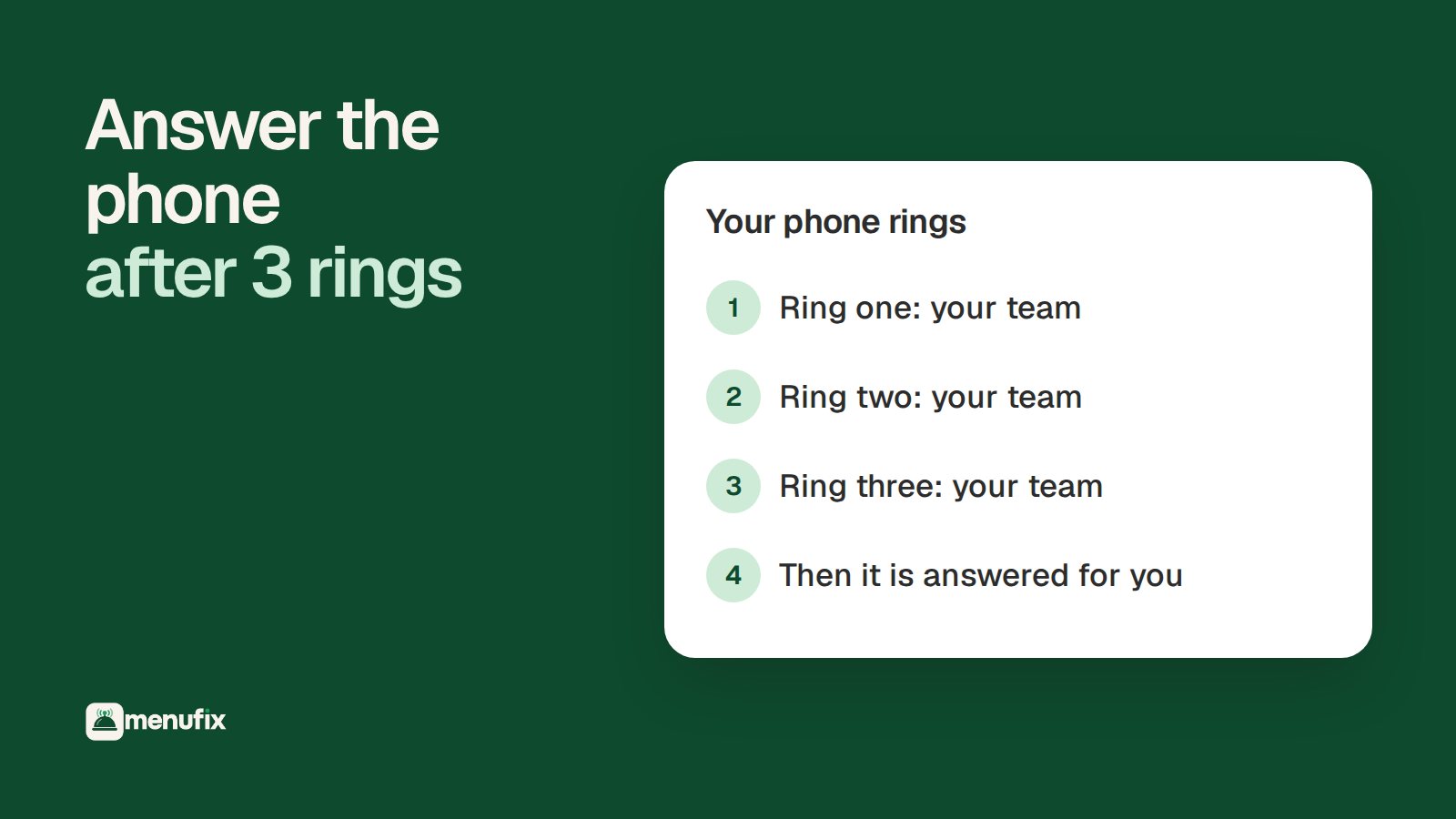
- The order rings on your tablet every 15 seconds until someone accepts, up to an hour. The screen stays awake.
- Tap Accept, then Mark ready, then Picked up. Every order has its own number.
- One tap prints the kitchen ticket on a receipt printer or any printer the tablet can use.
- Extras are on the order, and your team confirms their price at pickup, unless the price is in your menu or your rules.
- The call itself is there: listen, or read what was said, when something is not clear.
- Not connected is shown when the internet is lost. Email copies are a backup.
There is no POS link, and the customer pays at pickup. Restaurants in the United States for now: 7 days free on your real line (up to 100 calls), no card to start, then US$149 a month for up to 300 calls. More about phone orders without a POS, what other services say about it, and the portal on a tablet.
Hear ours first
Book on our free demo page and your own assistant calls you back as your restaurant, with your real menu and prices, in about a minute. Then you decide. Everything it does is on our AI phone assistant for restaurants page. And if you also sell on Uber Eats, our free Uber Eats page check shows what to fix first on your page.