How answering after 3 rings works
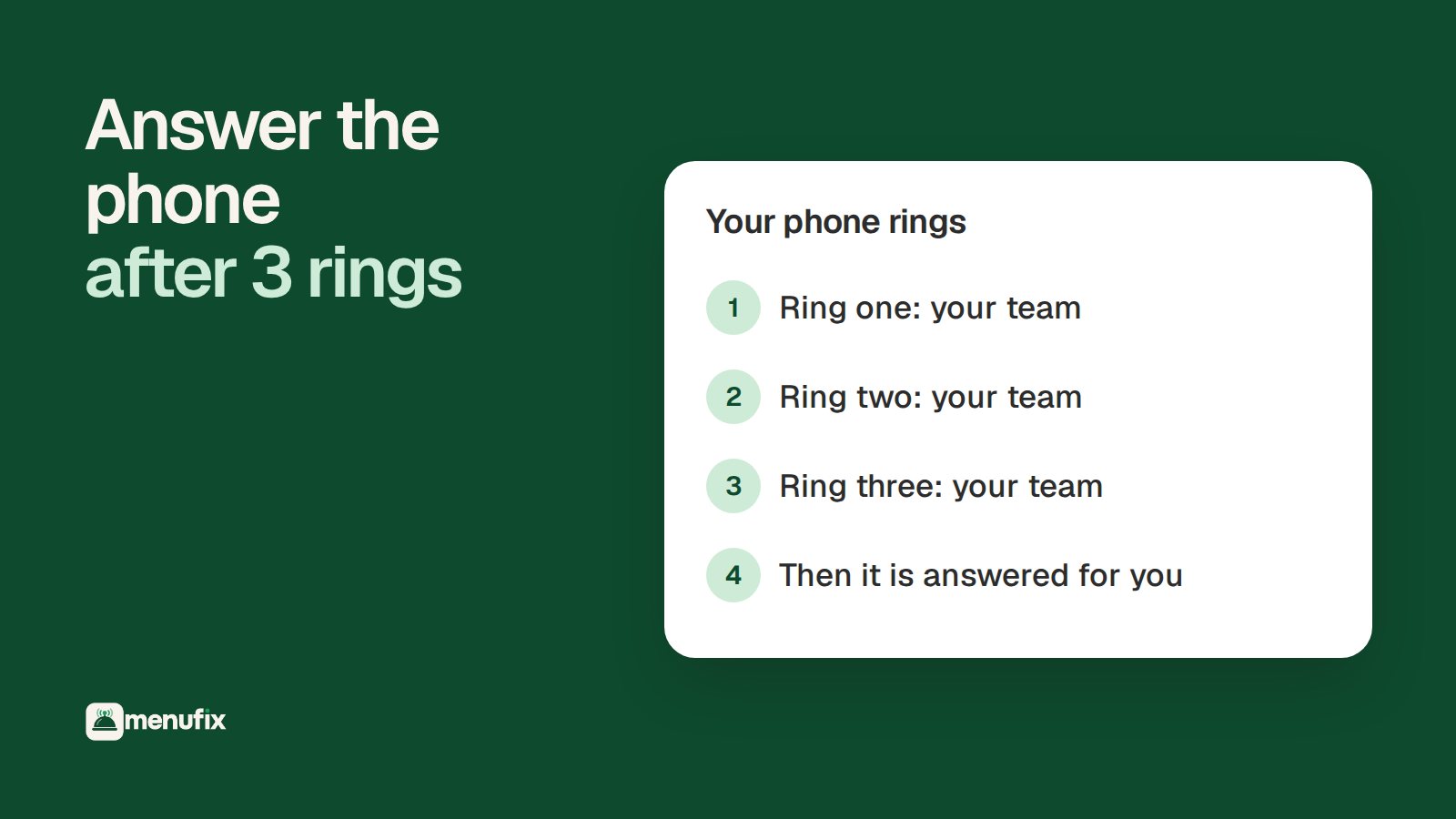
- A customer calls your usual number and your phone rings in the restaurant.
- Your team answers if they can. Nothing changes for that call.
- Nobody picks up after the rings you chose: the phone company sends the call to the assistant's number.
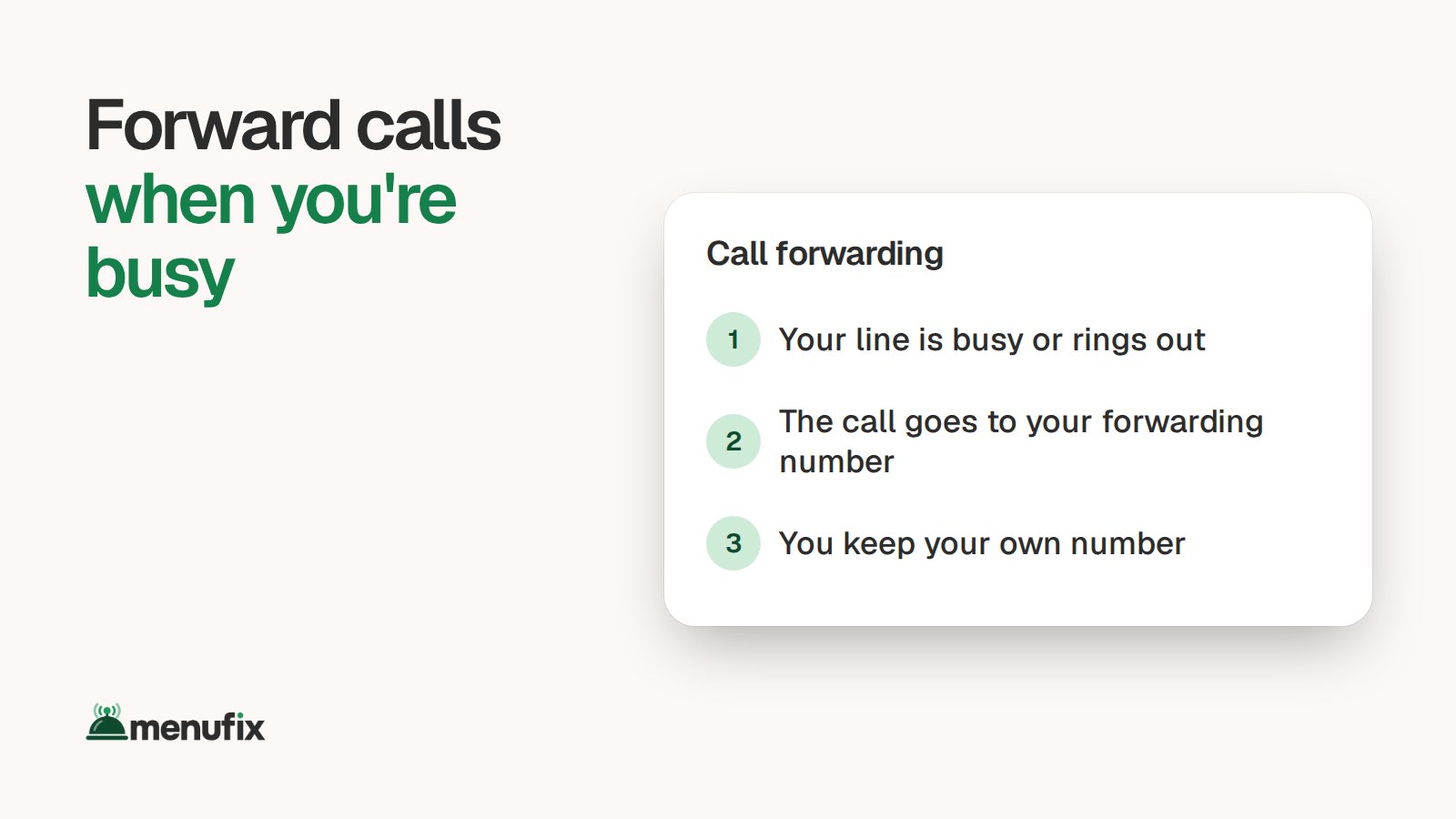
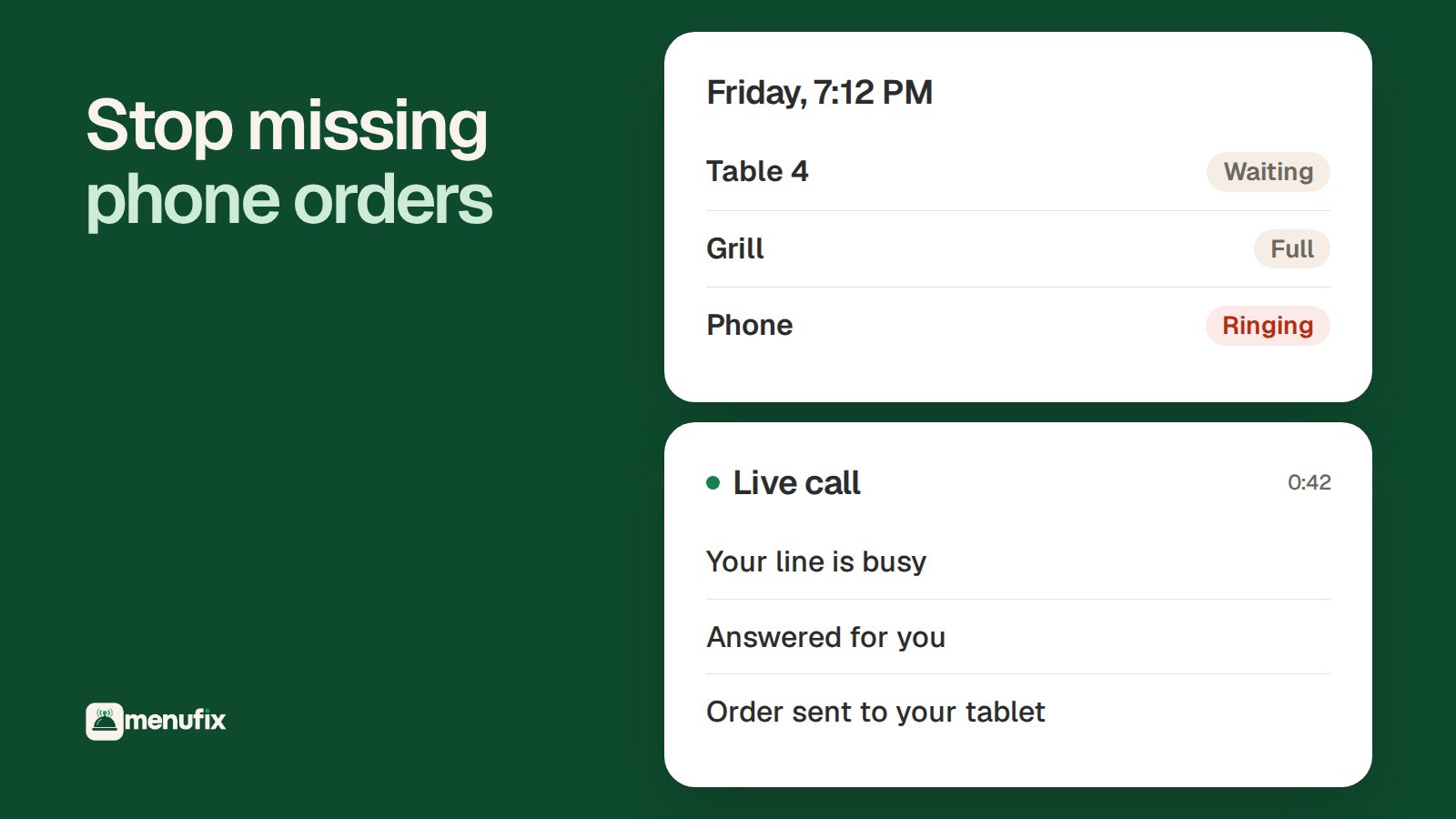
- The line is already busy: the second call goes there at once, if you also turn on forwarding when busy.
So you need two settings, no answer and busy, and one number of rings. What you don't want is forward all calls, because then your own phone never rings.
Where each phone company sets the rings
| Your line | Number of rings | No answer | Busy |
|---|---|---|---|
| Spectrum Business | Online, up to 6 | On *92, off *93 | On *90, off *91 |
| Verizon mobile | Three or four, not a setting we found | *71 and the number, off *73 | Same code |
| Verizon Business Digital Voice | You choose it there | User Portal, Call Settings | Same page |
| Verizon business landline | Preset, ask Verizon | A service you order | Same service |
| AT&T Phone for Business | Not found on AT&T's help page for this line, ask AT&T | *92, the number, #. Off *93# | *90, the number, #. Off *91# |
| AT&T business landline | *47 with Ring Control, 2 to 9 | A service you order | A service you order |
| Comcast Business VoiceEdge | *610, No Answer Timer | On *92, off *93 | On *90, off *91 |
| T Mobile | In seconds, see below | On **61*1NUMBER#, off ##61# | On **67*1NUMBER#, off ##67# |
All read on 25 November 2026. Plans and areas differ, and companies change their pages: if a code gives you an error tone, call them and say "forward my calls when busy or no answer to this number, after 3 rings".
Spectrum Business, step by step
- Sign in as an administrator. Choose Services, then Business Phone, then Manage Settings.
- Under Ring Settings choose Number of Rings, pick 3 and save. Spectrum says up to 6.
- On the restaurant phone dial *92 for missed calls and give the assistant's number when you are asked. Do the same with *90 for a busy line. If the line doesn't ask, call Spectrum.
- Call your restaurant from a mobile and don't answer. It must ring in the restaurant before the assistant picks up.
One warning. On the same page Spectrum describes the online choice Forward to Phone Number under Missed Calls as forwarding without ringing your phone. If your phone stops ringing after you change it, undo it and use the code, or call Spectrum.
Verizon, step by step
Mobile: dial *71 and the 10 digit number. Verizon calls it No Answer, Busy Transfer and says it works after three or four rings. *73 turns it off.
Business Digital Voice: open the User Portal, Call Settings, Call Forwarding. Turn on When no answer, type the number and choose the rings, then turn on When busy. Save.
Business landline: the service is called Busy Line, Don't Answer. With the Variable option you change the number yourself; with the Fixed option Verizon's office does it. The rings are preset, so ask.
AT&T, step by step
Phone for Business: dial *92, the number and # for no answer, then *90, the number and # for busy.
Business landline: ask for Call Forwarding Busy Line and Call Forwarding Don't Answer. You tell AT&T the number of rings when you order. With Ring Control you change it yourself with *47, from 2 to 9; in some areas you dial a code for the rings instead.
Mobile: it is in the settings of the phone itself, see call forwarding on AT&T mobile. We found no setting for the rings.
Comcast Business VoiceEdge
Dial *92 for no answer and *90 for busy, with the number. *610 is the No Answer Timer: it changes how many rings a caller hears first.
T Mobile
Dial **61*1NUMBER# for no answer and **67*1NUMBER# for busy. ##61# and ##67# turn them off. T Mobile counts in seconds, from 5 to 30. Its page shows the code for the seconds only with its own voicemail number in it, so ask T Mobile before you use it with another number.
Three things that go wrong
- Voicemail is faster. If voicemail picks up after 2 rings, nothing after 3 rings ever happens. Turn it off on that line or ask your phone company to replace it.
- Only no answer is on. Then a caller who phones while you talk hears a busy tone. Turn on busy too.
- A call that comes back to you. If the assistant puts a caller through to your public number, the call can go in a circle. Give it a staff mobile instead.
Test it before the dinner rush
- Call from a mobile. Don't answer. Count the rings you hear in the restaurant.
- Call while somebody is talking on the line.
- Call and answer on the second ring: it must be a normal call.
- Order something, and look where the order lands.
- Write the code that turns it off on a note next to the phone.
How our phone assistant picks up
You keep your own number. When you start, your portal shows your assistant's number, and you set the forwarding on your line with the steps above; write to us and we help you find the right setting. From then on your team answers first. When they can't, our AI phone assistant for restaurants picks up, takes the pickup order from your menu, reads it back and says the total. The order rings on your own tablet. If the caller wants a person, it puts the call through to the staff phone you choose, and if nobody answers it takes a message.
Want to switch it off for a quiet evening? Turn off the forwarding with your phone company's code. It is for restaurants in the United States for now: 7 days free on your real line (up to 100 calls), no card to start, then US$149 a month for up to 300 calls. The same steps for other phone companies are in our help center.
Hear ours first
Book on our free demo page and your own assistant calls you back as your restaurant, with your real menu and prices, in about a minute. Then you decide. Everything it does is on our AI phone assistant for restaurants page. And if you also sell on Uber Eats, our free Uber Eats page check shows what to fix first on your page.