Sold out today or sold out until you say so
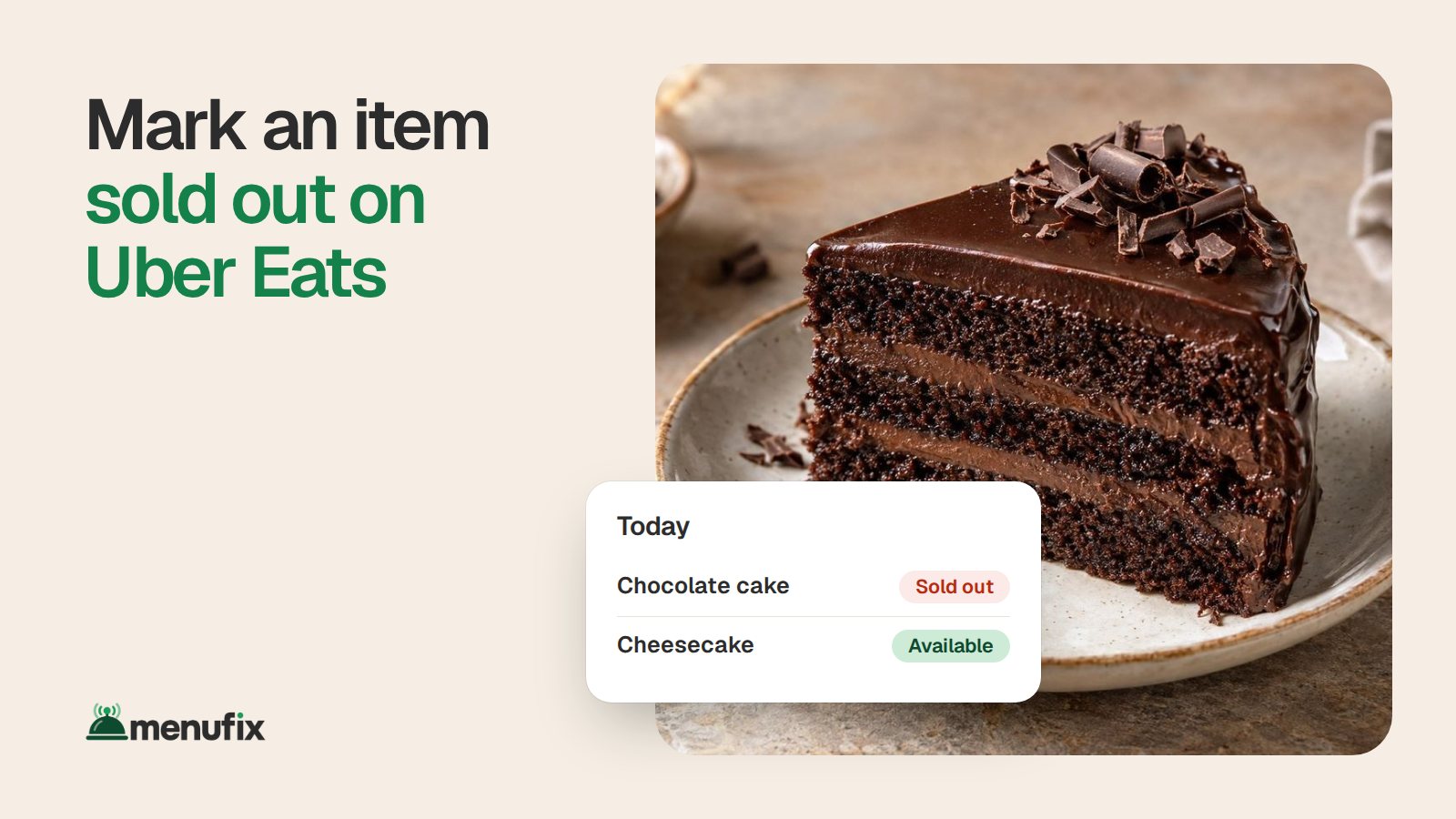
Uber gives two ways to turn a dish off. Sold out today suspends it until the end of the day, and it is available again the next day. Sold out indefinitely turns it off until you switch it back on. When the dish is back, press Available. Use sold out today for a dish that ran out; use the other one for a dish you stopped making or that is out for days.
Why orders still come in for a sold out dish
Uber's help is clear: check that the dish is suspended everywhere on the menu. Dishes in Most popular are on your menu twice, so they need to be marked sold out in both categories. The same goes for a dish you added to more than one category yourself, for example a burger in Burgers and in Lunch deals.
When an order already has a dish you don't have
If the order is in progress and no delivery person has been sent yet, tell the customer through the order:
- Open Uber Eats Orders and tap the order.
- Find the dish and tap the 3 dots next to it.
- Tap Out of stock, and pick any other missing dishes.
- Uber tells the customer, who has 10 minutes to continue or change the order.
If you don't see Out of stock, a delivery person may already be on the way, or the option isn't there for that order: tap Contact customer instead.
Habits that save orders and ratings
- Mark a dish sold out the moment the last portion goes, before the next order arrives.
- At closing, check what you marked sold out indefinitely and turn back on what returns tomorrow.
- Give your best sellers a clear second choice in their description, so a sold out day still sells.
- Keep each dish in as few categories as you can: fewer places to switch off.
Want us to do it for you?
We fix the part of Uber Eats you control: your menu page. We rewrite your names and descriptions, set up your categories so each dish is easy to manage, make your real photos clear and bright and update your page for you inside Uber Eats Manager. Start with our free Uber Eats page check. MenuFix is independent and not part of Uber.