Start with a delivery menu, not your whole menu
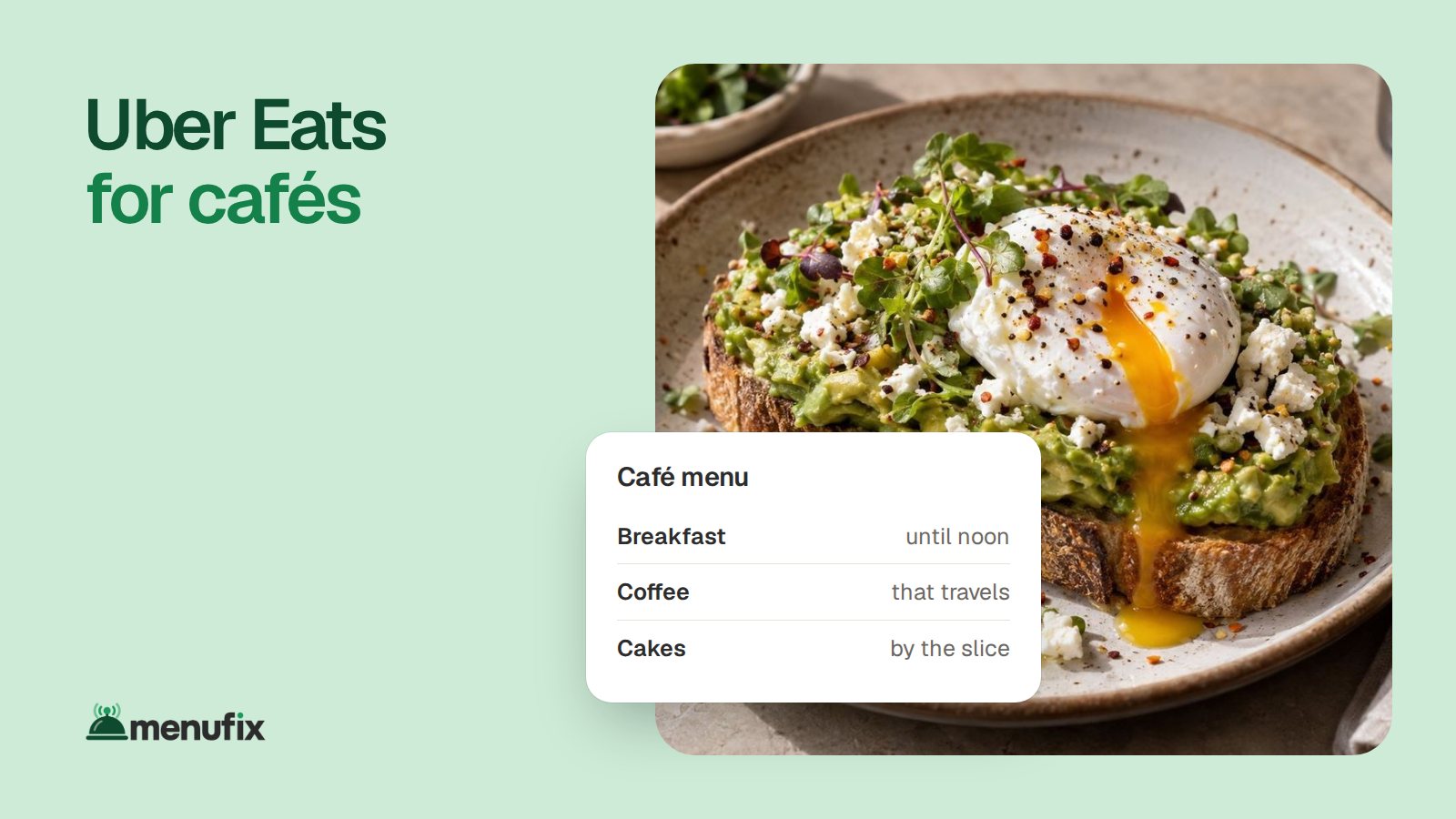
Your counter menu can have 40 items. Your Uber Eats menu does not need them all. Choose the dishes that still look and taste right after a 20 minute ride, and leave the rest for dine in. A shorter menu is also easier to scroll and easier to keep up to date.
- Travels well: toasted sandwiches, wraps, bowls, salads with dressing on the side, muffins, cakes, slices, cold drinks.
- Travels badly: poached eggs, toast under hot toppings, froth heavy coffee, anything with a runny sauce poured on top.
- Fix it with packing: sauces and hollandaise on the side, toast in its own box, a vented lid for hot dishes.
Set up coffee the way people order it
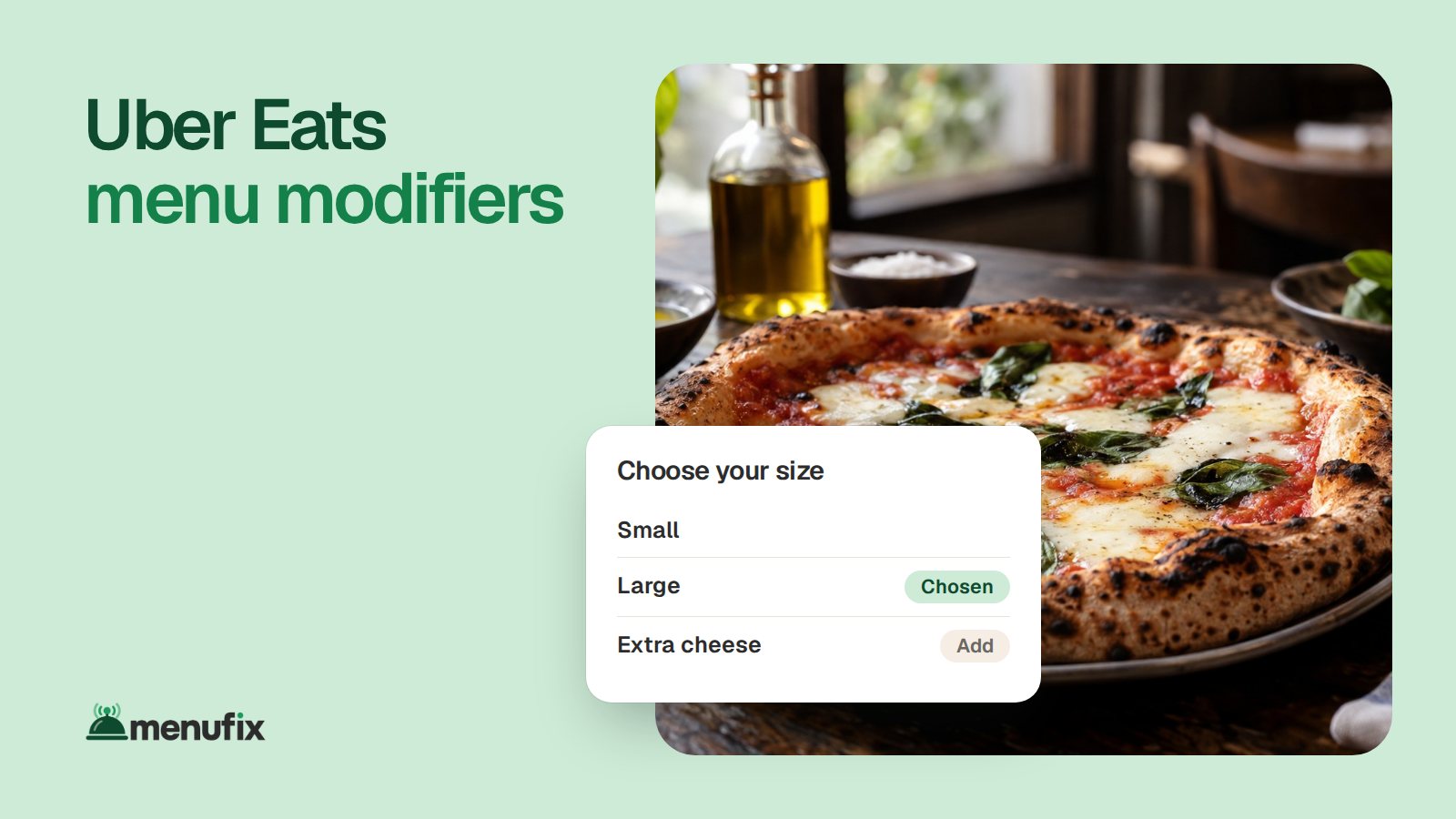
Coffee is where cafe menus get messy on Uber Eats. Instead of listing "Large oat latte" and "Small skim latte" as separate items, use one item per drink with choices:
- Size as a required choice.
- Milk as a required choice, with a price on plant milks if you charge for them.
- Extras as optional choices: extra shot, decaf, syrup, extra hot.
Our guide to Uber Eats menu modifiers shows how to build these choice groups step by step.
Use menu hours for breakfast and lunch
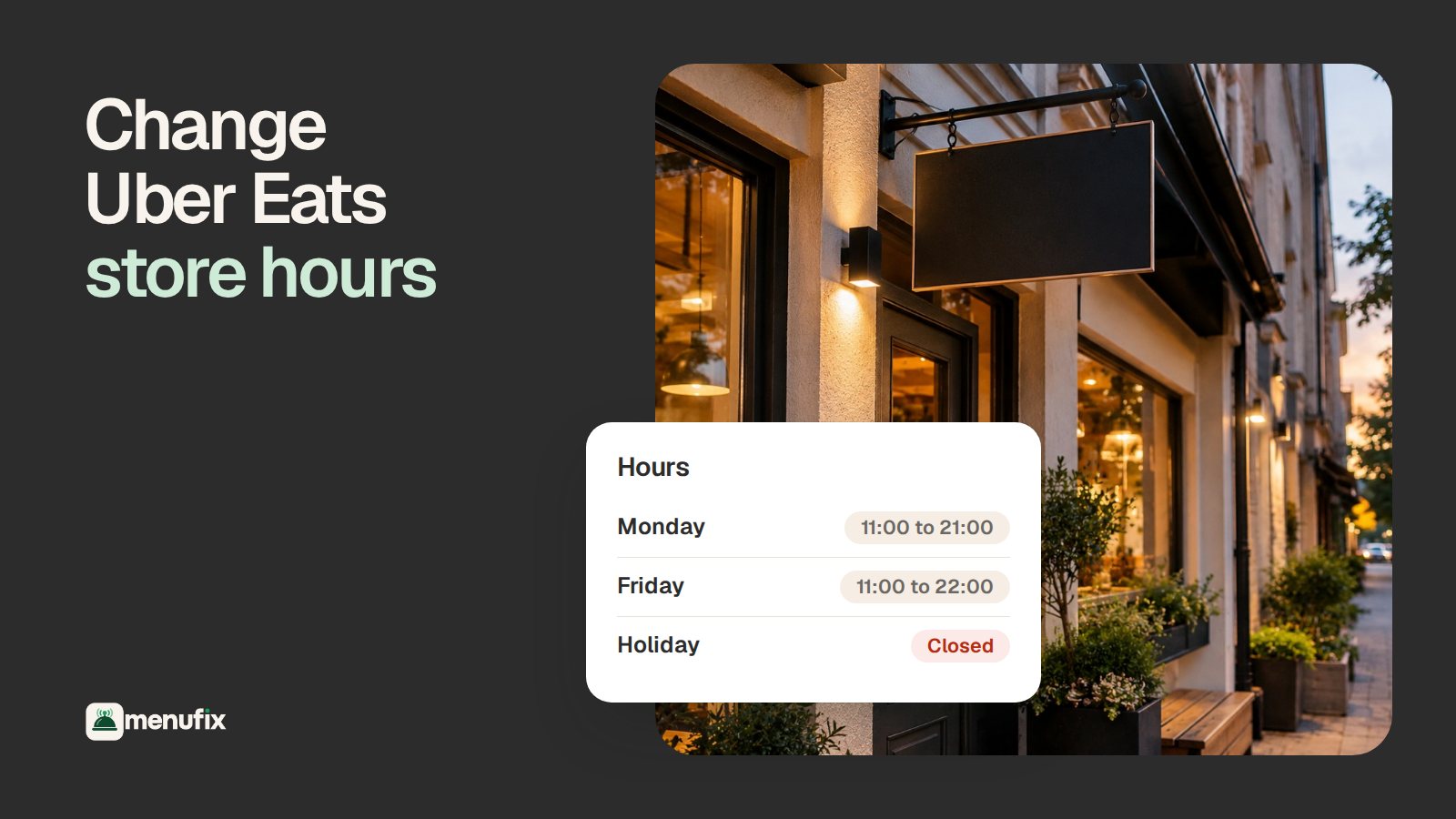
If breakfast ends at 11:30, customers should not be able to order eggs at 2 pm. In Uber Eats Manager you can give each menu its own hours, so breakfast shows in the morning and lunch takes over later. Our guide on changing Uber Eats store hours covers store hours, holiday hours and menu hours.
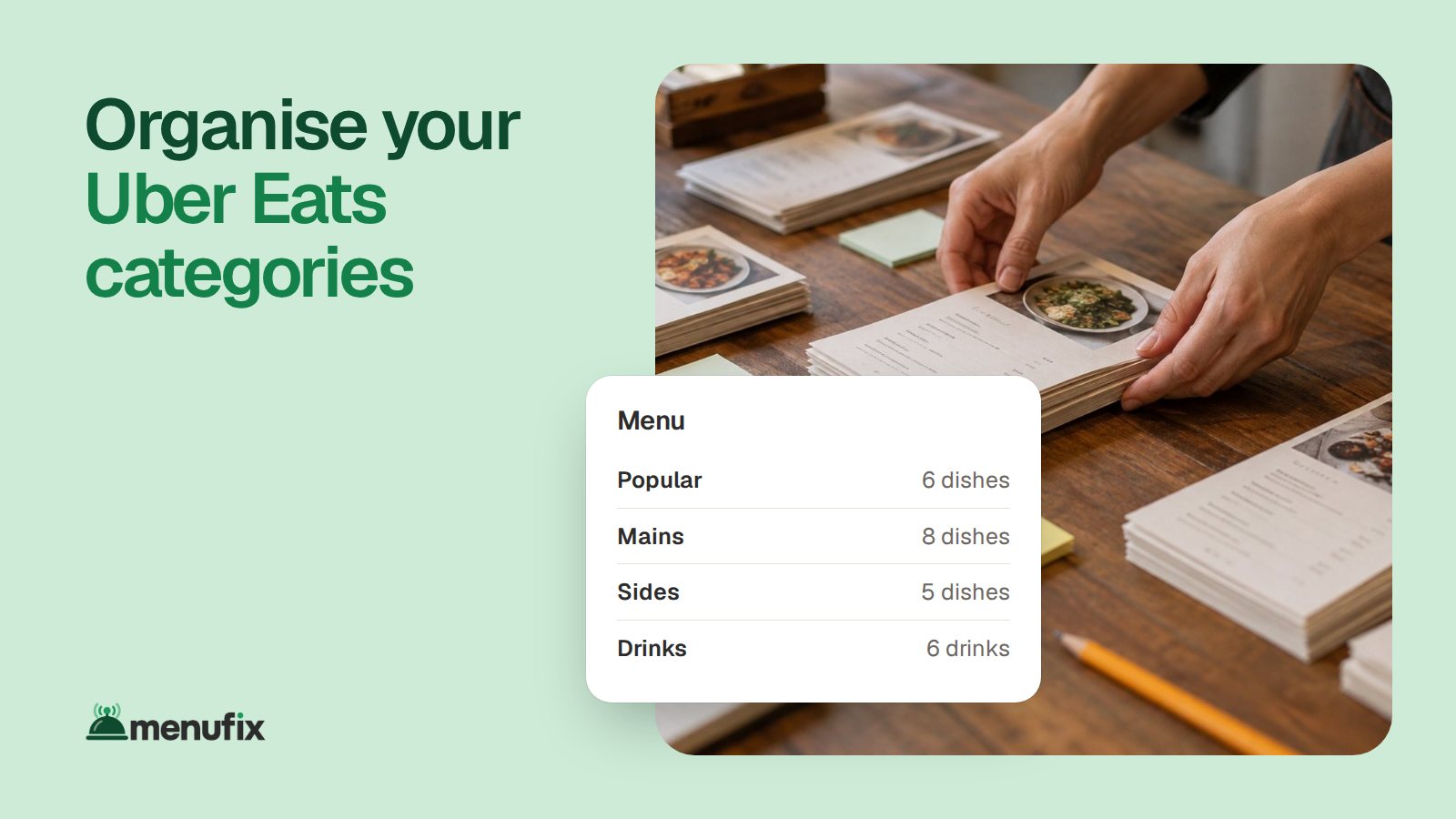
Group the menu the way cafe customers think
Simple categories make a cafe page easy to scan: Breakfast, Lunch, Coffee, Cold drinks, Cakes and bakery. Put your best sellers at the top, and avoid categories with one item. Our guide to Uber Eats menu categories explains how to order them.
Photos and descriptions that get chosen
- A photo of your real dish on every best seller, taken in daylight, the whole plate in frame.
- Names people understand: "Bacon and egg roll with tomato relish", not a house name nobody knows.
- One or two lines that say what is in it and what makes it yours.
- Dietary notes where they are true: vegetarian, vegan, gluten free options.
- Up to date: turn off sold out cakes and seasonal dishes as soon as they are gone.
Common cafe mistakes on Uber Eats
- The whole dine in menu copied across, including dishes that arrive soggy.
- Breakfast still showing in the afternoon.
- Every coffee size and milk listed as its own item.
- Plant milk and extra shots given away because no price was set on the choice.
- Empty or blurry photos on the dishes people order most.
Want us to do it for you?
Our free Uber Eats page check looks at your cafe page and tells you the 3 things to fix first. If you would rather spend your mornings on the coffee machine, we can rewrite your names and descriptions, set up your categories, make your real photos clear and bright and update your page for you inside Uber Eats Manager: see our monthly plans.