The script, step by step
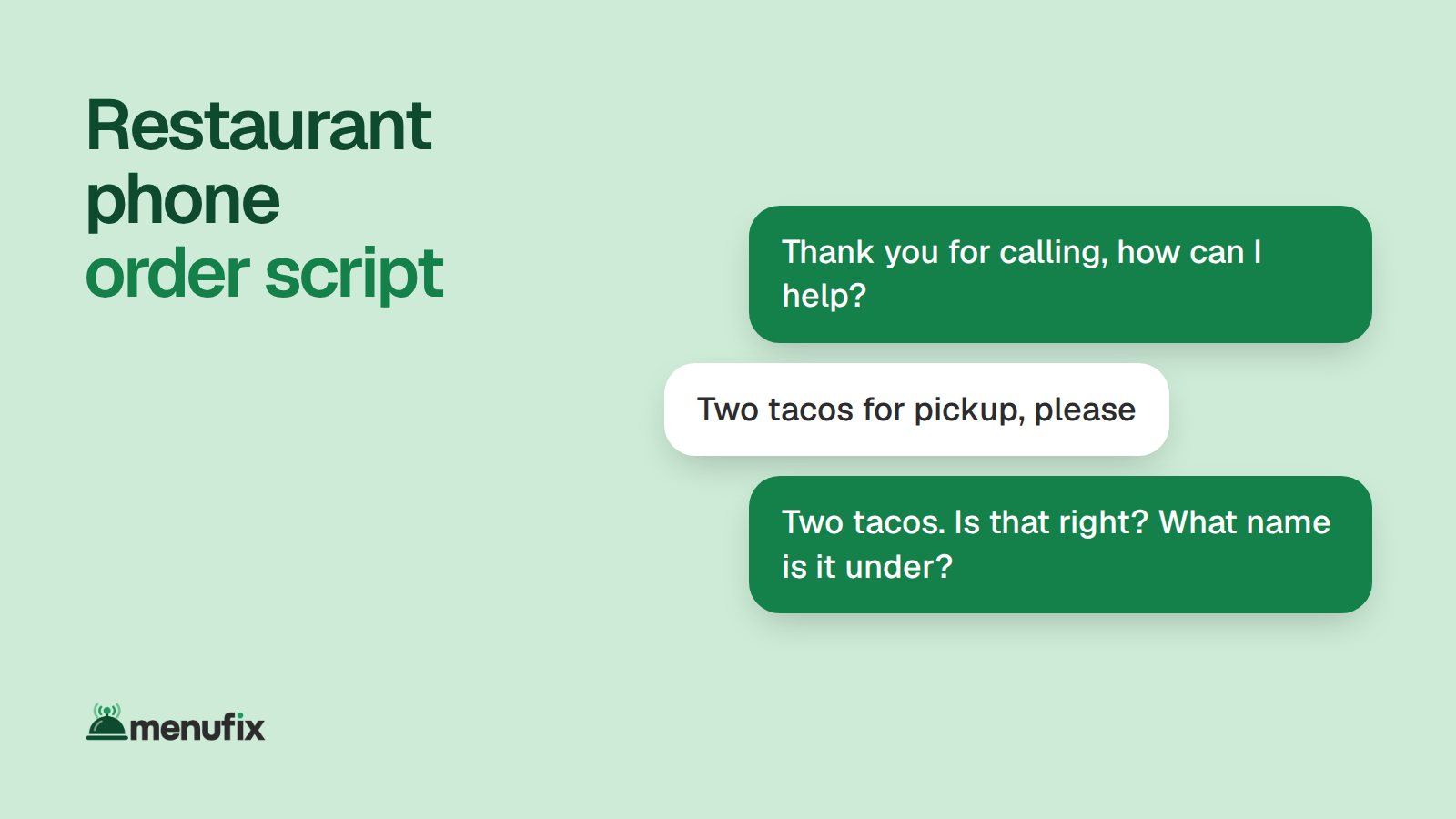
1. Greet
"Thanks for calling Rosa's Kitchen, this is Sam. Is this for pickup?" Say your restaurant's name first: the caller knows they reached the right place.
2. Name and number first
"Could we take your name and a number, in case we need to call you back?" If the line drops or a dish runs out, you can call them.
3. Each dish, with its options
"What would you like?" Write each dish exactly as it is on your menu, with its size and options: "One large Margherita, extra basil." Ask about the usual options for that dish so the order is complete.
4. Read it back
"Let me read that back: one large Margherita with extra basil and two garlic breads. Is that right?" This one step saves most wrong orders.
5. Total and pickup time
"That's 32 dollars, ready at 7:15. You can pay when you pick up." Give a time you can keep, not "soon".
6. Close
"Thanks, Maria, see you at 7:15." Use their name. Put the ticket where the kitchen sees it straight away.
The names, dishes, prices and times above are examples: use your own.
Allergy questions
Never guess and never promise a dish is safe. Say "Let me check that with the kitchen", take the question with the caller's name and number, and let someone who knows your recipes answer. See allergy questions on the phone.
When nobody is free to answer
A script only helps when someone picks up. In the rush, give one person the phone, and forward the calls you miss when busy or not answered: see how to forward your restaurant's calls. An AI phone assistant can follow the same steps: ours takes each dish with its options from your menu, repeats the order back to the caller and passes allergy questions to your team, and the order appears in your portal. See how to stop missing phone orders.
Hear ours first
Type your restaurant's name on our free demo page and your own assistant calls you back as your restaurant, with your real menu and prices, in about a minute. Then you decide. Everything it does is on our AI phone assistant for restaurants page. And if you also sell on Uber Eats, our free Uber Eats page check shows what to fix first on your page.