Who sets your Uber Eats delivery radius?
There are two ways an Uber Eats order can reach the customer, and each has a different answer.
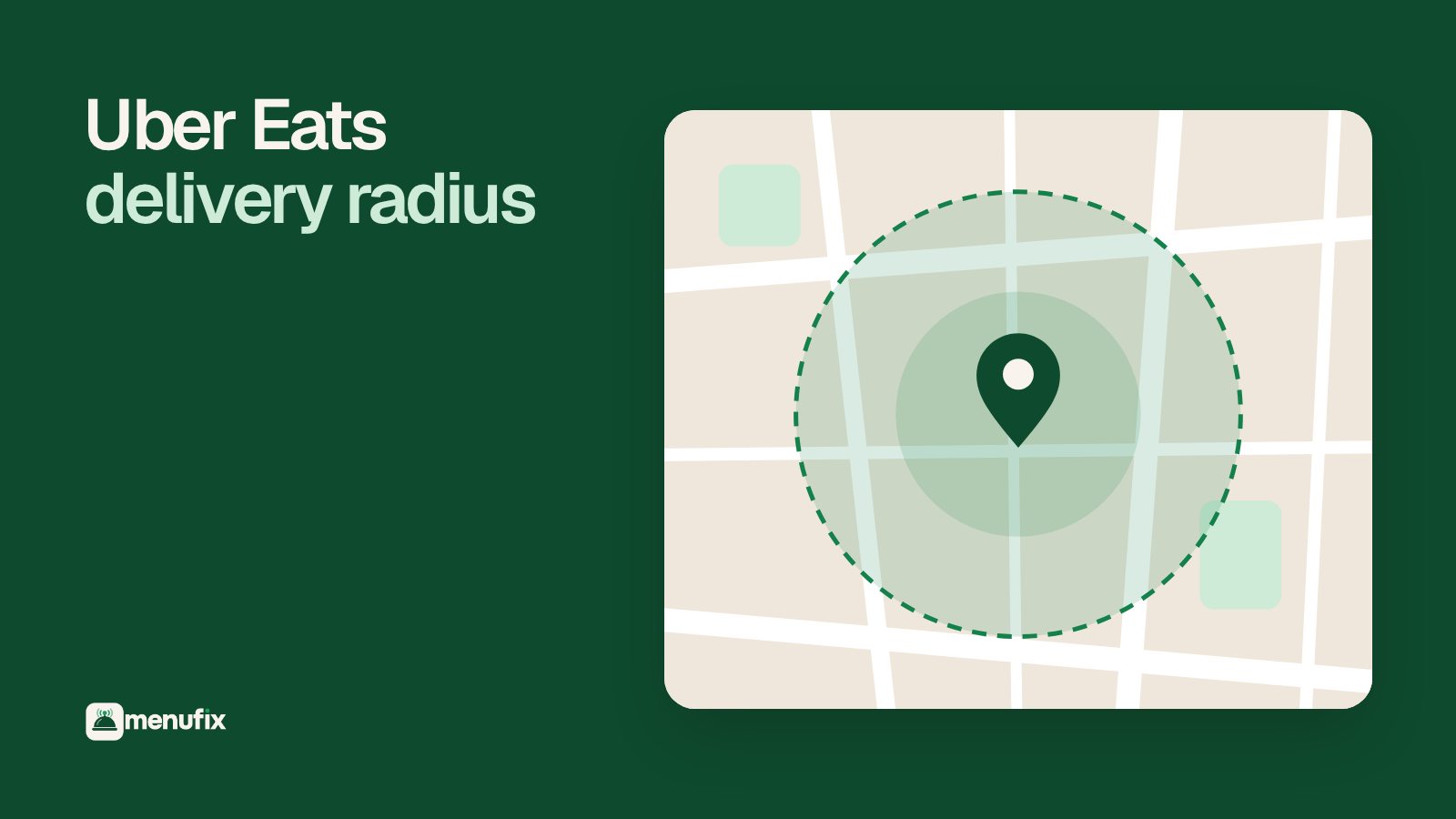
- Uber's couriers deliver. Uber sets your delivery area. It is worked out for your store and can change over time, so it is not a fixed number of kilometres.
- Your own drivers deliver. You set the area yourself in Uber Eats Manager, along with the delivery fee and minimum order.
Not sure which one you use? Look at your delivery settings in Uber Eats Manager, or ask Uber Eats support.
How to change your delivery area with your own drivers
Uber's merchant guidance describes these steps. The exact names of menus can differ in your country.
- Open Uber Eats Manager and go to your delivery settings.
- Set your radius, or draw your own zone on the map. Some countries also let you use postcodes.
- Add a delivery fee and a minimum order for each area.
- Add more areas if you need them, for example a close area with a low fee and a further area with a higher fee and minimum order.
- Save and check by looking at your store from an address near the edge of your area.
Only draw an area your drivers can reach while the food is still hot. A late, cold order costs you more than the order was worth.
When Uber's couriers deliver
Uber adjusts the area to keep delivery times reasonable. Things that can make it smaller for a while include:
- Few couriers nearby, often at peak times or in bad weather.
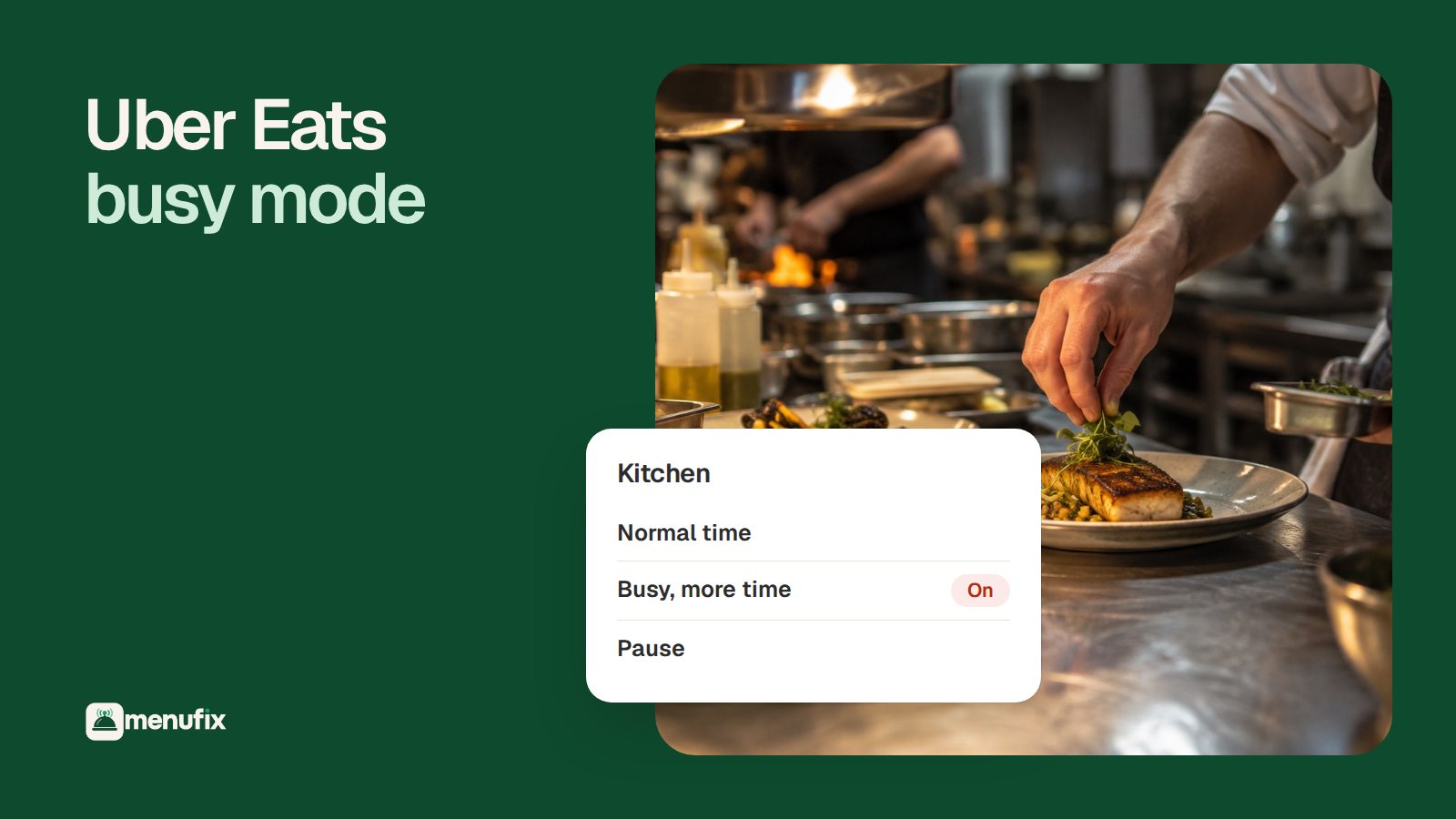
- A long prep time. If you add time in a rush, customers further away may stop seeing you. Our Uber Eats busy mode guide explains when to add time and when to set it back.
- Traffic and distance between you and the customer.
You can't set this area yourself. If it looks smaller than you expect for a long time, ask Uber Eats support through Uber Eats Manager what you can do.
Customers say they can't find you? Check these first
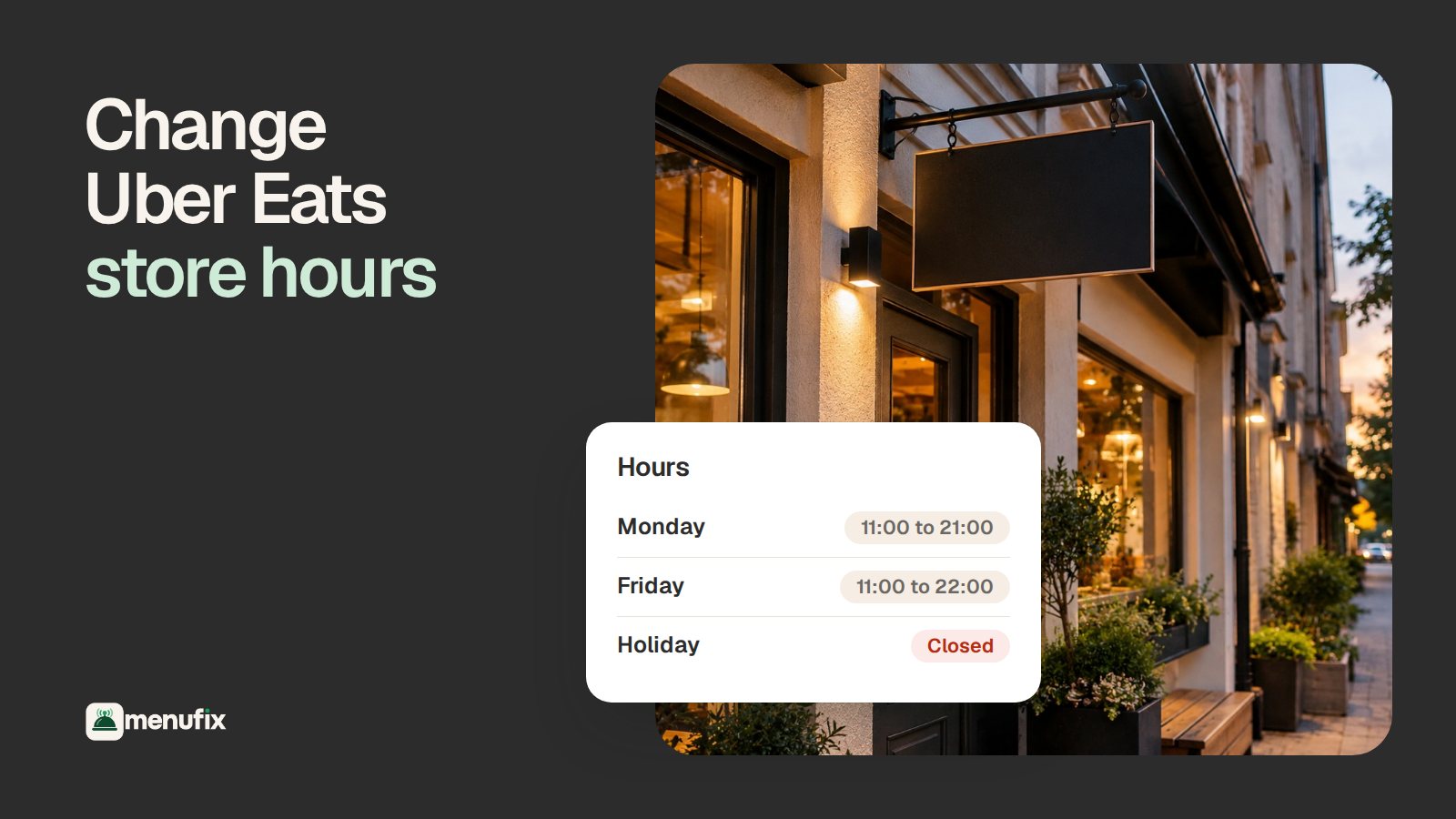
- Your store is open at that time. Check store hours, holiday hours and menu hours: see how to change Uber Eats store hours.
- Your store isn't paused and the tablet is on and signed in.
- Your prep time is back to normal after a rush.
- The customer is inside your area right now. Ask them for their suburb and compare it with your delivery settings.
Win the customers already in your area
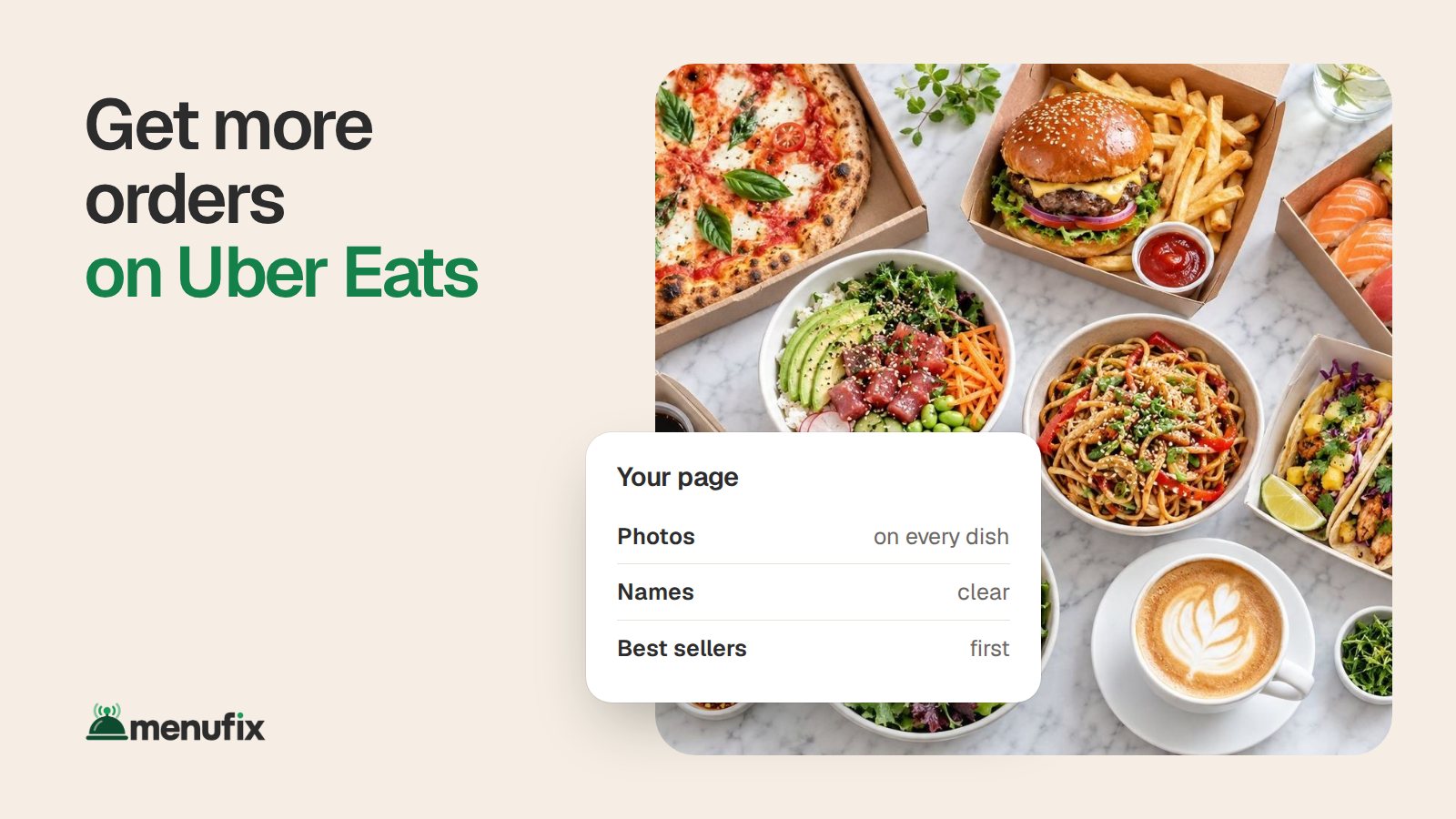
You can't always make your area bigger, but you can make more of the people inside it choose you. Bright photos of your real dishes, clear names, short descriptions and your best sellers at the top all help. Our guide on how to get more orders on Uber Eats lists nine fixes, and our free Uber Eats page check shows the 3 things to fix first on your own page.
Want us to do it for you?
We fix the part of Uber Eats you control: your menu page. We rewrite your names and descriptions, set up your categories, make your real photos clear and bright and update your page for you inside Uber Eats Manager. Start with the free page check, then see our monthly plans.